Google Business Profile Optimization Checklist
Most businesses do not have a Google Maps problem. They have a profile quality problem. If your competitors keep showing up ahead of you, this google business profile optimization checklist will help you find what is weak, fix it fast, and give Google stronger local signals to trust.
This is not about chasing one magic setting. Google Business Profile performance comes from a stack of basics done well: accurate business data, better category targeting, stronger proof of activity, and a website that backs up what your profile claims. Miss a few of those pieces, and rankings stall even if your business is legitimate and your service is good.
The google business profile optimization checklist that actually moves rankings
Start with the parts that affect trust and relevance first. A fully claimed profile with sloppy details is still a weak profile. Google wants consistency, clarity, and signs that the business is active in the real world.
1. Claim and verify the profile
If you have not claimed and verified your listing, everything else is secondary. Verification tells Google the business is real and controlled by the owner or authorized manager. It also gives you access to the fields that influence conversion, not just rankings.
If your listing is already verified, check who has access. Old employees, former agencies, or duplicate manager accounts create avoidable problems.
2. Get the core business details exactly right
Your business name, address, phone number, website, and hours need to be accurate and current. This sounds basic because it is basic, and it still breaks rankings every day. A wrong suite number, a call tracking number used carelessly, or outdated holiday hours can weaken trust and cost leads.
Use your real-world business name only. Do not stuff city names or keywords into the title unless they are part of your legal branding. Sometimes businesses get away with it for a while. Sometimes they get suspended. That trade-off is not worth it if you rely on local leads.
3. Choose the best primary category
Your primary category is one of the strongest local relevance signals on the profile. Pick the category that best matches your main money-making service, not the broadest possible option.
A personal injury lawyer should not default to just “Law Firm” if “Personal Injury Attorney” fits better. A pizza restaurant should not hide inside “Restaurant” if “Pizza Restaurant” is the clearer match. Secondary categories help, but the primary category carries the most weight.
4. Add only useful secondary categories
This is where businesses overdo it. More categories do not automatically mean more visibility. Irrelevant categories can muddy the profile and confuse Google about what you actually offer.
Add secondary categories that reflect real services with real proof on your website, in reviews, and in your photos. If you are a roofer who also handles gutters, that makes sense. If you add siding, windows, solar, and remodeling without supporting content, you are stretching.
5. Write a business description for humans first
Your description should explain what you do, where you serve, and why someone should choose you. Keep it plain. Mention top services and your service area naturally, but do not turn it into a keyword dump.
A good description helps conversions more than rankings on its own. Still, it adds context, and context matters when Google is trying to match local searches to the right business.
6. Complete every applicable field
This includes services, products, attributes, opening date, appointment links, menu details, service areas, and accessibility options where relevant. Incomplete profiles often lose on small margins. A competitor with stronger profile completeness and cleaner data can edge you out even when your business is better.
Only fill in fields that genuinely apply. Fake attributes or inflated service areas can backfire.
Photos, posts, and reviews are not filler
Too many businesses treat media and activity as optional. Google does not. Fresh, relevant updates tell the platform your business is active, open, and engaged with customers.
7. Upload real photos that match buyer intent
Use exterior shots, interior shots, team photos, service photos, and product photos if you sell physical goods. Skip generic stock images. People want proof that you are real before they call, book, or visit.
For service businesses, before-and-after work, branded vehicles, staff on the job, and local project photos can help a lot. For restaurants and retail, clear product and space photos influence clicks and visits fast.
8. Keep posting, but do it with a purpose
Google Posts are not a silver bullet, but they can support visibility and conversion. Use them to highlight offers, seasonal services, new inventory, events, or recent jobs. If you post, make it useful.
Weekly is great if you can keep up. Monthly is still better than silence. The point is not volume. The point is showing signs of life.
9. Build a steady flow of reviews
Reviews do two jobs. They improve click-through and trust with buyers, and they give Google more signals about what your business is known for. Quantity matters. Quality matters more. Recency matters too.
Ask happy customers consistently, not in random bursts. Encourage honest detail. A review that says “fast AC repair in Phoenix” tells Google and future customers more than “great service.” Do not script people too tightly, and do not buy reviews. Those shortcuts create bigger problems later.
10. Respond to every review
Reply to positive reviews and negative ones. A thoughtful response shows engagement and professionalism. It also adds useful business context to the profile.
If you get a negative review, do not panic and do not argue in public. Respond calmly, address the issue, and move on. One bad review is rarely the problem. A neglected review profile usually is.
Your website still affects your profile
A strong Google Business Profile with a weak site has a ceiling. Google cross-checks what your profile says against what your website proves.
11. Match profile details to the website
Your business name, address, phone number, hours, and primary services should align across the profile and the site. If your profile says one thing and your contact page says another, Google has to guess which version is right.
That guess can cost rankings.
12. Create location and service relevance
Your website should clearly state the services you offer and the areas you serve. This is especially important for service-area businesses that do not have a storefront people visit.
If you want to rank for water heater repair, emergency plumbing, and drain cleaning, each service should have clear supporting content. If you serve multiple cities, that needs to be reflected carefully. Thin copy written just to stuff city names usually does not help.
13. Fix technical basics
Page speed, mobile usability, indexability, and local schema markup all matter because they strengthen trust in the website tied to your profile. These are not profile settings, but they influence local search performance.
This is where many businesses get stuck. They update the profile, but the site still has broken signals underneath. A fast audit can save a lot of guessing by showing whether the profile is the issue or just one part of it.
The cleanup work most businesses skip
These tasks are less visible, but they often separate businesses that rank from businesses that almost rank.
14. Remove or merge duplicate listings
Duplicate Google Business Profiles can split ranking signals, confuse customers, and trigger suspension headaches. Search your business name, old phone numbers, and old addresses to find extra listings.
If duplicates exist, deal with them early. Letting them sit creates a mess that gets harder to untangle later.
15. Check NAP consistency across directories
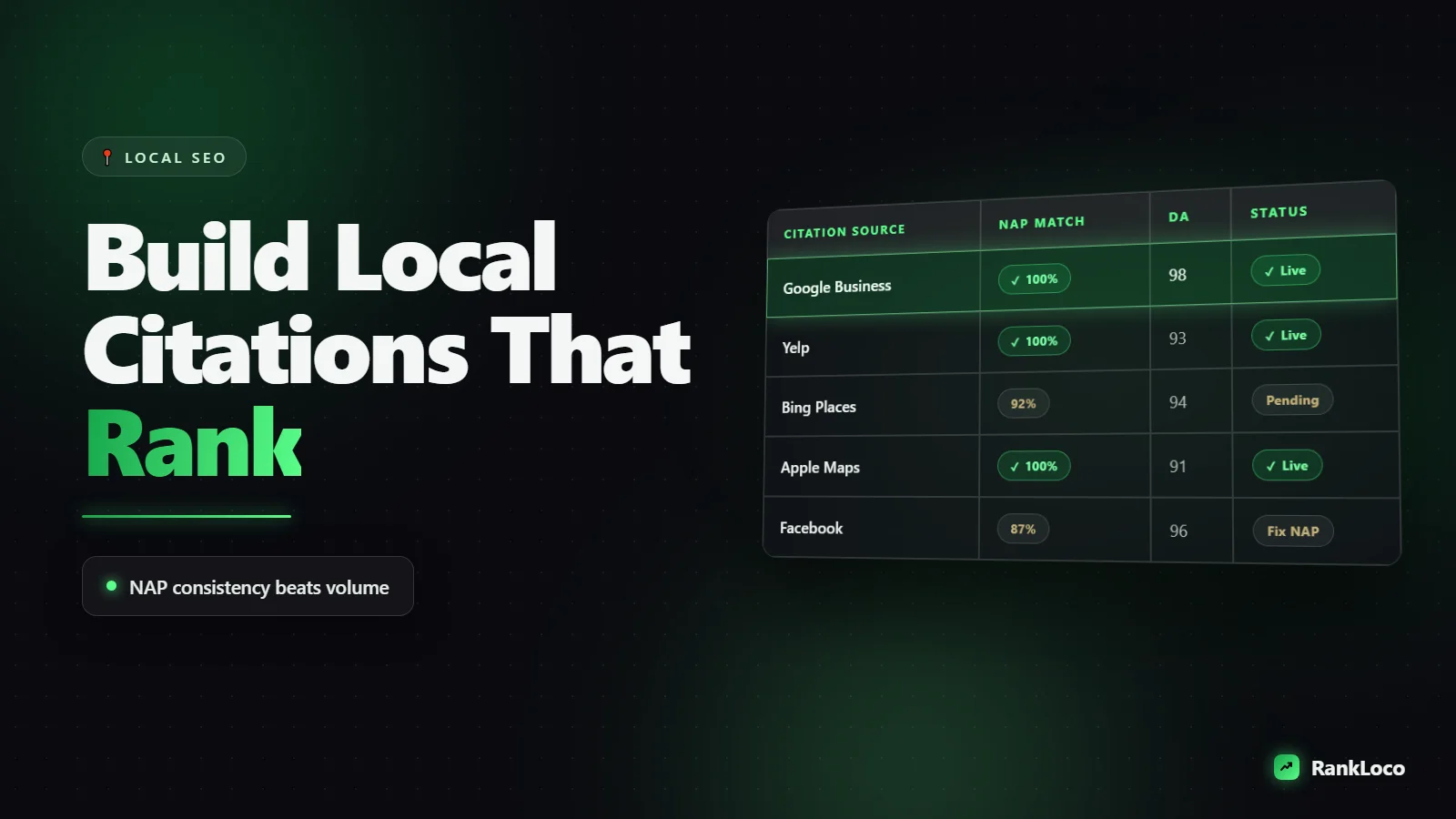
Google does not rely on your profile alone. It compares your business details across the web. If your name, address, or phone number changes from one directory to the next, trust drops.
This is especially common after rebrands, office moves, or phone number changes. One bad listing will not destroy rankings, but a pattern of inconsistency can hold you back.
16. Monitor competitor patterns
Do not just stare at your own profile. Look at the businesses outranking you in the map pack. What categories are they using? How many reviews do they have? Are they posting more often? Do their photos look better? Is their website stronger?
You are not trying to copy them field for field. You are trying to spot the gap between where you are and what Google is rewarding in your market.
How to prioritize this checklist without wasting a month
If your profile is incomplete, fix the core details, categories, services, and hours first. If the profile looks solid but rankings are flat, check reviews, duplicate listings, directory consistency, and website support next. If all of that seems fine, compare your signals against competitors and look for technical issues under the surface.
That order matters. Small business owners lose time when they obsess over posts and photos while their primary category is wrong or their citations still show an old address.
For agencies, speed matters even more. You need a fast diagnosis before you pitch a plan. That is why tools that scan profile completeness, local rankings, citations, technical SEO, and competitor gaps in one pass are so useful. RankLoco, for example, is built for exactly that kind of fix-first workflow.
The best checklist is not the longest one. It is the one that tells you what is broken, what matters most, and what will actually move calls, visits, and booked jobs once you fix it.