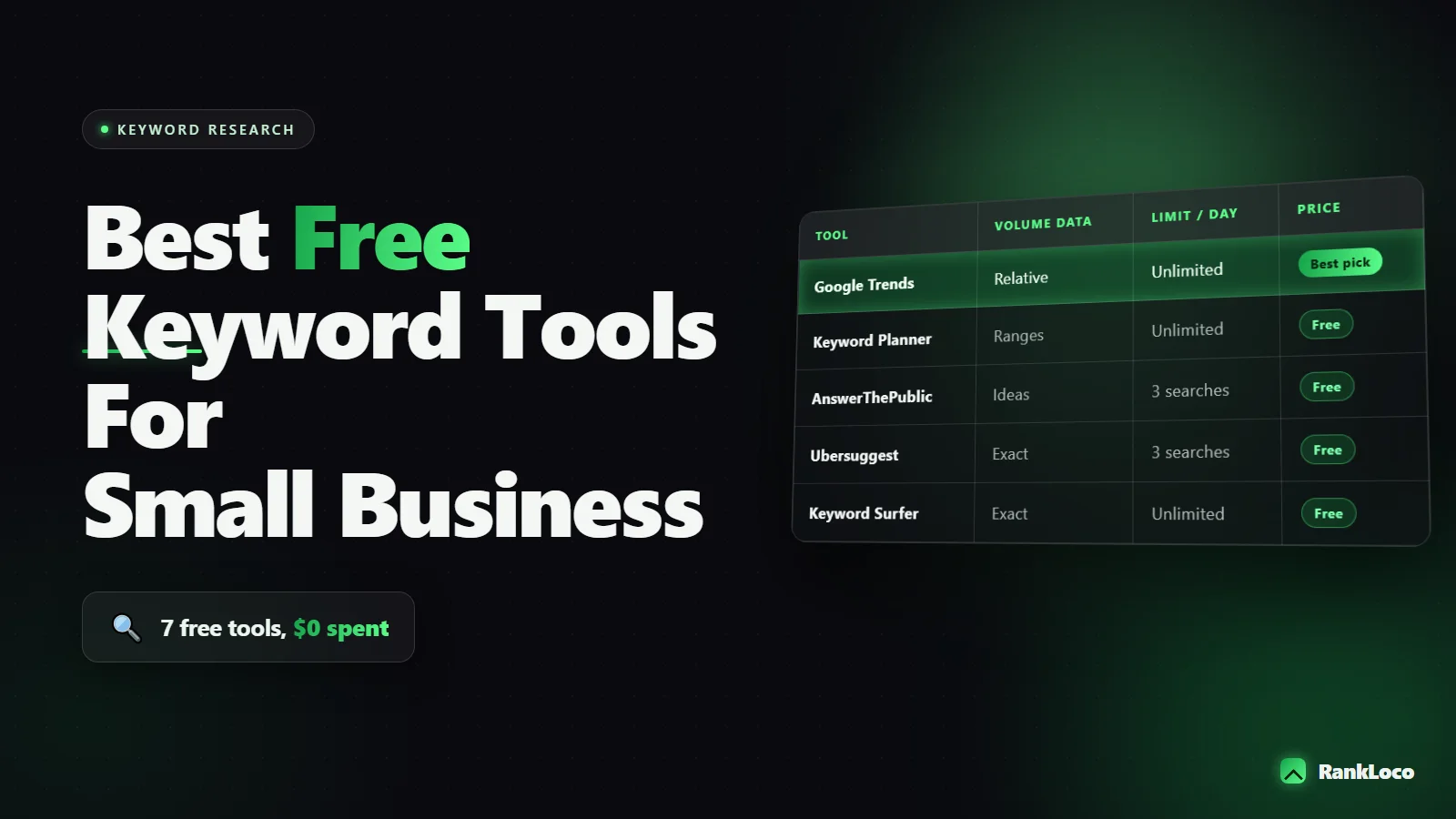
Best Free Keyword Research Tools for Small Businesses
The best free keyword research tools for small businesses are Google Keyword Planner (for search volume), Google Search Console (for keywords you already rank for), Google autocomplete and People Also Ask (for real questions), AnswerThePublic and Keyword Surfer for quick ideas, and Google Trends for seasonality. None of them costs a dollar, and combined they cover volume, intent, and competition well enough to build a full content plan. The trick is knowing what each one does best and stitching them together instead of relying on any single one.
Below is exactly how I use free tools to find keywords for small sites, including a comparison table, a step-by-step workflow, and the traps that waste hours if you do not know about them.
Why free keyword tools are enough for most small businesses
Paid tools like Ahrefs and Semrush are great, but for a local plumber, a boutique agency, or a Shopify store doing $30k a month, they are overkill and the subscription burns budget you could spend on content. Free tools give you three things you actually need: proof that people search for a term, a rough sense of how hard it is to rank, and a pile of related ideas. That is 90 percent of the job.
Where free tools fall short is precise difficulty scores and large-scale competitor gap analysis. You can work around most of that manually, which I will show you below. If you want the full methodology, our guide on how to do keyword research in 2026 without expensive tools goes deeper.
The best free keyword research tools compared
| Tool | Best for | Gives volume? | Catch |
|---|---|---|---|
| Google Keyword Planner | Search volume and new ideas | Yes (ranges) | Needs an Ads account; ranges are vague without spend |
| Google Search Console | Keywords you already rank for | Impressions, not volume | Only works once you have some traffic |
| Google autocomplete | Long-tail phrasing and intent | No | Manual; no volume |
| People Also Ask | Question keywords and FAQs | No | Manual; results shift per query |
| AnswerThePublic | Question and preposition variations | No (free tier) | Limited free searches per day |
| Keyword Surfer (Chrome ext) | Volume overlay in Google search | Yes (estimates) | Estimates are rough |
| Google Trends | Seasonality and rising topics | Relative, not absolute | No hard numbers |
Google Keyword Planner: the volume backbone
Keyword Planner is the closest thing to a free source of Google search volume. You need a Google Ads account, but you do not need to run ads to use it. Set up the account, skip the campaign creation, and go straight to Tools and Settings, then Keyword Planner.
Use the "Discover new keywords" option. Type in a seed term like "emergency plumber" or "handmade leather wallet" and it spits back hundreds of related terms with monthly search ranges and competition levels. The competition column refers to ad competition, not organic difficulty, so ignore it for SEO purposes.
The one annoyance: without active ad spend, volumes show as wide ranges (for example, 1K to 10K). To narrow them, you can start a tiny campaign for a day, but honestly the ranges are fine for prioritizing. Just group keywords into rough buckets: barely any searches, moderate, and clearly popular.
How to pull real numbers out of Keyword Planner
- Enter 3 to 5 seed keywords at once so it generates a bigger idea list.
- Sort by average monthly searches to see what people actually look for.
- Add a location filter if you are local, so you see your city or region, not the whole country.
- Download the CSV. You will reuse this list in the other tools.
Google Search Console: the most underrated free tool
If your site already gets any traffic, Search Console is the single best free keyword tool you own, because it shows terms you rank for right now with real impression and click data. Open the Performance report, look at Queries, and sort by impressions.
Two goldmines live here. First, keywords ranking on page two (positions 11 to 20). These are almost-wins. A little on-page work or an internal link can push them onto page one. Second, keywords with high impressions but low click-through, which usually means your title tag does not match what people want. Rewrite the title and you gain clicks without ranking any higher.
Filter by pages to see which URLs bring impressions, then find the queries feeding each page. That tells you what to expand on. Pair this with our breakdown of how to match content to search intent so you write for the reason behind each query, not just the keyword string.
Google autocomplete and People Also Ask: free intent data
These two features cost nothing and reveal how real humans phrase things. Type your seed keyword into Google and note the autocomplete suggestions. Then add a letter after it ("plumber a", "plumber b") to force more suggestions. This alphabet-soup method surfaces long-tail phrases that rarely show in volume tools.
People Also Ask boxes are your FAQ section handed to you free. Every question you see is one Google has decided people ask together. Click one and it expands into more. Collect 8 to 12 and you have both a content outline and a ready-made FAQ that can win SERP features like featured snippets.
AnswerThePublic and Keyword Surfer: quick idea generators
AnswerThePublic takes a seed word and fans out every question, preposition, and comparison people search (how, why, vs, for, near). The free tier limits your daily searches, so batch your seeds. It is fastest for finding question-based blog topics.
Keyword Surfer is a free Chrome extension that overlays estimated search volume directly on the Google results page and in the sidebar. The numbers are estimates, not gospel, but for a fast gut check while you browse, it is genuinely useful and saves flipping between tabs.
Google Trends: catch seasonality before it hits
Trends does not give absolute volume, but it shows the shape of demand over time. For a small business this matters more than you think. If "tax preparation near me" spikes every January, you want that content live in November. Compare up to five terms to see which phrasing is winning, and check the "Rising" related queries for topics gaining momentum you can grab early.
A free keyword research workflow that actually works
Tools are useless without a process. Here is the exact sequence I run for a small business:
- Brainstorm seeds. List the services or products you sell in plain language, the way a customer would say them.
- Expand in Keyword Planner. Feed in the seeds, download the idea list with volume ranges.
- Add questions. Run the top seeds through AnswerThePublic and harvest People Also Ask boxes.
- Check what you already rank for. Pull page-two queries from Search Console and add them to the list.
- Judge difficulty manually. Google each target keyword and look at page one. If it is dominated by huge brands and heavy content, skip it. If you see forums, thin pages, or weak local sites, that is your opening.
- Sort by intent. Group into informational (blog posts) and commercial (service or product pages).
- Prioritize. Start with low-competition, decent-volume terms close to your money pages.
That manual page-one check in step 5 is your free difficulty score. For a full method on spotting winnable terms, see our guide to finding low competition keywords for a new website.
Where free tools stop and a paid tool starts paying off
Free tools handle discovery. What they do not do well is track your rankings over time, monitor competitors, or audit an entire site for on-page issues in one pass. Once you have published content and want to know if it is actually moving up, you need repeatable rank tracking rather than typing keywords into an incognito window every week. That is where a tool like RankLoco earns its keep: you load your target keywords, and it tracks positions, flags on-page problems, and shows which pages are gaining or slipping. Do the discovery free, then measure results properly.
If you run a local business, keyword research feeds directly into map rankings too. Our local SEO playbook for small businesses shows how to turn those keywords into pages that win calls.
Common free keyword research mistakes to avoid
- Chasing volume over intent. A keyword with 50 searches and buyer intent beats one with 5,000 tire-kickers.
- Ignoring your own Search Console data. The easiest wins are keywords you already rank on page two for.
- Trusting the Keyword Planner competition column for SEO. It measures ad bidding, not organic difficulty.
- Skipping the manual SERP check. Volume tools cannot tell you if you can actually beat the current page one.
- Targeting national terms as a local business. Add your city and go after "near me" style queries you can realistically win.
Want more free playbooks like this? Browse the rest of our SEO guides for keyword, technical, and local tactics.
Frequently Asked Questions
Is Google Keyword Planner free to use without running ads?
Yes. You need a Google Ads account, but you do not have to create or pay for any campaigns to use Keyword Planner. The only downside is that without active spend, search volumes appear as wide ranges instead of exact numbers, which is still enough for prioritizing keyword ideas.
What is the best free keyword tool for a brand new website?
Start with Google Keyword Planner for volume and Google autocomplete plus People Also Ask for long-tail, low-competition phrasing. New sites cannot outrank big brands on head terms, so focus on specific, longer questions where the current page one results are weak or thin.
Can I do keyword research without any paid tools at all?
Absolutely. Keyword Planner, Search Console, autocomplete, People Also Ask, AnswerThePublic, Keyword Surfer, and Google Trends cover discovery, intent, and seasonality for free. The main thing you sacrifice is precise difficulty scores and automated rank tracking, both of which you can approximate manually at first.
How do I know if a keyword is too competitive without a paid tool?
Search the keyword in Google and study page one. If it is filled with major brands, long detailed articles, and strong domains, it is hard. If you spot forums, thin pages, outdated posts, or weak local sites, you have a realistic shot at ranking with better content.
How many keywords should a small business target?
Start with 15 to 30 well-chosen keywords mapped to specific pages. Give each important page one primary keyword and a few close variations. It is better to fully cover a handful of winnable terms than to spread thin content across hundreds of keywords you will never rank for.
What is the difference between search volume and keyword difficulty?
Search volume is how many people search a term per month. Difficulty is how hard it is to rank on page one for it. High volume with high difficulty is a trap for small sites. Aim for moderate volume with low difficulty, which usually means longer, more specific phrases.


