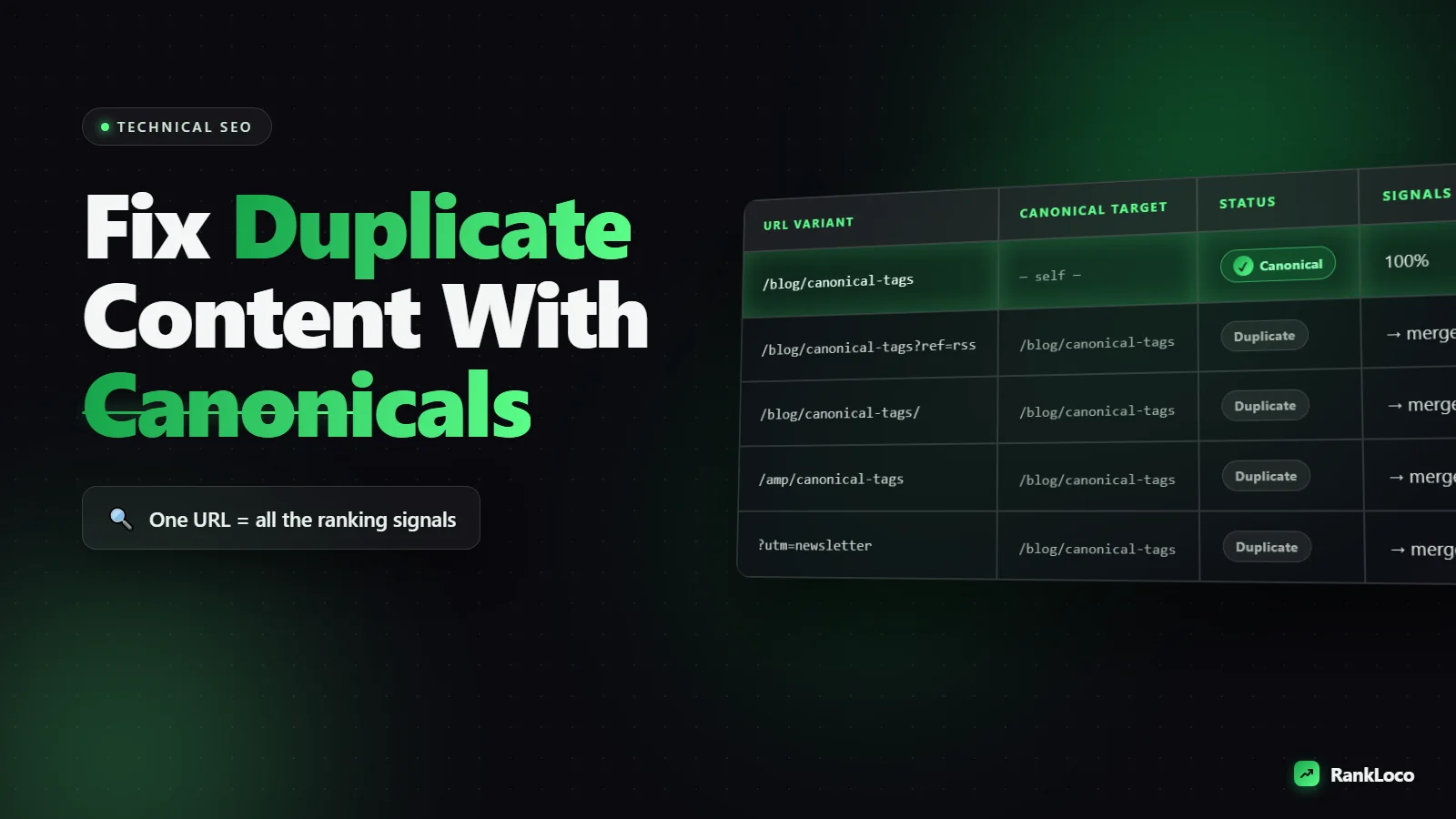
How to Fix Duplicate Content Issues With Canonical Tags
To fix duplicate content with canonical tags, add a rel="canonical" link in the <head> of every duplicate or near-duplicate page pointing to the single URL you want Google to index and rank. This tells search engines to consolidate ranking signals (links, authority, relevance) onto that one preferred version instead of splitting them across copies. Place the tag on both the duplicate and the preferred page (self-referencing), use absolute URLs, and make sure the canonical target returns a 200 status and is not blocked by robots.txt.
That is the short version. Duplicate content rarely gets a site penalized, but it quietly kills performance by diluting authority, wasting crawl budget, and confusing Google about which page to show. Below is exactly how canonical tags work, when to use them, when to use something else, and a full audit you can run today.
What Duplicate Content Actually Is (and Why It Hurts Rankings)
Duplicate content is any substantially similar or identical content accessible under more than one URL. Google does not hand out a "duplicate content penalty" in most cases. What actually happens is worse in a quiet way: Google picks one version to index on its own, and it may not pick the one you want. Your backlinks and internal links get split across versions, so no single URL builds the authority it could.
The most common sources of duplicate content are technical, not editorial:
- URL parameters: example.com/shirt?color=blue and example.com/shirt?color=red showing the same core product page.
- HTTP vs HTTPS and www vs non-www: four versions of the same homepage if redirects are not set up.
- Trailing slashes: /page and /page/ serving identical content.
- Session IDs and tracking parameters: UTM tags creating infinite URL variations.
- Printer-friendly pages or AMP versions.
- Pagination and sort/filter options on category pages.
- Syndicated content republished on other domains.
- Boilerplate pages like product variants with near-identical descriptions.
How a Canonical Tag Works
A canonical tag is a line of HTML that lives in the <head> section of a page. It looks like this:
<link rel="canonical" href="https://example.com/preferred-page" />
It is a hint, not a directive. Google treats it as a strong signal but reserves the right to ignore it if the canonical you chose makes no sense (for example, if the pages are not actually similar). When Google honors it, all the ranking signals from the duplicate flow to the canonical URL, and only the canonical gets indexed and shown in search results.
Think of it as telling Google: "If you find any of these copies, treat this one as the master." It is the right fix when you want to keep the duplicate pages live and accessible to users but only want one version competing in search.
Canonical Tag vs 301 Redirect vs Noindex: Which to Use
Picking the wrong tool is the number one canonical mistake. Here is how to decide.
| Situation | Best fix |
|---|---|
| Duplicate pages users still need to reach (filtered views, product variants, print pages) | Canonical tag |
| Old page permanently moved or merged, no reason to keep it | 301 redirect |
| Thin or utility pages you never want indexed (internal search results, tag archives) | Noindex |
| Same content published on another domain you control | Cross-domain canonical |
| www/non-www or HTTP/HTTPS consolidation | 301 redirect (then self-referencing canonical) |
Rule of thumb: if a page should never exist for users, redirect it or noindex it. If the page needs to stay live but should not compete in search, canonicalize it. If you are consolidating entire domains, see our guide on how to set up 301 redirects when migrating to a new domain.
How to Fix Duplicate Content With Canonical Tags: Step by Step
1. Find your duplicate content first
You cannot fix what you cannot see. Pull duplicate and near-duplicate URLs using these methods:
- Run a site audit in RankLoco to flag duplicate titles, duplicate meta descriptions, and identical page content across URLs.
- In Google Search Console, open the Pages report and look under "Why pages aren't indexed" for "Duplicate without user-selected canonical" and "Alternate page with proper canonical tag."
- Search site:yourdomain.com "a unique sentence from your page" to see how many URLs return the same copy.
- Check for parameter-based duplicates by crawling the site and sorting by content hash.
2. Choose the canonical URL for each group
For every cluster of duplicates, pick one winner. Choose the version that is the cleanest URL, already has the most backlinks and internal links, and matches search intent best. Prefer HTTPS, the shorter URL, and no parameters where possible.
3. Add the canonical tag to the <head>
Place the tag inside the <head> element only. A canonical in the <body> is ignored. On the duplicate pages, point to the chosen canonical. On the canonical page itself, add a self-referencing canonical that points to its own URL. Self-referencing canonicals protect against parameter and tracking variations of your main page.
4. Use absolute URLs, not relative ones
Always write the full URL including the protocol: https://example.com/page, not /page. Relative URLs can resolve incorrectly and send canonical signals to the wrong place.
5. Keep canonical URLs consistent and crawlable
The canonical target must return a 200 status code, must not be blocked in robots.txt, and must not carry a noindex tag. Pointing a canonical at a redirected, blocked, or noindexed URL sends mixed signals that Google will usually ignore.
6. Align every signal with the canonical
Make your canonical choice consistent everywhere: internal links should point to the canonical version, your XML sitemap should list only canonical URLs, and any hreflang tags should reference canonicals. Conflicting signals are the fastest way to get your canonical ignored.
7. Validate and monitor
Use the URL Inspection tool in Search Console to confirm Google's "Google-selected canonical" matches your "User-declared canonical." If they differ, Google is overriding you, which means your signals are inconsistent or the pages are not actually duplicates. Fix the mismatch and request re-indexing.
Canonical Tags for Common Duplicate Content Scenarios
E-commerce product variants and filters
For color, size, or sort-order variations of the same product, canonicalize the variant and parameter URLs to the main product page. For example, /shirt?color=blue and /shirt?sort=price should both canonicalize to /shirt. This stops dozens of near-identical URLs from competing and wasting crawl budget.
Paginated category pages
Do not canonicalize page 2, page 3, and beyond back to page 1. Those pages contain different products, so they are not duplicates. Let each paginated page self-canonicalize. Canonicalizing pagination to page one hides deeper products from indexing.
Syndicated and republished content
If you let another site republish your article, ask them to add a cross-domain canonical pointing to your original URL. That keeps the ranking credit on your domain. If they will not add it, at least request a visible link back to your original.
WWW, HTTPS, and trailing-slash duplicates
These are better handled with 301 redirects at the server level so only one version resolves. Add a self-referencing canonical on top as a safety net. If you are seeing these flagged, start with our walkthrough on how to fix crawl errors reported in Google Search Console.
Canonical Tag Mistakes That Make Things Worse
- Canonicalizing to a noindexed page. You are telling Google to index a page you also told it to ignore.
- Multiple canonical tags on one page. Google ignores all of them when it finds conflicts.
- Canonical in the <body>. Only <head> canonicals count. Watch for JavaScript that injects tags late.
- Pointing all pages to the homepage. A classic plugin misconfiguration that deindexes your whole site's content.
- Chained canonicals. Page A canonicals to B, B canonicals to C. Point everything directly at the final URL.
- Canonicalizing genuinely different pages together. Google will ignore the tag and may treat it as a sign of thin content.
- Canonical to a URL that 301 redirects. Always canonicalize to the final destination, not a redirecting URL.
Canonical Tags and Keyword Cannibalization
Duplicate content and keyword cannibalization overlap but are not identical. Duplicate content is the same text on multiple URLs. Cannibalization is multiple distinct pages targeting the same keyword and fighting each other in search. Canonical tags solve the first; they can help with the second if the pages are near-duplicates, but often the real fix is merging or re-targeting content. If two of your pages keep swapping rankings for the same term, read our guide on how to find and fix keyword cannibalization on your site before reaching for a canonical.
Duplicate Content Canonical Checklist
- Crawl the site and group duplicate and near-duplicate URLs.
- Choose one canonical URL per group (HTTPS, clean, most links).
- Add a self-referencing canonical to each canonical page.
- Point duplicates to the canonical using absolute URLs.
- Confirm canonical targets return 200 and are not blocked or noindexed.
- Update internal links to point to canonicals.
- Include only canonical URLs in your XML sitemap.
- Avoid canonical chains and multiple canonical tags per page.
- Verify Google-selected canonical in URL Inspection.
- Track rankings to confirm the right page is gaining.
After you ship the fixes, watch performance over the next few weeks. Use RankLoco to confirm the canonical versions are the ones holding rankings, and keep an eye on movement with our guide on how to track keyword rankings over time. For more technical SEO walkthroughs, browse the full library of SEO guides, or run a free site audit from the RankLoco homepage to surface duplicate content automatically.
Frequently Asked Questions
Do canonical tags remove duplicate content from Google's index?
Not instantly. A canonical tag tells Google which version to index and consolidates signals onto it. Over time Google drops the duplicate from results and keeps the canonical. It is a hint, so Google may take several crawls to honor it, and it can override your choice if signals conflict.
Can I use a canonical tag instead of a 301 redirect?
Only when both pages need to stay live for users. If a page is permanently gone or merged and users have no reason to visit it, use a 301 redirect, which passes authority more reliably. Use a canonical when you want the duplicate accessible but not competing in search results.
Should every page have a self-referencing canonical tag?
Yes, as a best practice. A self-referencing canonical protects each page against duplicate versions created by URL parameters, tracking codes, and session IDs. It costs nothing and removes ambiguity about which URL is the master, especially on pages that collect UTM or filter parameters.
Why is Google ignoring my canonical tag?
The most common reasons are conflicting signals: internal links point to a different URL, the sitemap lists the non-canonical version, the canonical target redirects or is noindexed, or the two pages are not actually similar enough. Check URL Inspection to compare your declared canonical against Google's selected canonical.
Does duplicate content cause a Google penalty?
In almost all cases, no. Google does not issue a manual penalty for standard duplicate content. The real harm is diluted ranking signals, wasted crawl budget, and Google indexing the wrong version. Deliberate scraping or spun content at scale is different and can trigger spam action.
Where exactly do I put the canonical tag?
Inside the <head> section of the HTML, ideally near the top. It must not appear in the <body>, and there should be only one per page. If your CMS or plugin injects canonicals via JavaScript, test the rendered HTML to confirm Google sees the correct tag.


