How to Set Up 301 Redirects When Migrating to a New Domain
To set up 301 redirects for a domain migration, crawl your old site to build a full URL list, map each old URL to its exact match on the new domain, then apply permanent (301) redirects one-to-one at the server or platform level. Never funnel everything to the homepage. Point every page to its closest equivalent, keep the redirects live indefinitely, and submit both sites in Google Search Console so Google can process the change of address quickly.
Done right, a migration passes almost all of your ranking equity to the new domain within a few weeks. Done lazily (bulk redirecting everything to the homepage or breaking your internal links), you can lose 30% to 60% of organic traffic and take months to recover, if you recover at all. Here is the full process step by step.
Why 301 Redirects Matter for a Domain Migration
A 301 is a permanent server response that tells browsers and search engines "this page moved for good, send everyone to the new address." When Google sees a 301, it transfers the vast majority of the old URL's ranking signals (links, authority, relevance) to the destination URL and eventually swaps the new URL into the index in place of the old one.
Skip the redirects and every old URL returns a 404 once the old domain is gone. Every backlink you earned points to a dead page. Every ranking you built resets. The whole point of redirecting is to carry your equity forward instead of starting from zero.
Two rules govern everything below:
- Use 301, not 302. A 302 is a temporary redirect and signals to Google that the move is not permanent, which slows or blocks equity transfer. For a permanent domain change, it must be 301.
- Redirect page to page, not page to homepage. Every old URL should land on its true equivalent. A blog post goes to the same blog post on the new domain, not the home page.
Step 1: Crawl and Inventory Every URL on the Old Domain
You cannot redirect what you have not counted. Build a complete list of every live URL on the old site before you touch anything.
Pull URLs from several sources so nothing slips through:
- A site crawler (Screaming Frog, Sitebulb, or the crawler inside your SEO platform) to capture every internal page it can reach.
- Your XML sitemap for the canonical set of pages you want indexed.
- Google Search Console Pages report and Performance report to catch URLs that get impressions and clicks but might not be linked internally.
- Google Analytics landing page report to find every URL that has ever received organic traffic.
- Your backlink data to identify pages other sites link to, even old ones you forgot about.
Dedupe everything into one spreadsheet. This master list is your migration blueprint. If you are unsure which pages actually matter, running a broader technical SEO audit on the small business site first will surface orphan pages, redirect chains, and broken links you want to clean up before, not during, the move.
Step 2: Prioritize URLs by Traffic and Links
You still redirect all of them, but prioritize your effort and QA on the pages that earn traffic and hold links. Add these columns to your spreadsheet:
- Organic clicks (last 12 months)
- Number of referring domains
- Current ranking keywords
- Page type (product, blog post, category, etc.)
Sort by clicks and referring domains. The top 20% of URLs usually carry 80% of the value. Those get manual, hand-checked redirects. Low-value URLs can be handled with pattern-based rules, but they still need a destination.
Step 3: Map Old URLs to New URLs One to One
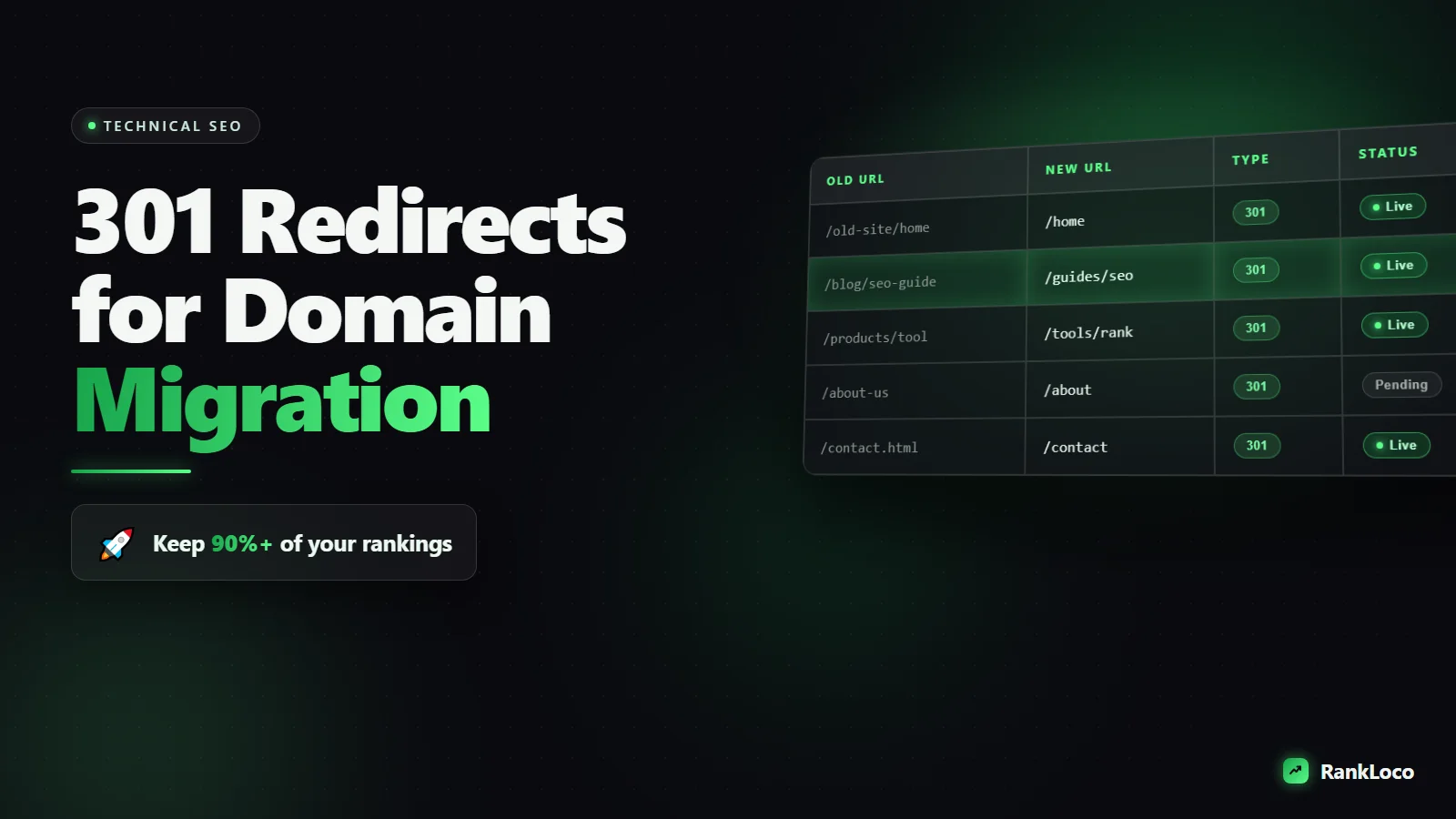
This is the core of the job. Create a redirect map: a two-column sheet with the old URL on the left and the exact new URL on the right.
| Old URL | New URL (301 target) |
|---|---|
| oldsite.com/blog/seo-tips | newsite.com/blog/seo-tips |
| oldsite.com/services/audits | newsite.com/services/audits |
| oldsite.com/about-us | newsite.com/about |
Best case, you keep the same URL structure and only change the domain. Then the map is a simple find-and-replace of the domain, which lets you use a single wildcard rule. If you are also redesigning URLs during the move, map each old slug to its new slug by hand for important pages.
Mapping guidelines:
- Match intent, not just topic. Send each page to the URL that satisfies the same search intent.
- Consolidate only when a real equivalent exists. If you are merging two thin pages into one, redirect both to the merged page.
- Never leave a high-value URL unmapped. If there is truly no equivalent, send it to the most relevant category page, not the homepage.
- Kill redirect chains. Old URL A should go straight to final URL C, not A to B to C. Chains leak equity and slow crawling.
If you are rethinking your URL patterns as part of the migration, get them right now by following sound URL slug structure for SEO so you never have to migrate again to fix them.
Step 4: Implement the 301 Redirects on the Server
How you apply the redirects depends on your stack. Here are the most common methods.
Apache (.htaccess)
For a straight domain change keeping the same paths, one rule handles everything:
- Use a RewriteRule with an R=301 flag that captures the path and appends it to the new domain.
For URLs that changed slug, add explicit Redirect 301 /old-path https://newsite.com/new-path lines above the catch-all rule so specific matches fire first.
Nginx
Add a server block for the old domain that returns a 301 to the new domain, preserving the request URI. Handle individual slug changes with specific location rules before the general rewrite.
WordPress
If both sites run WordPress, use a redirect plugin (Redirection is the common free one) to import your redirect map as a CSV. For a full domain change, a server-level rule is faster and cleaner than a plugin, so ask your host or add it to .htaccess.
Cloudflare or CDN
You can run bulk redirect rules at the edge, which is fast and platform-agnostic. Upload your redirect map as a bulk redirect list and apply the domain-level rule.
Whatever method you use, keep the old domain's DNS and hosting active. The old server (or the DNS pointing to your redirect rules) has to stay online to serve the 301s. Do not cancel the old hosting the day you launch.
Step 5: Test Every Redirect Before and After Launch
Never trust a redirect you have not verified. Test in two rounds.
- Staging test: Before going live, spot-check your redirect logic on a staging setup or against a sample of URLs.
- Live crawl: After launch, feed your full old-URL list back into a crawler in list mode and check the response codes.
Your QA checklist:
- Every old URL returns a 301 (not 302, not 200, not 404).
- The destination returns a 200, not another redirect (no chains).
- The redirect lands on the correct equivalent page, not a generic fallback.
- HTTPS is enforced so you do not create an http-to-https-to-newdomain chain.
- Trailing slash behavior is consistent (pick one and stick with it).
- Your XML sitemap on the new domain lists only new URLs that return 200.
Step 6: Update Internal Links, Sitemaps, and Canonicals
Redirects are a safety net, not a substitute for clean links. On the new domain, update all internal links, navigation, and canonical tags to point to the new URLs directly. Relying on redirects for internal navigation wastes crawl budget and adds latency.
Also update:
- Canonical tags to reference the new domain.
- Your XML sitemap and robots.txt to reference the new domain.
- Hreflang tags if you run multiple languages.
- Structured data URLs. If you use JSON-LD, check the new domain resolves correctly, and if you need a refresher, here is how to add schema markup to WordPress without a plugin.
A tidy internal linking structure on the new domain helps Google recrawl and re-index faster because it can move through your pages without hitting redirect hops.
Step 7: Tell Google With the Change of Address Tool
Speed up processing by notifying Google directly:
- Verify the new domain in Google Search Console as its own property.
- Keep the old property verified too.
- In the old property's settings, use the Change of Address tool to point Google to the new domain. This only works for full domain moves with 301s in place.
- Submit the new XML sitemap in the new property.
- Optionally, submit the old sitemap in the old property so Google recrawls the old URLs and sees the redirects faster.
Do the same in Bing Webmaster Tools with its Site Move feature. Update your Google Business Profile, social profiles, and any citation listings to the new domain so your local citations and NAP stay consistent.
Step 8: Monitor Rankings and Fix Problems Fast
Expect a short dip in the first two to four weeks as Google reprocesses everything. That is normal. What you are watching for is whether it recovers on schedule.
Track these after launch:
- Rankings for your top keywords. Set up tracking for both domains so you can watch equity transfer. RankLoco makes it easy to track keyword rankings over time and confirm your money terms hold their positions on the new domain.
- Search Console coverage. Watch the new property's indexed count climb and the old property's shrink.
- Crawl errors. Fix any 404s that show up. If you missed a URL in your map, add a redirect immediately. Here is how to fix crawl errors reported in Search Console.
- Organic traffic in GA4. Compare week over week against your pre-move baseline.
If traffic keeps dropping past four to six weeks, something is broken. Check for redirect chains, unmapped high-value URLs, or accidental 302s. Our guide on diagnosing organic traffic drops walks through the common culprits. For the full toolkit, browse more SEO guides or run a site check with RankLoco.
Domain Migration 301 Redirect Checklist
| Stage | Task | Done? |
|---|---|---|
| Prep | Crawl old site and build full URL inventory | ☐ |
| Prep | Add traffic and backlink data, prioritize URLs | ☐ |
| Prep | Build one-to-one redirect map | ☐ |
| Launch | Apply 301 redirects at server or edge | ☐ |
| Launch | Update internal links, canonicals, sitemap | ☐ |
| Launch | Crawl old URLs, confirm all return 301 | ☐ |
| Post | Submit Change of Address in Search Console | ☐ |
| Post | Submit new sitemap, monitor indexing | ☐ |
| Post | Track rankings and fix 404s weekly | ☐ |
Frequently Asked Questions
How long should I keep 301 redirects after a domain migration?
Keep them permanently, or at minimum one full year. Google needs months to fully transfer equity and drop old URLs from the index, and old backlinks may keep sending traffic for years. Removing redirects too early breaks those links and undoes the migration. Treat them as permanent infrastructure.
Will I lose rankings when I move to a new domain?
You will likely see a temporary dip of a few weeks as Google reprocesses the move, but with clean one-to-one 301 redirects, correct Change of Address setup, and updated internal links, most sites recover to their previous levels or better within four to eight weeks. Big losses usually come from redirecting everything to the homepage or missing high-value URLs.
Can I redirect all old pages to the new homepage?
No. Google treats a bulk redirect to the homepage as a soft 404 and passes little to no ranking equity. Each old URL must redirect to its closest equivalent page on the new domain. Only send a page to the homepage if literally no relevant equivalent exists, and that should be rare.
What is the difference between a 301 and a 302 redirect for migration?
A 301 is permanent and tells Google to transfer ranking signals and swap the new URL into the index. A 302 is temporary and signals the move is not final, so Google keeps the old URL indexed and may not pass equity. For a domain migration, always use 301.
Do I need to submit both old and new sites to Google Search Console?
Yes. Verify both properties. You need the old property to run the Change of Address tool and to monitor how quickly old URLs drop out, and the new property to submit the new sitemap and watch indexing grow. Keeping both verified gives you the full picture during the transition.
How do I handle redirect chains during a migration?
Audit your redirect map so every old URL points directly to its final destination, not through intermediate hops. If an old page already redirected somewhere before the move, update the rule to skip straight to the new final URL. Crawl your old URL list after launch and flag any response that returns two or more redirects, then flatten them.


