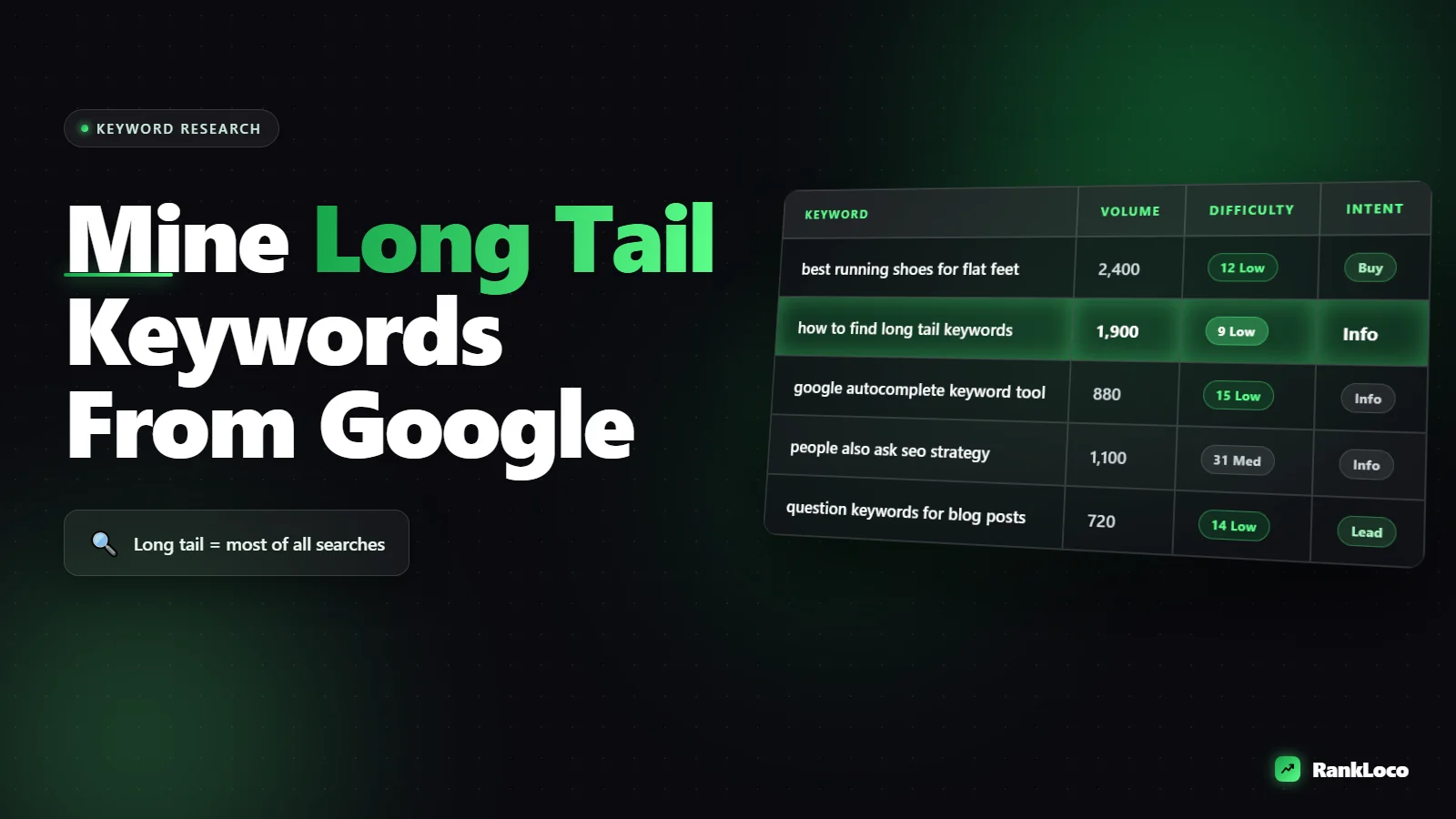
How to Find Long Tail Keywords Using Google Autocomplete and People Also Ask
To find long tail keywords with Google Autocomplete, type a seed phrase into the search bar and read the dropdown suggestions, which are real queries ranked by how often people search them. Then scroll to the People Also Ask box and "Searches related to" section at the bottom of the results page to pull question-style and modifier variations. Together these two free sources hand you dozens of specific, lower-competition phrases that match exactly how people type, with zero paid tools required.
Long tail keywords are the three-, four-, and five-word phrases that make up the bulk of all searches. They have lower volume individually, but they convert better and are far easier to rank for than head terms. Below is the exact process I use to mine them from Google itself.
Why Google Autocomplete Is a Goldmine for Long Tail Keywords
Autocomplete suggestions are not random. Google generates them from actual search queries, filtered by what is popular and trending in your region. When you see a suggestion, you are looking at a phrase real humans typed enough times for Google to surface it. That is more reliable than guessing, and it is free.
The catch: Autocomplete shows you demand without showing you volume or difficulty. You get the phrasing, not the numbers. That is fine for discovery. You validate the shortlist later with a tool or with the manual methods I cover below.
The seed keyword method, step by step
Start with a broad term that describes your topic or product. This is your seed. Then expand it systematically:
- Type the seed and pause. Enter "email marketing" and read the dropdown. You might get "email marketing for small business," "email marketing examples," "email marketing tools free."
- Add a trailing letter. Type "email marketing a," then "email marketing b," and so on through the alphabet. Each letter forces Google to serve a new batch of suggestions. This alone can produce 50+ phrases.
- Add a trailing space. "email marketing " (with a space) often returns different results than the word alone.
- Prepend modifiers. Try "best email marketing," "cheap email marketing," "free email marketing," "how to email marketing."
- Insert an asterisk or blank. Searching "email marketing * small business" sometimes surfaces middle-word variations.
Work through this for each seed and paste every suggestion into a spreadsheet. Do not filter yet. Collect first, judge later.
Use question words to find intent-rich phrases
Prefix your seed with a question word and watch the long tail explode. These phrases map directly to informational content:
- How + seed (how to set up email marketing)
- What + seed (what is email marketing automation)
- Why + seed (why email marketing is important)
- When + seed (when to send marketing emails)
- Where + seed
- Which + seed (which email marketing tool is best)
- Can / does / should + seed
Question-based long tail keywords are the easiest to turn into blog posts and FAQ sections. They also feed voice search, which leans heavily on full-sentence queries. If that is on your radar, read our guide on how to optimize blog content for voice search queries.
How to Mine People Also Ask for Question Keywords
The People Also Ask (PAA) box appears partway down most results pages. It is an expandable list of related questions, and it behaves in a way you can exploit: every time you click to expand a question, Google loads two to four more questions below it. The list keeps growing as long as you keep clicking.
Here is how to work it:
- Search your seed keyword or one of your Autocomplete phrases.
- Find the PAA box and expand every question.
- Keep expanding the new ones that appear. Within a couple of minutes you can harvest 20 to 40 questions from a single search.
- Copy each question into your spreadsheet alongside your Autocomplete list.
- Note the source answer Google pulls for each. That tells you what format and depth wins the snippet.
PAA questions are pure search intent. They tell you the sub-questions people have around your topic, which is exactly what you need to build a complete piece of content rather than a thin one. Group related PAA questions together and each cluster becomes an H2 or H3 in your article.
Don't skip "Searches related to" at the bottom
Scroll to the very bottom of any results page and you will find "Searches related to [your query]," a block of eight related phrases. These are more Google-sourced long tail suggestions, often with different angles than Autocomplete. Add them to your list. Click into any of them and you get a fresh PAA box and a new related-searches block. You can chain this indefinitely.
Turning Your Raw List Into a Usable Keyword Set
After an hour of this you will have a messy spreadsheet of a few hundred phrases. Now you filter. The goal is to find keywords with genuine demand, achievable difficulty, and clear intent you can serve.
| Step | What to do | Why it matters |
|---|---|---|
| Dedupe | Remove exact and near duplicates | Many seeds produce the same phrases |
| Cluster | Group phrases that share the same intent | One page can rank for a whole cluster |
| Tag intent | Mark each as informational, commercial, or transactional | Dictates page type (blog vs product) |
| Estimate demand | Check rough volume for the head of each cluster | Avoid writing for zero-search phrases |
| Judge difficulty | Eyeball the SERP for weak pages | Long tail should mean beatable competition |
Autocomplete won't give you volume numbers, so you need a quick validation step. You can do this without paying for anything: here is how to estimate search volume for keywords without a paid tool. For judging whether a phrase is actually winnable, follow the SERP-reading approach in our guide to finding low competition keywords for a brand new website.
Check the SERP before you commit
For every keyword you are serious about, run the search and read the first page. Ask:
- Are the ranking pages thin, outdated, or from forums and low-authority sites? Good sign, there is room.
- Is the whole first page dominated by big brands with deep content? Harder, maybe skip for now.
- What content format ranks: listicle, how-to, comparison, product page? Match it.
- Is there a featured snippet or PAA you could capture with a tight, direct answer?
Reading the SERP tells you intent and difficulty at the same time. Two phrases with identical wording can have completely different results pages, and the SERP is the truth.
Scaling Autocomplete Research Beyond Google.com
Google Autocomplete isn't the only well. The same technique works across surfaces where your audience searches, and each one reveals different long tail phrasing:
- YouTube for how-to and tutorial queries. The YouTube search bar has its own Autocomplete driven by video demand.
- Google Images for visual and product queries.
- Amazon for commercial, buy-ready terms if you sell products.
- Google Maps for local service variations if you run a local business.
- Bing and DuckDuckGo for occasionally different suggestions.
Combine several sources and you build a far richer picture than any single tool gives you. For a full rundown of the free options, see our list of the best free keyword research tools for small business owners.
From keyword list to content that ranks
Finding the keywords is half the job. The other half is turning a cluster into a page structured around search intent. Take your primary long tail keyword, group your PAA questions under it as subheadings, and build from there. Our walkthrough on how to write a blog post outline that ranks from search intent shows how to turn a cluster into a brief.
Once the page is live, track where it lands. RankLoco lets you drop in your long tail targets and watch their positions over time, so you know which Autocomplete-sourced phrases actually moved the needle. If you want more guides like this one, browse the full library over on our SEO blog, or start running keyword research and audits from the RankLoco dashboard.
A Repeatable Long Tail Keyword Workflow
Put it all together and you have a process you can run in under an hour for any topic:
- Pick three to five seed keywords for your topic.
- Run the alphabet-soup Autocomplete method on each.
- Add question-word variations (how, what, why, which).
- Expand every PAA question on the main SERPs.
- Grab the "Searches related to" block at page bottom.
- Repeat on YouTube and any other relevant surface.
- Dedupe, cluster, and tag intent in a spreadsheet.
- Validate demand and difficulty on the shortlist.
- Map each cluster to a page and write it.
- Track rankings and iterate.
Do this consistently and you will never run out of winnable topics. Long tail keywords compound: a hundred pages each ranking for a handful of specific phrases will out-earn one page chasing a head term you can't beat.
Frequently Asked Questions
Are Google Autocomplete suggestions the same for everyone?
No. Autocomplete is personalized by your location, language, search history, and trending topics in your area. To get cleaner, less biased results, use an incognito window and set your region if needed. This strips out your personal history so you see what a typical searcher in that location would see.
How many long tail keywords should one blog post target?
Target one primary long tail keyword plus a cluster of five to fifteen closely related variations and questions that share the same search intent. Don't force unrelated phrases onto one page, that causes keyword cannibalization and confuses Google. If two keywords have clearly different intent or different SERPs, give them separate pages.
Do long tail keywords have enough search volume to be worth it?
Individually they look small, but collectively long tail queries make up the majority of all searches. They convert better because the intent is specific, and they are far easier to rank for. One well-structured page can rank for dozens of long tail variations at once, so the combined traffic adds up quickly.
Can I automate pulling Autocomplete and People Also Ask data?
Yes. Several free and paid tools scrape Autocomplete and PAA at scale so you don't click through the alphabet manually. Keyword research tools and browser extensions can export hundreds of suggestions in seconds. The manual method is still worth knowing because it shows you the SERP context and intent that raw exports miss.
What is the difference between long tail keywords and head keywords?
Head keywords are short, broad, high-volume phrases like "shoes," with brutal competition and vague intent. Long tail keywords are longer, specific phrases like "waterproof running shoes for flat feet," with lower volume but clear intent and far less competition. New and small sites should focus on long tail first, then work up toward head terms as authority grows.
How do I know if a long tail keyword is too competitive?
Search it and read the first page. If the top results are authoritative, in-depth pages from established brands that directly match the query, it's tough. If you see thin content, forum threads, outdated posts, or pages that only loosely match the intent, there is an opening. The SERP itself is the most honest difficulty score you will find.


