Best Free Keyword Research Tools for Small Business Owners in 2025
The best free keyword research tools for small business in 2025 are Google Keyword Planner (for volume ranges), Google Search Console (for keywords you already rank for), Google autocomplete and "People also ask" (for real questions), AnswerThePublic and Keyword Surfer (for idea expansion), and Google Trends (for seasonality). None of these alone gives you the full picture, but stacked together they replace most of what a paid tool does. Below is what each one is good at, what it gets wrong, and a free workflow to build a real keyword list.
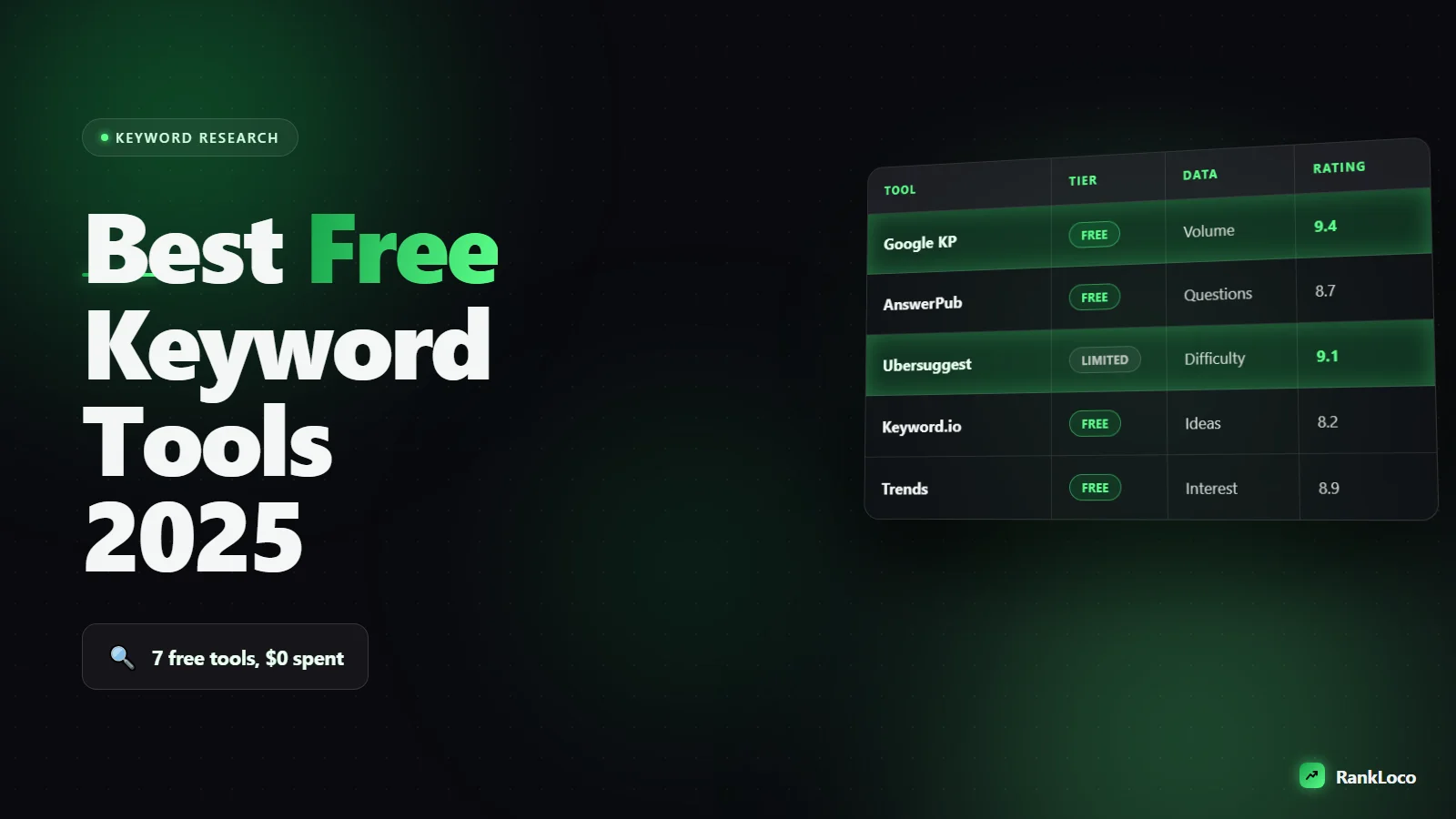
Quick comparison: free keyword tools at a glance
| Tool | Best for | Shows volume? | Biggest limitation |
|---|---|---|---|
| Google Keyword Planner | Volume ranges and new ideas | Yes (broad ranges) | Needs an Ads account, hides exact numbers |
| Google Search Console | Keywords you already rank for | Impressions, not volume | Only works once you have traffic |
| Google autocomplete | Real phrasing and long-tail | No | No volume or difficulty data |
| "People also ask" | Question keywords and FAQs | No | Manual, one query at a time |
| AnswerThePublic | Question and preposition ideas | No (free tier) | Limited free searches per day |
| Keyword Surfer (Chrome) | Volume estimates in the SERP | Yes (estimates) | Estimates can be off |
| Google Trends | Seasonality and rising topics | Relative, not absolute | No raw volume numbers |
Google Keyword Planner: the free baseline for search volume
Keyword Planner is free with any Google Ads account, and you do not have to run a single ad to use it. It is the most reliable free source for search volume because the data comes straight from Google. The catch: unless you have an active campaign spending money, it shows ranges like "1K to 10K" instead of exact numbers. That range is still enough to separate a keyword worth chasing from a dead one.
How to get usable data out of it
- Use "Discover new keywords" and paste your service plus a location, for example "emergency plumber Denver."
- Sort by relevance, not volume. The highest-volume terms are usually too broad for a small site to rank.
- Filter out branded terms and anything with intent that does not match what you sell.
- Export the full list to a spreadsheet. Keyword Planner is a starting point, not your final map.
If the vague ranges frustrate you, read our breakdown on how to estimate keyword search volume without a paid tool, which shows how to triangulate real numbers from the free signals available.
Google Search Console: free keyword gold you already earned
Search Console is the most underused free keyword tool because people think of it as a diagnostics dashboard. It is actually a list of every query that has shown your site in results, complete with impressions, clicks, and average position. That is real data about your real audience, not an estimate.
Where to find your best opportunities
- Open the Performance report and set the date range to the last 3 months.
- Sort by impressions and look for queries ranking in positions 5 to 15. These are pages that are close, and a small on-page tweak can push them onto page one.
- Find queries with high impressions but low click-through rate. That usually means your title tag needs work. Our guide to optimizing meta titles and descriptions for higher CTR covers the fix.
- Look for keywords you never intentionally targeted. Those are content gaps you can build a dedicated page around.
The one downside: Search Console only helps once you already have traffic. A brand new site with zero impressions gets nothing here, which is why you pair it with the idea tools below.
Google autocomplete and "People also ask": free intent research
The search bar itself is a keyword tool. Type your main topic and watch the suggestions drop down. Those are real phrases people type, ranked by popularity. Add a letter at a time ("plumber a," "plumber b") to force out more variations, or add words like "best," "cheap," "near me," and "how to" to surface intent-specific queries.
The "People also ask" box is even better for content planning. Every question in it is a subheading or FAQ you can answer. Click one and it expands into more, so you can pull 15 to 20 related questions from a single search. These questions tell you exactly what searchers want, which is the foundation of writing content that ranks. If you are structuring a piece around them, our guide on building a blog post outline from search intent shows how to turn those questions into a ranking structure.
AnswerThePublic and Keyword Surfer: idea expansion for free
AnswerThePublic takes one seed keyword and spins out a wheel of questions, prepositions, and comparisons ("vs," "for," "with"). The free tier limits you to a couple of searches a day, but that is enough to plan a month of content. It is best for informational topics where you want to cover every angle of a question.
Keyword Surfer is a free Chrome extension that layers estimated search volumes right onto the Google results page and into the search bar. It also shows related keywords with volumes in a sidebar. The numbers are estimates, so treat them as directional rather than gospel, but for a fast gut check while you browse, nothing beats it. Cross-check anything important against Keyword Planner before you commit.
Google Trends: free seasonality and demand direction
Trends does not give you absolute volume, but it answers a question the other tools cannot: is this topic growing, dying, or seasonal? For a small business that is critical. If you sell tax services, you want to publish in January, not July. If a product term is trending down over three years, you may not want to build a page around it at all.
- Compare two keywords head to head to see which has more consistent demand.
- Set the range to "Past 5 years" to spot long-term decline before you invest.
- Use "Related queries" and filter to "Rising" to catch trends early, before competitors flood in.
- Filter by country and region to confirm local demand.
A free keyword research workflow that actually works
Tools are useless without a process. Here is how to combine all the free options into one repeatable system.
- Brainstorm seeds. List 5 to 10 core topics your business solves. Think in the customer's words, not industry jargon.
- Expand with autocomplete and AnswerThePublic. Run each seed through Google's search bar and one question tool. Dump everything into a spreadsheet.
- Pull volume from Keyword Planner. Paste your list in, grab the ranges, and cut anything with clearly zero demand.
- Check intent with the live SERP. Search each target and see what already ranks. If page one is all national brands and you are a local shop, pick a longer, more specific keyword instead.
- Validate demand direction in Google Trends. Kill declining topics, prioritize rising ones.
- Mine Search Console monthly. Once you publish, harvest new queries and near-miss rankings, then optimize the pages you already have.
If you run a service business or a location-based shop, plug this into our step-by-step on keyword research for a local service business, which adds the local modifiers and map-pack considerations these general tools miss.
What free tools cannot do (and when to upgrade)
Free tools are excellent for finding ideas and rough volume. Where they fall short is keyword difficulty scoring, rank tracking over time, and monitoring competitors at scale. Guessing your position by searching in an incognito window is unreliable because results are personalized and location-based. When you are serious about measuring progress, a dedicated tool like RankLoco tracks your keyword positions by location and device automatically, so you can see whether your work is actually moving rankings instead of guessing.
For picking winnable targets in the meantime, use the free SERP check plus the manual difficulty signals in our guide to finding low competition keywords for a brand new website. And when you are ready to watch those keywords climb, our walkthrough on tracking keyword rankings over time shows how to build a reporting habit. You will find more free SEO playbooks across the RankLoco blog.
Frequently Asked Questions
Is Google Keyword Planner completely free?
Yes. You need a free Google Ads account to access it, but you do not have to create a campaign or spend any money. The only trade-off is that non-advertising accounts see volume as broad ranges (like 1K to 10K) instead of exact figures, which is still useful for prioritizing keywords.
Which free keyword tool is best for a brand new website?
Start with Google autocomplete and "People also ask" for ideas, then use Keyword Planner for volume. New sites cannot use Search Console yet because there is no traffic. Focus on long-tail, low-competition phrases with clear intent, since those are the only keywords a new site can realistically rank for early on.
Can I do keyword research without any paid tool at all?
Absolutely. Google's own tools (Keyword Planner, Search Console, autocomplete, People also ask, and Trends) cover ideas, volume ranges, intent, and seasonality for free. The gaps are difficulty scoring and rank tracking, which you can partially work around by manually checking who ranks on page one for each target.
How accurate are free search volume estimates?
Keyword Planner data comes from Google, so its ranges are trustworthy for prioritization. Third-party estimates from extensions like Keyword Surfer are directional and can be off by a wide margin. Use them for quick comparisons, but confirm any keyword you plan to build a page around against Keyword Planner before committing.
How many keywords should a small business target?
Start with one primary keyword per page plus a handful of closely related variations. For a small site, a focused list of 20 to 40 well-chosen keywords across your money pages and blog posts is far more effective than chasing hundreds. Depth on the right terms beats spreading thin.
How often should I redo keyword research?
Do a full pass when you launch or plan new content, then refresh quarterly. In between, check Search Console monthly to catch new queries you are unexpectedly ranking for and pages sitting just off page one. Demand shifts, so a quick Google Trends check before seasonal campaigns is also worth the five minutes.


