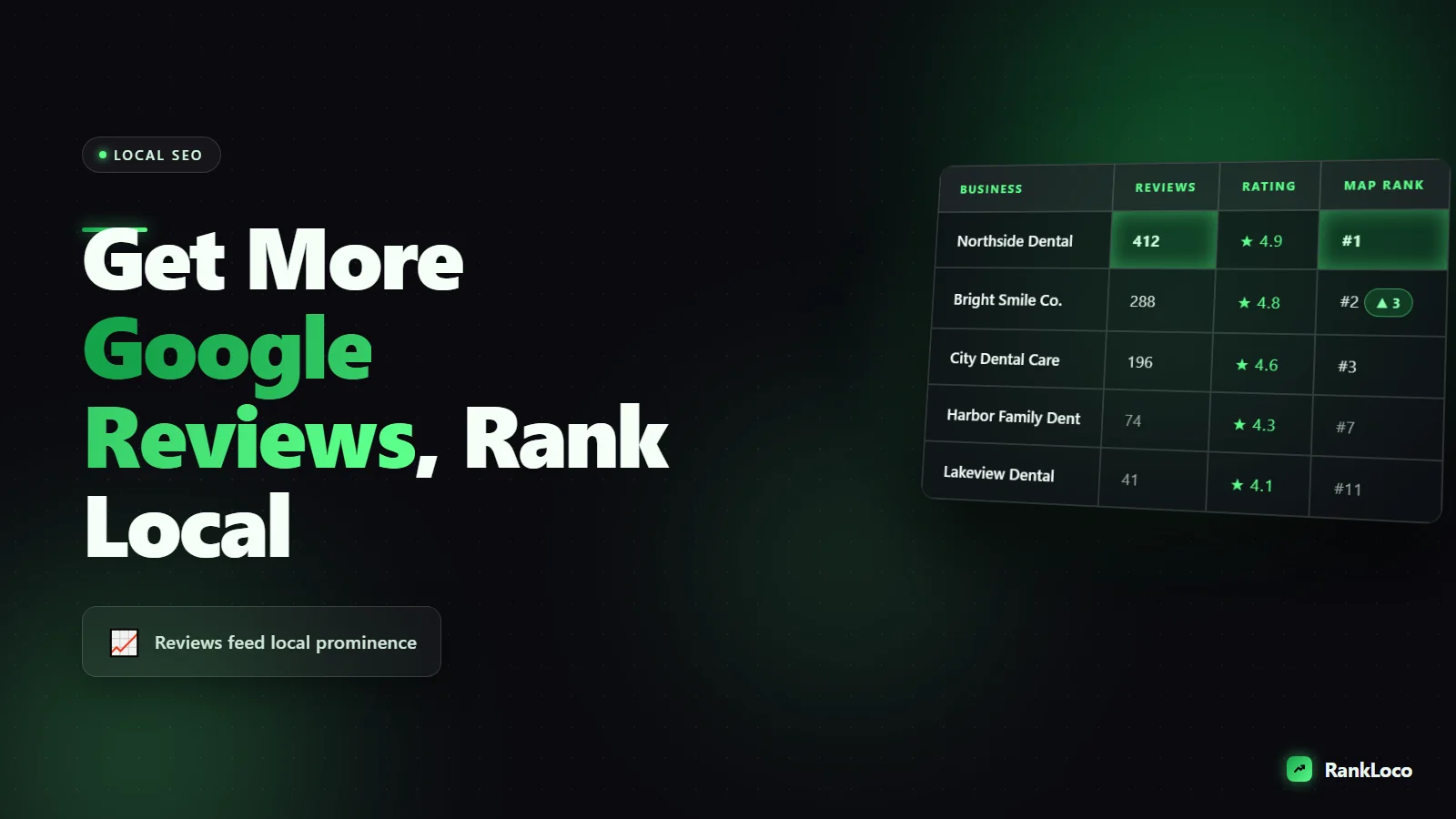
How to Get More Google Reviews to Rank Higher Locally
To get more Google reviews and rank higher locally, ask every happy customer at the moment they are most satisfied, send them a direct review link that opens the review box in one tap, and respond to every review you get. Volume, recency, rating, and keyword-rich review text are all ranking signals in the local pack, so a steady stream of genuine reviews beats a one-time burst every time.
Reviews are one of the few local ranking factors you can directly control without touching your website. Below is the exact system to generate them consistently, respond the right way, and turn review text into local ranking fuel.
Why Google reviews affect your local rankings
Google ranks local businesses on three big things: relevance, distance, and prominence. Reviews feed prominence, and they quietly feed relevance too. Here is what Google actually pays attention to:
- Review count: More reviews than nearby competitors signals a busy, trusted business.
- Average rating: A 4.6 beats a 3.9. Google filters out low-rated businesses from the top of the map pack.
- Review recency: A profile that got 8 reviews last month looks alive. One that stopped two years ago looks abandoned.
- Review velocity: A consistent flow matters more than 40 reviews in one week followed by silence.
- Keywords in review text: When customers write "best emergency plumber in Tampa," that text helps you rank for those exact phrases.
None of this works in isolation. Reviews amplify a profile that is already optimized. If your categories, services, and posts are a mess, fix those first. Pair this with our guide on how to optimize Google Business Profile posts for local search so the whole profile pulls in the same direction.
Set up a frictionless review link before you ask anyone
The biggest reason people do not leave reviews is friction. If a customer has to search for your business, scroll, and hunt for the review button, most quit. Kill that friction first.
- Open your Google Business Profile dashboard.
- Click Ask for reviews or Get more reviews.
- Copy the short link Google generates (it looks like g.page/r/...).
- Run it through a free URL shortener and rename it to something clean like yourbrand.link/review.
- Generate a QR code from that link for in-person use.
Test the link on your phone. It should open the star-rating box with your business already loaded. If a customer only has to tap stars and type two sentences, your conversion rate jumps.
How to ask for reviews the right way
Asking works. Most businesses just do it badly or not at all. Three rules make the difference.
Ask at the peak happiness moment
Timing beats everything. Ask right after you deliver the result: the job is done and the customer is thrilled, the meal just ended and they are smiling, the product arrived and works. Waiting three days drops your response rate off a cliff.
Ask in person first, then follow up
A verbal ask from a real person converts far better than a cold email. Train your team to say something simple: "If you were happy with today, a quick Google review really helps us. I can text you the link right now." Then send it while you are standing there.
Make the message personal and short
Generic blasts get ignored. Use the customer's name, reference what you did, and include the direct link. Here is a template that works over text or email:
"Hi Sarah, thanks for trusting us with your AC repair today. If you've got 30 seconds, a Google review helps other local folks find us: [link]. Really appreciate it."
Review request channels ranked by conversion
Not every channel converts the same. Here is where to focus based on what actually gets responses.
| Channel | Typical response rate | Best for |
|---|---|---|
| In-person ask + text link | High | Service and retail with face-to-face contact |
| SMS follow-up | High | Any business with customer phone numbers |
| Email follow-up | Medium | Online, B2B, or appointment-based businesses |
| QR code on receipt or counter | Medium | Cafes, salons, restaurants, waiting rooms |
| Invoice or thank-you card link | Low to medium | Contractors, home services, invoicing workflows |
Stack two or three of these. A verbal ask plus a text follow-up plus a QR code on the counter covers almost everyone.
What you can and cannot do (stay inside Google's rules)
Break these rules and Google can filter your reviews or suspend the profile. Know the lines.
- Do not offer incentives: No discounts, gift cards, or entries to win in exchange for reviews. This is a direct policy violation.
- Do not gate reviews: You cannot filter happy customers to Google and send unhappy ones elsewhere. Ask everyone the same way.
- Do not buy reviews or use fake accounts: Google detects patterns and nukes them, often taking legit reviews down too.
- Do not review your own business or have employees post reviews as customers.
- Do ask every customer and make it easy. Asking is completely allowed.
Respond to every review to boost ranking and trust
Replying to reviews is a confirmed ranking factor and a conversion booster. Google says responses encourage more reviews, and the reply text gives you a second chance to use location and service keywords naturally.
How to respond to positive reviews
Thank them by name, reference the specific service, and work in a keyword without sounding robotic. Example: "Thanks, Mike! Glad we could get your water heater installed same day here in Round Rock. We appreciate you choosing us." That reply just added "water heater installed" and "Round Rock" to your profile text.
How to respond to negative reviews
Stay calm, apologize for the experience, and move the conversation offline. Never argue in public. A measured response to a one-star review often impresses future customers more than the complaint itself. Respond within 24 to 48 hours.
Turn review text into local keyword signals
Reviews that mention your service and city help you rank for those phrases. You cannot script what customers write, but you can nudge it. When you ask in person, prompt lightly: "If you mention what we did and that you're local, that helps a ton." Do not dictate exact wording (that violates authenticity), just guide the direction.
To know which phrases to encourage, do real local keyword research first. Our guide on keyword research for a local service business shows how to find the exact service-plus-city terms your customers search, so the review language you encourage matches real demand.
Build a review generation system that runs on autopilot
One-time pushes fade. You want a machine that produces reviews every week. Here is the checklist to set it up:
- Create your short review link and QR code and save them everywhere your team can reach them.
- Add the ask to your workflow: job completion, checkout, appointment end, or order delivery.
- Automate the follow-up: trigger an SMS or email the same day using your CRM or booking tool.
- Train and remind staff to ask verbally. Track who asks.
- Set a weekly target (even 3 to 5 new reviews a week compounds fast).
- Respond to every review within 48 hours.
- Review your rating and velocity monthly against local competitors.
Track whether reviews are actually moving your rankings
Generating reviews is step one. You need to confirm they are lifting your position in the map pack and local results. Rankings shift by location, so a desktop check from your office does not tell you what a customer across town sees.
Use RankLoco to track your local keyword positions over time and by geography. If you run service areas or several locations, set up rank tracking by location and device so you can see exactly where review growth correlates with map pack gains. For businesses with more than one site, our guide on how to rank in the Google map pack for a multi-location business covers the profile-level work that reviews support.
Watch these metrics together: new reviews per month, average rating, your map pack position for 3 to 5 core keywords, and direction requests or calls from the profile. When review velocity climbs and rankings follow a few weeks later, you know the system works. For more local and on-page tactics, browse our full library of SEO guides.
Common mistakes that kill review growth
- Asking too late: A week after the job, the enthusiasm is gone.
- Sending a link that does not work on mobile: Always test it yourself.
- Blasting one generic email to your whole list: Personalize or expect low returns.
- Ignoring reviews: No replies tells Google and customers you are not paying attention.
- Stopping once you hit a milestone: Recency decays. Keep the flow going.
- Gating or incentivizing: Short-term wins, long-term filtering and penalties.
Frequently Asked Questions
How many Google reviews do I need to rank in the map pack?
There is no fixed number. You need more reviews and a higher average than the businesses currently ranking above you for your keywords. Check the top three competitors in your area, then aim to beat their count and rating while keeping a steady monthly flow. Recency matters as much as total volume.
Do Google reviews help my website rank or just my profile?
Reviews primarily lift your Google Business Profile and map pack position, which is where most local searches convert. They do not directly affect classic organic website rankings, but the extra visibility, clicks, and calls they drive send positive engagement signals that help your overall local presence.
How fast do new reviews affect local rankings?
Expect to see movement over a few weeks, not days. Google needs to register the new reviews, verify them, and reassess your prominence against competitors. A consistent flow of genuine reviews over one to three months produces far more reliable gains than a sudden spike.
Can I remove a fake or unfair Google review?
You can flag reviews that violate Google's policies (spam, off-topic, fake, or conflict of interest) through the profile dashboard, but Google decides whether to remove them. For a legitimate negative review you cannot remove, respond professionally and move it offline. A good public reply often limits the damage.
Should I ask for reviews by text or email?
Text usually converts better because people open and act on SMS faster, and the review link opens right in the mobile browser. Email works well for appointment-based and B2B businesses with good inbox engagement. The best approach is a verbal ask followed by a same-day text with the direct link.
Is it against the rules to tell customers what to write in a review?
Yes, scripting exact wording violates Google's authenticity policy and can get reviews filtered. You can lightly encourage customers to mention the service and that they are local, but the words must be their own honest experience. Guide the direction, never dictate the content.


