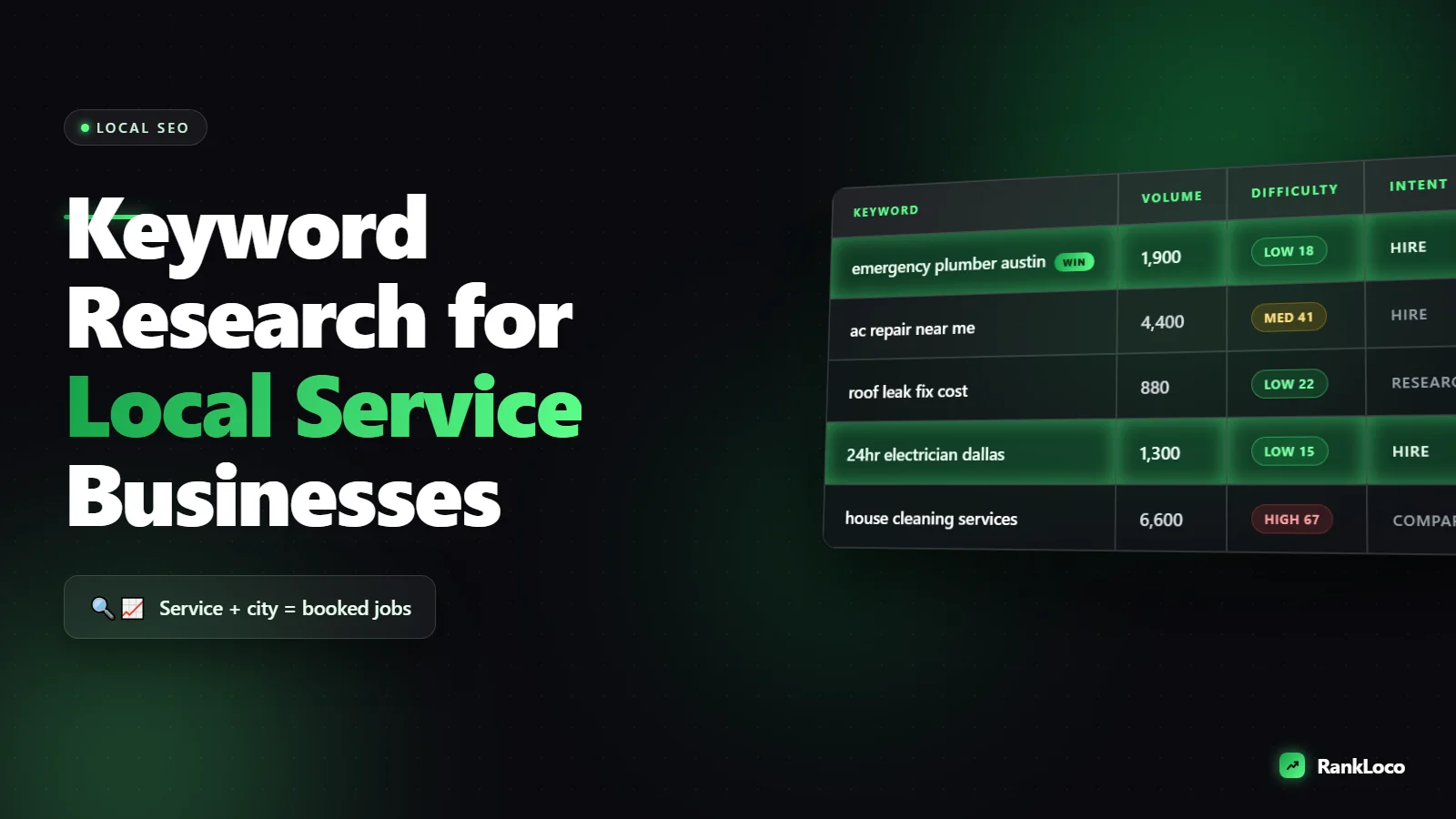
How to Do Keyword Research for a Local Service Business
To do keyword research for a local service business, start with your core services and pair each one with the locations you serve, then layer on the words real customers use when they need you fast (like "emergency," "near me," "cost," and "open now"). Focus on service-plus-city phrases with buyer intent instead of chasing high-volume generic terms, because a plumber in Tulsa ranking for "emergency drain cleaning Tulsa" gets calls, while ranking for "how plumbing works" gets nobody.
Local keyword research is a different game than national SEO. Volume is lower, competition is more beatable, and the intent is almost always ready-to-buy. Below is the exact process I use to build a keyword list that turns into ranked pages and booked jobs.
Start with the services you actually sell
Before you touch a keyword tool, list every service you offer in plain language. Not your internal jargon, but what a customer would type. A roofer might sell "roof replacement," "roof repair," "storm damage inspection," and "gutter installation." Each of these is a seed keyword and, eventually, its own page.
Write them out in a spreadsheet, one per row. Then add the variations people search:
- Synonyms: "AC repair" vs "air conditioning repair" vs "HVAC repair"
- Problem phrasing: "AC not cooling," "furnace won't turn on"
- Job-specific terms: "tankless water heater installation," "drain snaking"
These seeds are the backbone. Every local keyword you build from here is a seed plus a modifier.
Add the location modifiers that create local intent
This is what makes it local. Take each service seed and multiply it by the geography you serve. Do not just target your one main city. Build out:
- Primary city: "electrician Austin"
- Neighborhoods and districts: "electrician South Congress"
- Surrounding suburbs and towns: "electrician Round Rock," "electrician Pflugerville"
- County or region: "electrician Travis County"
- "Near me" variants: Google handles these based on the searcher's location, so you rank for them by having strong city pages and a solid Google Business Profile, not by stuffing "near me" everywhere
The service-plus-city combinations are your money keywords. "Water heater repair Plano" has clear intent: someone in Plano needs a water heater fixed now. That is a lead.
Build a service-area matrix
Make a simple grid: services down the left, locations across the top. Every filled cell is a potential landing page. Do not create a page for every single cell (you will end up with thin doorway pages Google hates). Instead, prioritize by where you actually want work and where competition is winnable.
Layer on intent modifiers customers use before they buy
Location tells you where. Intent modifiers tell you how ready the person is to hire. Sort your keywords by how close they are to a booking:
| Intent level | Modifier examples | What to do with it |
|---|---|---|
| High (ready to hire) | emergency, same day, 24 hour, near me, open now, cost, quote, best, licensed | Service and city landing pages |
| Medium (comparing) | vs, cheapest, reviews, how much does X cost | Comparison and pricing pages |
| Low (researching) | how to, why, signs you need, DIY | Blog posts that build trust and links |
Most of your effort should go to high-intent terms. But do not skip the research keywords. A "signs your AC needs replacing" article catches people early, builds authority, and gives you internal linking fuel toward your service pages. If you want to mine these, here is how to find question keywords your customers are actually searching.
Find real keywords with free and paid sources
You do not need an expensive stack to start. Pull ideas from these:
- Google autocomplete: type "plumber [your city]" and note every suggestion. Add letters ("plumber austin a," "plumber austin b") to surface more.
- People Also Ask and Related Searches: scroll the results page for your seed terms and harvest the questions.
- Google Business Profile insights: the search queries report shows the exact terms that led people to your listing.
- Google Search Console: once you have any pages ranking, the Performance report reveals queries you already show up for. If you have not set it up yet, follow this guide to set up Google Search Console for a new website.
- Your intake notes: what do callers actually say? "My basement is flooding" becomes a keyword theme.
For volume estimates, a keyword tool helps you decide what is worth a page. RankLoco's keyword research and rank tracking tools let you check local search volume, difficulty, and pull related terms in one place. If you are on a shoestring, here is how to estimate search volume without a paid tool.
Judge keyword difficulty the local way
National difficulty scores lie to you for local terms. A keyword tool might say "HVAC repair" is a 78 out of 100, but "HVAC repair Cedar Park" could be wide open because only three local competitors bother to optimize for it.
Check the actual results page instead. For each target keyword, search it and ask:
- Are the top organic results other local businesses or big directories (Yelp, Angi, Thumbtack)?
- Do the ranking pages actually mention that city, or are they generic?
- Is there a local pack (the map with three listings)? If so, your Google Business Profile matters as much as your pages.
- How strong are competitor sites? Do they have reviews, dedicated service pages, real content?
If the top results are weak, generic, or all directories, that keyword is winnable. To go deeper on this, learn how to track competitor keyword rankings step by step so you know exactly who you are up against and where they are soft.
Group keywords into pages with keyword mapping
A common local SEO mistake is creating one giant page trying to rank for everything, or 40 near-identical city pages that cannibalize each other. Avoid both by mapping keywords to a clear page structure:
- One page per core service: "Drain Cleaning" targets "drain cleaning [city]" plus close variants.
- Dedicated city or service-area pages only where you have real presence and unique content to add (local projects, testimonials, service details specific to that area).
- Blog posts for research and question keywords that funnel to your service pages.
Assign each keyword group to exactly one URL so pages do not compete. This is the heart of keyword mapping for a small website, and it prevents the keyword cannibalization that sinks so many local sites. When it is time to build the page, follow this guide to optimize a service page for buyer-intent keywords.
Prioritize your list so you build the right pages first
You cannot make everything at once. Score each keyword group on three factors and start at the top:
- Revenue value: a "roof replacement" lead is worth more than a "gutter cleaning" lead. Weight accordingly.
- Winnability: based on the results-page check above.
- Search demand: some volume, even if small. Local terms with 30 searches a month can still drive steady jobs.
High value plus high winnability plus some demand equals your first pages. Build those, get them indexed, then track results.
Track rankings by location so you know it is working
Local rankings vary by where the searcher is. You might rank number two in your home ZIP and number nine three miles away. Standard rank checks won't show this, so you need location-specific tracking. Set up rank tracking by location and device to see how you perform across your whole service area. If budget is tight, compare the best rank tracking tools for local businesses on a budget.
Rank tracking closes the loop. It tells you which keywords are climbing, which pages are stuck, and where to expand next. Pair it with your Google Business Profile work, because the map pack and organic results feed each other. See how to optimize Google Business Profile posts for local search and how to build local citations with consistent NAP to strengthen both.
Local keyword research checklist
- List every service in customer language
- Add synonyms and problem-phrasing variants
- Multiply each service by cities, neighborhoods, and suburbs you serve
- Layer on intent modifiers (emergency, cost, near me, best)
- Pull ideas from autocomplete, PAA, GBP insights, and Search Console
- Check the actual results page for real difficulty
- Map each keyword group to one dedicated URL
- Score by revenue value, winnability, and demand
- Build high-priority pages first, then get them indexed
- Track rankings by location and iterate
Do this once properly and you will have a roadmap for months of content, a page structure that avoids cannibalization, and a clear line from keyword to phone call. For more tactical walkthroughs, browse the RankLoco SEO guides.
Frequently Asked Questions
How many keywords should a local service business target?
Start with one primary keyword per service page (service plus city) and 3 to 8 supporting variants per page. A typical local business with five services across three towns might target 40 to 80 keywords total, grouped into 10 to 20 pages. Quality and intent matter far more than raw keyword count.
Should I make a separate page for every city I serve?
Only if you can add genuinely unique content for each: local projects, testimonials, area-specific details, or service nuances. Cookie-cutter city pages with swapped town names are thin doorway pages that Google can penalize. Build pages for the areas that drive real revenue and merit unique content.
Do "near me" keywords need their own pages?
No. Google interprets "near me" based on the searcher's location, so you rank for those searches by having strong service and city pages plus an optimized, well-reviewed Google Business Profile. Don't stuff "near me" into your content. Focus on your actual city and service-area terms instead.
How do I find keywords competitors are ranking for locally?
Search your target terms and note which local businesses appear repeatedly, then examine their site structure and page titles to see which services and cities they target. A rank tracking tool lets you monitor their positions over time so you can spot gaps and terms they've neglected.
What's the difference between local and national keyword research?
Local research prioritizes lower-volume, high-intent, geo-modified terms (service plus city) where ready-to-hire searchers convert into calls. National research chases broad, high-volume terms with tougher competition. Local also relies heavily on Google Business Profile, the map pack, and citations, not just organic pages.
How long until local keyword pages start ranking?
New service pages on an established site can rank within a few weeks; a brand-new site often takes two to four months. Speed it up by getting pages indexed quickly, earning reviews, keeping your NAP consistent across citations, and building internal links from related blog content to your service pages.


