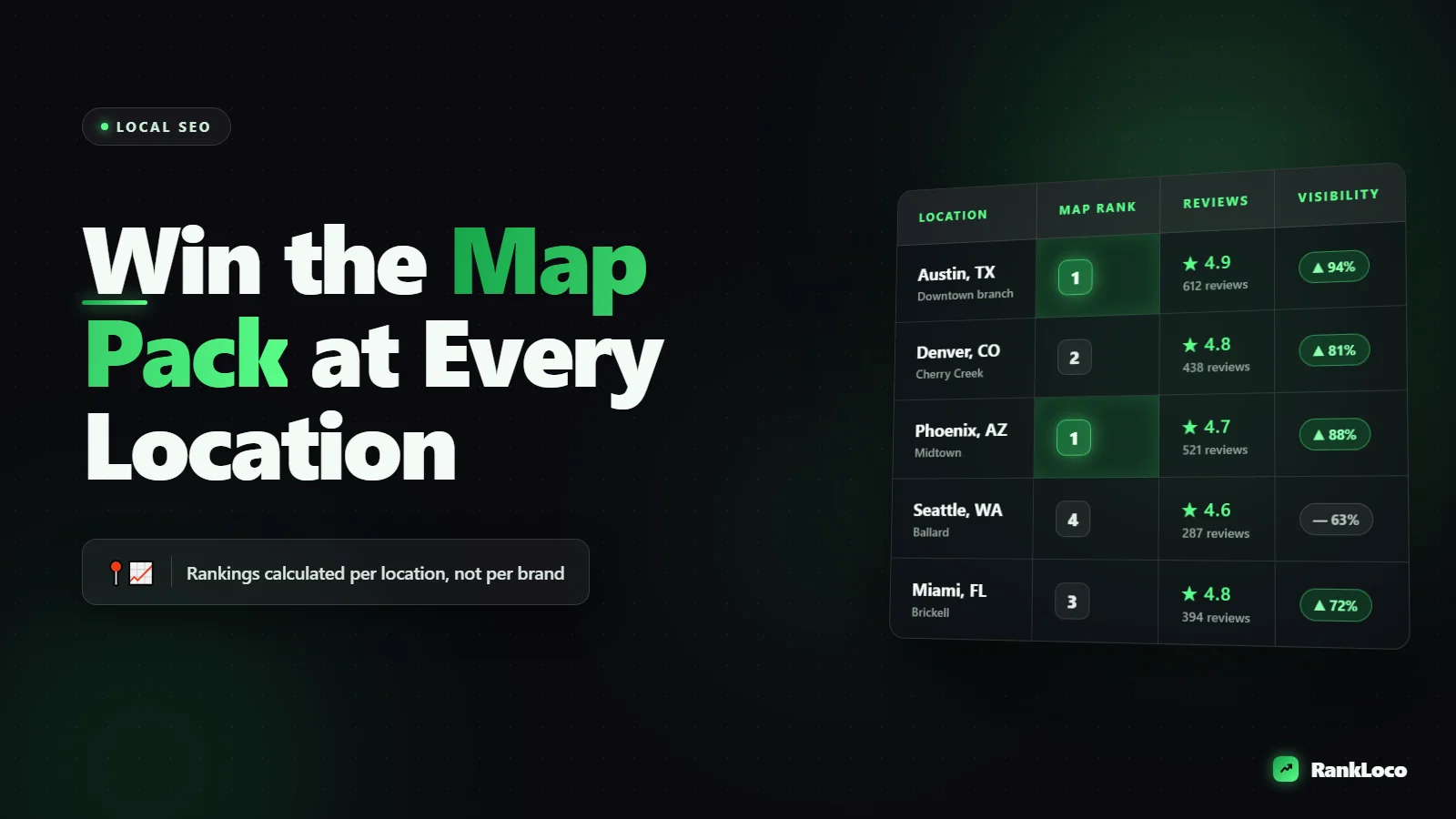
How to Rank in the Google Map Pack for a Multi Location Business
To rank in the Google Map Pack for a multi location business, create and verify a separate Google Business Profile for every physical address, point each one to a unique location landing page on your site, keep your name, address, and phone number (NAP) identical everywhere, and earn location-specific reviews and local links. The Map Pack is ranked per location based on relevance, distance, and prominence, so you win it one address at a time, not with one blanket strategy for the whole brand.
Multi location SEO breaks when owners try to run everything through a single profile or one generic "locations" page. Google treats each physical spot as its own entity. If you want the three-pack to show your Dallas store for "plumber near me" and your Austin store for the same search 200 miles away, each location needs its own fully built presence. Here is how to do it without creating duplicate content problems or spreading yourself thin.
How the Google Map Pack actually ranks locations
Google ranks the local pack on three factors it has named directly:
- Relevance: How well your profile and website match what the searcher typed. This is where categories, services, and on-page content do the work.
- Distance: How close your location is to the searcher or the location term in the query. You cannot fake proximity, but you can make sure Google knows exactly where you are.
- Prominence: How well known and trusted the location is, driven by reviews, citations, backlinks, and overall web presence.
The important part for multi location businesses: these are calculated per profile. Your flagship location having 400 reviews does nothing for a new branch across town. Each location builds its own prominence. Plan your effort accordingly.
Set up one Google Business Profile per physical location
This is non-negotiable. Every address that a customer can walk into gets its own verified profile. Do not combine two addresses into one listing, and do not create a profile for an address you do not actually operate from (that is a suspension waiting to happen).
Get the core profile fields right for each location
- Business name: Use your real name consistently. Do not stuff "Joe's Plumbing Dallas Emergency 24/7" into the name field. Use "Joe's Plumbing" at every location. Keyword stuffing the name is against guidelines and gets reported.
- Primary category: Pick the single most accurate category. This is one of the strongest relevance signals in the pack. Add secondary categories only if they genuinely apply.
- Address: Exact, formatted identically across every platform.
- Phone: Use a local number for each location when possible. A local area code reinforces location relevance better than a shared toll-free number.
- Hours: Accurate, with special hours for holidays. Inconsistent hours erode trust and rankings over time.
- Service area: Define it per location so your branches do not fight each other for the same radius.
Verify every location and manage them from one dashboard
Use the Google Business Profile Manager (business group / location group) to hold all your profiles under one account. If you have 10 or more verified locations, you can apply for bulk verification, which saves weeks of postcard waiting. Keep manager access tight and documented so you never lose control of a profile when staff turn over.
Build a unique landing page for every location
Each Google Business Profile should link to its own dedicated page on your site, not the homepage and not a shared contact page. These pages are how Google connects your web presence to a specific address, and they do heavy lifting for relevance.
Use a URL structure like /locations/dallas-tx/ rather than cramming everything onto one page. Clean, descriptive paths help both users and crawlers, and they scale as you add stores. If you are unsure how to format them, our guide on structuring URL slugs for better SEO covers the rules.
Each location page should include:
- The location name, full address, and local phone number in text (not just an image)
- An embedded Google Map of that exact location
- Store-specific hours, parking info, and directions from nearby landmarks
- Services offered at that location, written uniquely, not copy-pasted across every page
- Local reviews or testimonials from customers of that branch
- Photos of the actual storefront, team, and interior
- LocalBusiness schema markup with that location's NAP and geo coordinates
Avoid the duplicate content trap
The fastest way to tank a multi location rollout is to publish 30 location pages that are identical except for the city name. Google sees thin, templated content and either filters the pages or ignores them. Write genuinely different content: mention local neighborhoods served, name the staff, describe projects or cases specific to that market. Add schema the right way too, which our walkthrough on adding schema markup without a plugin explains if you are on WordPress.
Keep NAP consistent across every citation
Name, address, and phone number consistency is foundational for local prominence. For a multi location brand, one wrong suite number or an old phone number floating around directories confuses Google about which address is real.
| Citation source | What to check |
|---|---|
| Google Business Profile | Master record. Everything else should match this exactly. |
| Core data aggregators | Data Axle, Localeze, Foursquare feed many smaller directories. |
| Industry directories | Yelp, BBB, Angi, plus niche directories for your vertical. |
| Social profiles | Facebook, Instagram, LinkedIn location pages. |
| Your own site | Footer, contact page, and each location page all match. |
Audit citations per location, not just for the brand. Old addresses from a moved or closed store are a common silent ranking killer. If a location recently moved, run through the cleanup properly, and if you also changed domains, follow a real 301 redirect setup when migrating domains so you do not lose the equity you built.
Earn location-specific reviews (the biggest prominence lever)
Reviews are the single most actionable prominence factor you control, and they count per profile. A location with 120 reviews at a 4.7 average will almost always outrank an identical branch with 11 reviews.
Build a per-location review engine:
- Generate a review link for each profile and give it to the staff at that specific location.
- Ask at the moment of satisfaction: after a completed job, a positive checkout, a successful service call.
- Make it frictionless: text the direct review link rather than telling people to "search for us on Google."
- Respond to every review, good and bad, from each location. Responses are a trust signal and a chance to naturally include service and city terms.
- Never gate or buy reviews. Review gating and fake reviews get profiles suspended.
Set a monthly review target per location and track velocity. Steady new reviews matter more than a one-time burst.
Post, add photos, and keep each profile active
An active profile signals a real, operating business. For each location, post updates, offers, and events regularly, and upload fresh geotagged photos. Google Posts also give you another surface to include relevant keywords and calls to action. We go deeper on this in the guide to optimizing Google Business Profile posts for local search, and the same cadence applies to every one of your locations.
Build local links and relevance per market
Prominence is also driven by links and mentions from the local web. For each location, pursue:
- Local chamber of commerce and business association listings
- Sponsorships of local events, teams, or charities (these earn genuine local links)
- Local news coverage and "best of [city]" roundups
- Partnerships with complementary local businesses
These links are location-specific signals, so distribute your outreach across markets instead of pouring everything into one city. If link building is new to you, start with our playbook on getting backlinks with no budget.
Nail local keyword targeting for each location
What ranks the Dallas branch is not identical to what ranks the Austin branch, because search demand and competition vary by market. Do keyword research per location: pull the service terms, the "near me" variations, and the neighborhood-level queries people actually use. Our guide to keyword research for a local service business walks through the process you can repeat for each market.
If one of your locations is service-area based with no walk-in storefront, the rules shift. See how to rank a local business without a physical store address for the service-area profile approach.
Track Map Pack rankings by location
Your rankings in the Map Pack change based on where the searcher is standing. Checking from your office tells you almost nothing about how you rank across a city. You need to track rankings at the location level, from grid points around each store.
Use RankLoco to monitor keyword rankings by location and device so you can see, for example, that your north-side store dominates a three-mile radius but drops off two miles south where a competitor is stronger. That tells you exactly where to focus citations, reviews, and content. Set this up using our guide to rank tracking by location and device, then watch trends over time instead of reacting to a single snapshot.
Multi location Map Pack checklist
- Separate verified Google Business Profile for every physical address
- Accurate primary category and relevant secondary categories per location
- Local phone number for each location where possible
- Unique location landing page with LocalBusiness schema and embedded map
- Non-templated, genuinely local content on each page
- Consistent NAP across all directories, per location
- Per-location review generation with a monthly target
- Responses to every review from each location
- Regular posts and fresh photos on every profile
- Local links earned market by market
- Keyword research run per location
- Rank tracking set up by location and device
Run this for every address, and you build the kind of durable local presence that holds up when competitors enter the market. For more guides on local and technical SEO, browse the full RankLoco blog.
Frequently Asked Questions
Can I use the same website for all my business locations?
Yes, you should use one website, but every location needs its own dedicated page on that site with unique content, its own NAP, and location-specific schema. Do not point multiple Google Business Profiles to the same generic page. Each profile should link to the matching location page so Google connects the address to the content.
How many locations can I manage under one Google account?
There is no hard limit. You manage multiple profiles through location groups in Google Business Profile Manager. If you have 10 or more verified locations, you can apply for bulk verification to skip individual postcard verification, which saves significant time during a rollout.
Do reviews transfer between my business locations?
No. Reviews are tied to a single Google Business Profile and only build prominence for that specific location. A flagship store with hundreds of reviews gives no ranking boost to a newer branch. You must generate reviews independently at each location to help it rank in the local pack.
Why does my location rank in the Map Pack in some areas but not others?
Map Pack rankings depend on the searcher's distance from your location, so you naturally rank stronger closer to your address and fade farther away. To expand your effective radius, strengthen prominence signals: more reviews, local links, and consistent citations. Track rankings across a grid to see exactly where you drop off.
How long does it take to rank a new location in the Map Pack?
Expect a few weeks to a few months. New profiles usually appear within days of verification but rank low until they build prominence. Steady reviews, a complete profile, a strong location page, and local citations typically produce meaningful movement within 60 to 90 days in moderately competitive markets.
Will having multiple locations hurt my individual store rankings?
No, as long as each location is a real, distinct address with its own fully built profile and unique page content. Problems only arise from duplicate listings, shared or thin location pages, or fake addresses. Well-separated locations do not cannibalize each other because Google ranks each one by its own proximity and prominence.


