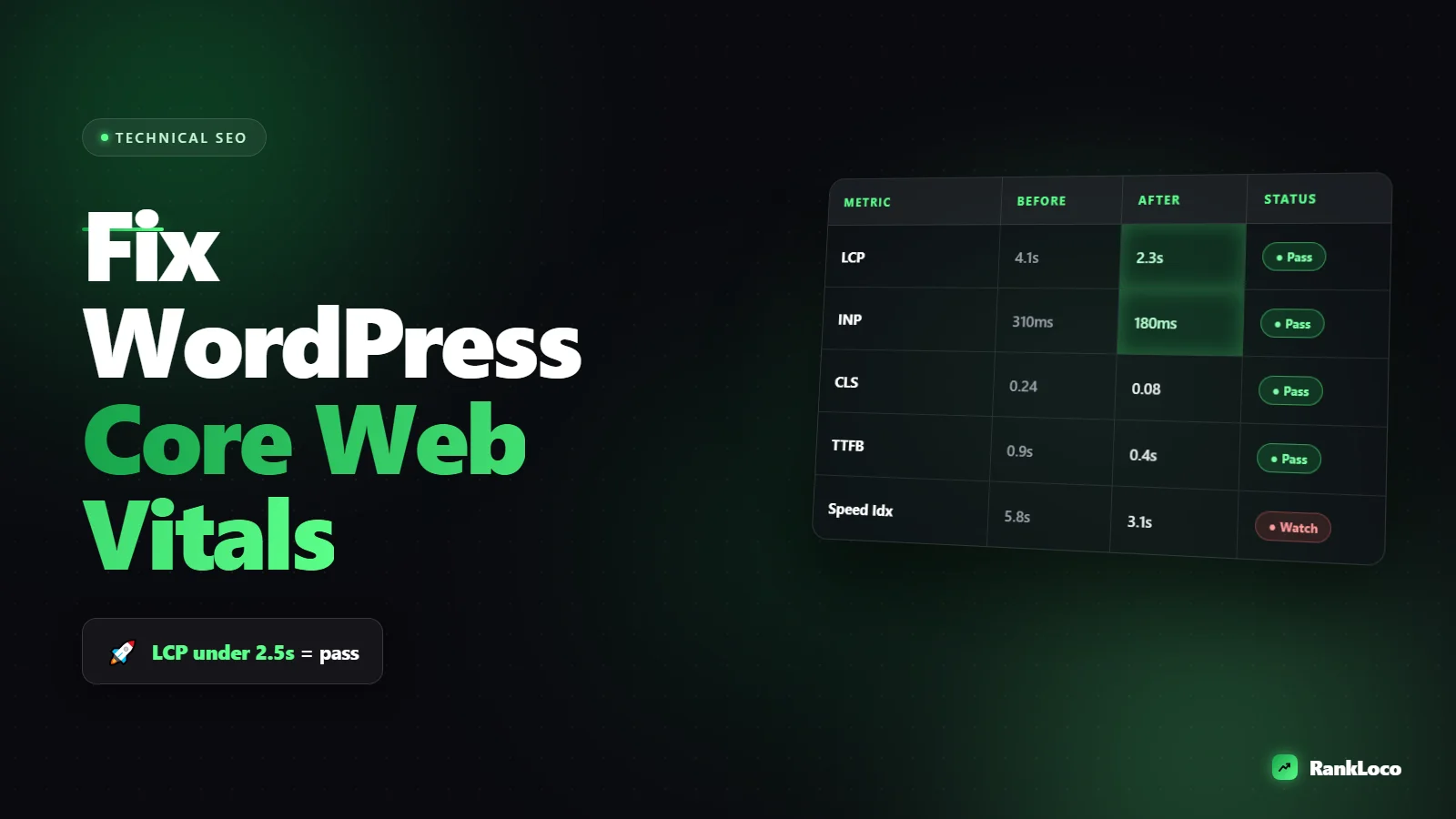
How to Improve Core Web Vitals on a WordPress Site
To improve Core Web Vitals on WordPress, install a caching plugin (WP Rocket, LiteSpeed Cache, or FlyingPress), compress and lazy-load images in modern formats like WebP, defer render-blocking CSS and JavaScript, and set explicit width and height on images to stop layout shift. Then measure the three metrics that matter: Largest Contentful Paint (LCP), Interaction to Next Paint (INP), and Cumulative Layout Shift (CLS). Fix them in that order, retest with field data, and cut plugins you do not need.
Core Web Vitals are a real ranking factor, but they are a tiebreaker, not a magic switch. A fast page with weak content still loses. That said, WordPress sites are notorious for bloat: heavy themes, page builders, twenty plugins, and unoptimized images. Cleaning that up is some of the highest-leverage technical work you can do. Here is exactly how to do it.
Understand the three Core Web Vitals metrics before you touch anything
You cannot fix what you do not understand. Google grades three things, and each has a different cause and cure.
| Metric | What it measures | Good score | Main WordPress cause |
|---|---|---|---|
| LCP (Largest Contentful Paint) | Time until the biggest visible element loads | Under 2.5s | Slow hosting, big hero images, render-blocking code |
| INP (Interaction to Next Paint) | Responsiveness to clicks and taps | Under 200ms | Heavy JavaScript from plugins and third-party scripts |
| CLS (Cumulative Layout Shift) | How much the layout jumps while loading | Under 0.1 | Images without dimensions, injected ads, late-loading fonts |
INP replaced First Input Delay in 2024 and is the one most WordPress sites now struggle with because it punishes JavaScript bloat. Keep that in mind as you audit.
Get field data, not just lab data
Run your page through PageSpeed Insights and look at the top section labeled "Discover what your real users are experiencing." That is field data from the Chrome User Experience Report (CrUX), and it is what Google actually uses for rankings. The lab score below it is a diagnostic simulation. Two numbers can disagree, and field data wins. Also check the Core Web Vitals report inside Google Search Console for a site-wide view grouped by page type.
How to improve LCP on WordPress
LCP is usually the biggest offender, and it comes down to two things: how fast your server responds and how fast your largest element (usually a hero image or heading) renders.
- Upgrade cheap hosting. Shared hosting on an overloaded server means slow Time to First Byte, and no plugin fixes that. Managed WordPress hosts (Kinsta, Cloudways, SiteGround) with server-level caching cut TTFB dramatically.
- Install a caching plugin. Page caching serves a pre-built HTML version instead of running PHP and database queries on every visit. WP Rocket is the easiest paid option. LiteSpeed Cache is excellent and free if your host runs LiteSpeed servers.
- Add a CDN. Cloudflare (free tier works) serves cached assets from a server near the visitor. That alone can shave hundreds of milliseconds off LCP for distant users.
- Optimize the LCP image. Compress it, serve it in WebP or AVIF, and set fetchpriority="high" so the browser loads it first. Never lazy-load the hero image. Lazy-loading it delays the exact thing LCP measures.
- Preload critical fonts. Self-host Google Fonts instead of loading them from Google's servers, and preload the font file your headline uses.
Kill render-blocking CSS and JavaScript
Every CSS and JS file the browser has to download before painting delays LCP. Use your caching plugin to defer non-critical JavaScript and to "Remove Unused CSS" or generate "Critical CSS." Test carefully after enabling these, because aggressive settings can break sliders, forms, or menus. Turn on one optimization at a time and check the front end before moving to the next.
How to fix INP (the metric most WordPress sites fail)
INP measures whether the page responds quickly when someone interacts. On WordPress, slow INP almost always means too much JavaScript running on the main thread. The fix is subtraction.
- Audit your plugins. Every plugin can add scripts to every page. Deactivate anything you do not actively use and delete it. A social sharing plugin, three analytics tags, a chat widget, and a heavy slider add up fast.
- Delay JavaScript until interaction. WP Rocket and Perfmatters offer "Delay JavaScript Execution," which holds off loading scripts (chat widgets, analytics, ads) until the user scrolls or clicks. This is the single biggest INP win for most sites.
- Cut third-party scripts. Live chat, heat maps, ad networks, and embedded videos are common INP killers. Load a YouTube facade (a thumbnail that loads the real player on click) instead of the full embed.
- Replace bloated page builders where you can. Elementor and Divi ship a lot of JavaScript. You do not have to abandon them, but use them only where needed and avoid stacking multiple builders.
If you are doing broader cleanup like this, treat it as part of a full technical review. Our guide on how to run a technical SEO audit for a small business website walks through the crawl, indexing, and speed checks that pair with Core Web Vitals work.
How to eliminate layout shift (CLS) in WordPress
CLS is the easiest of the three to fix and the most annoying to users. It happens when elements load in and shove content around after the page already appears.
- Set width and height on every image. Modern WordPress does this automatically, but older themes and manually placed images often do not. Explicit dimensions let the browser reserve space.
- Reserve space for ads and embeds. Give ad slots and iframes a fixed container height so content does not jump when they load.
- Fix font swapping. Use font-display: swap and preload fonts so text does not repaint in a different size. Better yet, choose a fallback font with similar metrics.
- Avoid injecting content above existing content. Cookie banners, notification bars, and "newsletter" popups that push the page down are classic CLS offenders. Overlay them instead.
A step-by-step Core Web Vitals cleanup checklist
Work through this in order. Test after each stage so you know what caused any change.
- Measure baseline field data in PageSpeed Insights and Search Console.
- Confirm your hosting TTFB is under 600ms; upgrade if not.
- Install and configure one caching plugin (page caching on).
- Add Cloudflare or a CDN.
- Compress all images and convert to WebP; enable lazy-loading for below-the-fold images only.
- Set fetchpriority high on the LCP image and stop lazy-loading it.
- Self-host and preload critical fonts.
- Enable delay JavaScript execution and test every interactive element.
- Remove unused CSS / generate critical CSS, then retest.
- Audit and delete unused plugins and third-party scripts.
- Add width and height to images; reserve space for ads and embeds.
- Wait 28 days and recheck field data (CrUX updates on a rolling window).
That last point matters. Field data reflects a rolling 28-day average, so you will not see your green scores flip the day after you optimize. Lab scores update instantly; real-world rankings signals lag.
The plugins that actually help (and the ones that hurt)
You do not need ten optimization plugins fighting each other. Pick one performance suite and one image tool. Here is a practical stack.
| Job | Good options | Notes |
|---|---|---|
| Caching + optimization | WP Rocket, LiteSpeed Cache, FlyingPress | Pick one. Do not stack caching plugins. |
| Image compression | ShortPixel, Imagify, Smush | Bulk-convert existing images to WebP. |
| Script control | Perfmatters | Disable scripts per page, delay JS, clean up bloat. |
| CDN | Cloudflare, Bunny | Free Cloudflare tier is enough for most small sites. |
Plugins that commonly hurt: multiple SEO plugins running at once, redundant analytics tags, heavy sliders, and "related posts" plugins that query the whole database on every page load.
Connect speed to rankings, not just green scores
Chasing a 100 in PageSpeed Insights is a vanity trap. The goal is passing Core Web Vitals in field data while keeping the page useful. Speed also feeds engagement: faster pages hold visitors longer, which supports the work in our guide on how to reduce bounce rate on blog pages. And when your fixes are live, confirm they translate into ranking movement by watching your positions over time. You can track keyword rankings over time with RankLoco so you can tie a performance improvement to actual search gains instead of guessing.
If speed work is only one item on a longer list, RankLoco's site audit flags render-blocking resources, oversized images, and other technical issues alongside your on-page and indexing problems, so you fix the whole picture. Browse more SEO guides to go deeper, or start a scan from the RankLoco homepage.
Frequently Asked Questions
How long does it take for Core Web Vitals to improve in Search Console?
Field data in Search Console and CrUX uses a rolling 28-day average, so allow about a month after your changes go live before scores fully reflect them. Lab tools like PageSpeed Insights update instantly, so use those to confirm your fixes worked while you wait for field data to catch up.
Does WP Rocket alone fix Core Web Vitals?
WP Rocket handles a lot: page caching, lazy-loading, delayed JavaScript, and critical CSS. But it cannot fix slow hosting, uncompressed images, or a bloated theme. Pair it with good hosting, an image optimizer, and plugin cleanup. Caching plugins improve LCP and CLS well but INP still depends on reducing your total JavaScript.
Why is my INP score bad even though my site feels fast?
INP measures the slowest interaction across a real session, not just the first load. Heavy JavaScript from chat widgets, page builders, ad scripts, and analytics can block the main thread when users click. Delay JavaScript execution, remove unused plugins, and use facades for video embeds to bring INP under 200ms.
Do Core Web Vitals actually affect Google rankings?
Yes, but as a tiebreaker within the page experience signals. Google has confirmed that content relevance and quality outweigh speed. If two pages are close in relevance, the faster one with better Core Web Vitals can win. Fix them, but never at the expense of good content and search intent.
Should I disable plugins to improve Core Web Vitals?
Delete plugins you do not actively use, since each can load scripts and styles sitewide. For plugins you need only on certain pages (contact forms, sliders), use a tool like Perfmatters to disable their assets everywhere except where they run. Fewer scripts on the main thread directly improves INP.
What is a good LCP for a WordPress blog?
Aim for LCP under 2.5 seconds in field data. On a blog, the LCP element is usually the featured image or first heading. Compress that image, serve it as WebP, set fetchpriority to high, and never lazy-load it. Good hosting with low TTFB is the foundation that makes hitting 2.5 seconds realistic.


