How to Reduce Bounce Rate on Blog Pages to Improve SEO
To reduce bounce rate on blog pages, give readers what they came for in the first screen, speed up your page load, and give them an obvious next step to click. The biggest wins come from matching content to search intent, breaking up walls of text, and adding internal links and related sections that pull readers deeper into your site instead of back to Google.
Before you touch anything, get clear on what "bounce" actually means and whether the number you are staring at is even worth chasing. Then work through the fixes in order of impact.
What bounce rate actually measures (and why GA4 changed it)
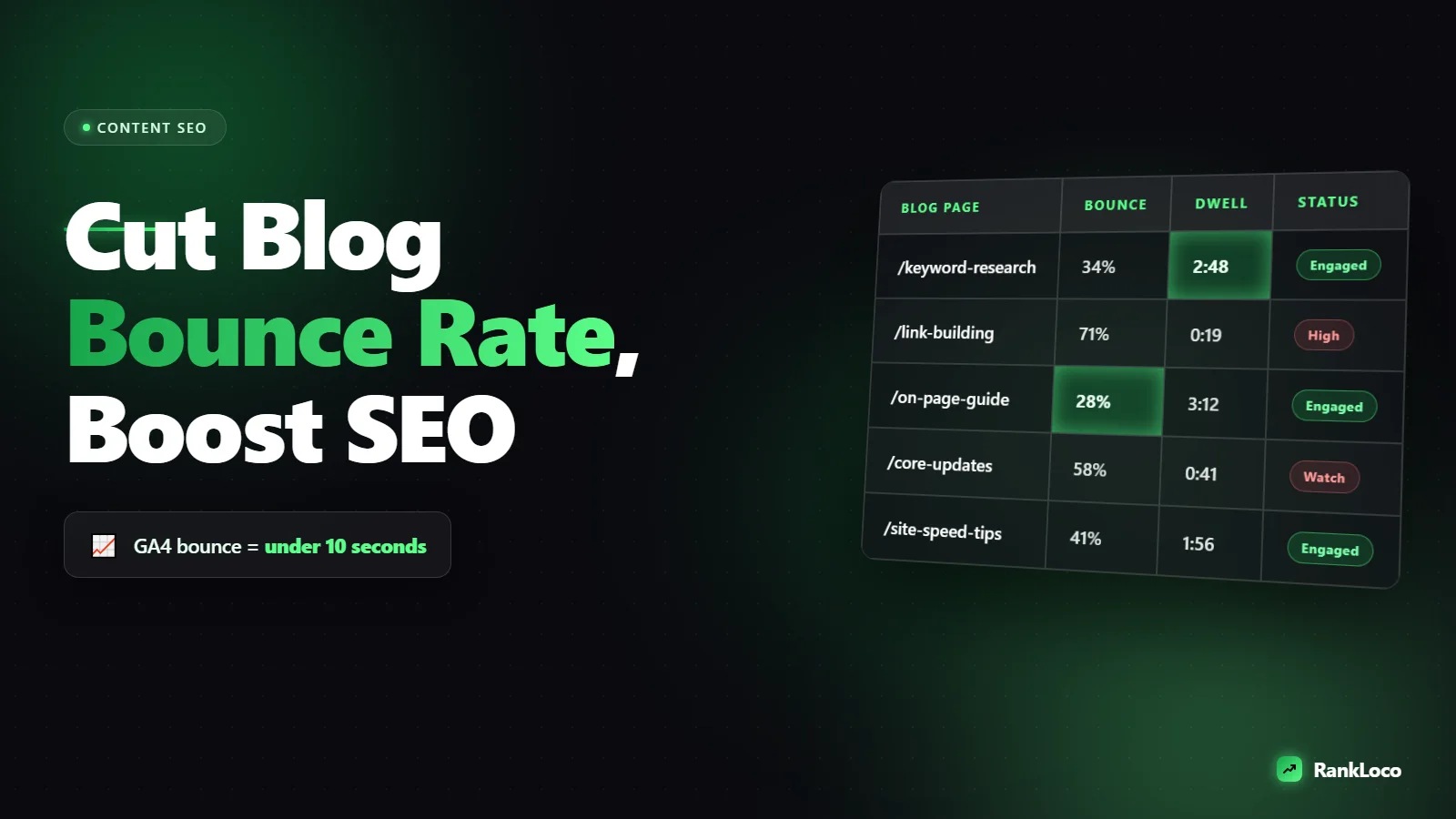
In Universal Analytics, a bounce was any session with a single pageview and no interaction. In GA4, Google flipped it: it tracks engagement rate, and bounce rate is simply the inverse. A session counts as engaged if it lasts longer than 10 seconds, fires a conversion event, or has two or more pageviews. So a GA4 bounce means someone landed, did nothing meaningful, and left within 10 seconds.
That matters because a high bounce rate on a blog post is not automatically bad. If someone reads your 1,500-word answer, gets what they needed, and leaves satisfied, that can still register as a bounce. The metric you should actually care about is whether users are satisfied and whether Google sees your page as the best result. Bounce rate is a proxy, not the goal.
Chase bounce rate when it lines up with real problems: thin content, slow pages, mismatched intent, or dead ends with no next click. Ignore it when a page is doing its job as a quick-answer resource.
Match the page to search intent before anything else
The number one reason people bounce is that the page did not deliver what the headline and search result promised. If someone searches "how to fix a leaky faucet" and lands on a page that spends 400 words on the history of plumbing, they are gone.
Pull up the query your post ranks for in Google Search Console, then read the top three results for that term. Notice the format Google is rewarding: is it a step-by-step guide, a listicle, a definition, a comparison? If your page is a rambling essay and the SERP wants a numbered process, you have an intent mismatch that no design tweak will fix.
Fix the structure to match. If you are not sure how to reverse-engineer intent from a SERP, our guide on how to write a blog post outline that ranks from search intent walks through it. And if a post ranks but people bounce and it keeps sliding, read how to fix pages that are indexed but not ranking for the deeper diagnosis.
Answer the query in the first 100 words
Don't make people scroll to get the point. Put a direct, self-contained answer at the top of the post, then expand below. This does two things: it satisfies the reader immediately (so they stay to get the detail), and it makes your page eligible for featured snippets.
A good intro on a how-to post looks like this:
- One or two sentences that directly answer the query.
- A quick line on what the rest of the post covers.
- No throat-clearing, no "in today's fast-paced world."
If you want that answer block to earn position zero, format it the way Google likes. Our post on optimizing content for featured snippets shows the exact structures that win those spots.
Fix page speed and Core Web Vitals
People bounce off slow pages before they read a word. If your blog takes four seconds to become usable on mobile, a big chunk of visitors are already back on the SERP. Load speed and layout stability are also ranking factors, so this is a two-for-one.
Run the page through PageSpeed Insights and work down this list:
| Issue | Fix |
|---|---|
| Large images | Compress and serve WebP, set width and height attributes, lazy-load below the fold |
| Slow server response | Use caching, a CDN, and decent hosting |
| Layout shift (CLS) | Reserve space for images, ads, and embeds so content doesn't jump |
| Render-blocking scripts | Defer non-critical JavaScript, remove unused plugins |
| Intrusive popups | Delay them, or trigger on exit intent instead of on load |
That last one is underrated. A popup that covers the screen two seconds after landing is a bounce machine, and Google penalizes intrusive interstitials on mobile. Speed and technical issues often overlap, so it's worth running a full technical SEO audit on the pages that matter most.
Make blog posts scannable so readers don't leave
Nobody reads a giant grey block of text. They scan first, decide if it's worth reading, then commit. If the scan fails, they bounce. Formatting is one of the cheapest, fastest bounce-rate fixes you have.
- Short paragraphs: two to three sentences max. One-sentence paragraphs are fine.
- Descriptive subheadings: a reader should understand the whole post from the H2s alone.
- Bullet and numbered lists for steps, options, and checklists.
- Bold the key phrases so scanners catch the important bits.
- Tables for comparisons and reference data.
- A table of contents on long posts, with jump links, so readers get to their section fast.
Add visual breaks every few hundred words. White space is not wasted space; it keeps eyes moving down the page instead of clicking away.
Give readers a next step with internal links
A blog post with no exits (other than the back button) is a dead end. Internal links give engaged readers somewhere to go, which raises pages per session, kills bounces in the GA4 sense, and spreads link equity around your site.
Do it deliberately:
- Link to two to four genuinely related posts inside the body, using descriptive anchor text.
- Add a "related posts" section at the end tied to the same topic, not random popular posts.
- Link from high-traffic pages to the ones you want to rank.
The structure of those links matters as much as the count. Our guide on how to build an internal linking structure for a small blog covers how to do this without turning every post into a link dump. If you write a lot on one subject, grouping posts into a topic cluster keeps readers bouncing between your pages instead of leaving.
Improve readability and depth
Thin content bounces because there's nothing to hold on to. If your post answers the question in 300 words and offers no depth, examples, or next-level detail, readers who wanted more will leave and find it elsewhere.
Depth doesn't mean padding. It means covering the follow-up questions a reader has after the main answer. Add:
- Concrete examples and real numbers.
- Step-by-step instructions instead of vague advice.
- Common mistakes and how to avoid them.
- An FAQ section targeting related searches (like the one at the bottom of this post).
Write at the reading level of your audience. Cut jargon, shorten sentences, and read it out loud. If you stumble, so will they.
Add engaging elements that pull people in
Text alone isn't always enough. Elements that require or reward interaction extend time on page and turn a passive skim into engagement:
- Relevant images, diagrams, or screenshots that illustrate a point (not stock photos of people shaking hands).
- Embedded video for how-to content, which can dramatically raise dwell time.
- Simple interactive tools: calculators, checklists, quizzes.
- Data tables and comparison charts people want to reference.
Every second longer someone spends on the page is a signal to Google that your result satisfied the search. That's the real payoff of reducing bounces: better engagement signals and rankings.
Measure the right way and track over time
Don't judge a page by bounce rate in isolation. Look at it alongside average engagement time, scroll depth, and conversions in GA4. A page with high bounce but long engagement time is probably fine. A page with high bounce and a two-second engagement time has a real problem.
Segment by device too. Mobile bounce rate is usually higher, and if it's dramatically worse than desktop, you have a mobile speed or layout issue. Watch how rankings move as you improve engagement, because the two are linked. Tools like RankLoco let you track how each page moves in the SERPs after you make these fixes, so you can tell whether reducing bounces is actually paying off in positions. Prioritize the work by starting with your top organic landing pages, since improvements there affect the most traffic.
A quick bounce-rate reduction checklist
- Confirm the page matches search intent for its target query.
- Answer the core question in the first 100 words.
- Get mobile load time under three seconds.
- Kill or delay intrusive popups.
- Break text into short paragraphs with descriptive subheadings.
- Add lists, tables, and a table of contents on long posts.
- Insert two to four relevant internal links plus a related-posts section.
- Add depth: examples, steps, and an FAQ.
- Include at least one image, diagram, or video.
- Track engagement time and rankings, not bounce rate alone.
Work through it page by page. You don't need to boil the ocean. Fix your highest-traffic posts first, watch the engagement metrics, and roll the changes out across your library. For more guides like this, browse the rest of the RankLoco blog.
Frequently Asked Questions
What is a good bounce rate for a blog?
For blog content, a bounce rate between 60% and 80% is normal, since many readers get their answer and leave satisfied. Focus less on the raw number and more on GA4 engagement time and whether the page ranks and converts. A high bounce with long engagement time is usually fine.
Does bounce rate directly affect Google rankings?
Google has said bounce rate from analytics is not a direct ranking factor, and it can't see your GA4 data anyway. But the behaviors behind a high bounce (slow pages, poor intent match, thin content) absolutely affect rankings. Fixing those causes improves both engagement and search performance.
How do I lower bounce rate on mobile specifically?
Prioritize mobile page speed, compress images, and remove render-blocking scripts. Delay or remove popups, which are more disruptive on small screens. Use larger tap targets, readable font sizes, and short paragraphs. Mobile bounce is usually higher, so compare it to desktop and fix the biggest gaps first.
Can internal linking really reduce bounce rate?
Yes. In GA4, a second pageview counts a session as engaged, so giving readers relevant internal links and a related-posts section directly reduces bounces. It also increases pages per session and helps distribute link equity, which can improve rankings across related pages on your site.
Why is my bounce rate suddenly higher than before?
Sudden spikes usually trace to a technical change: a slow-loading update, a new popup, a redesign that broke layout, or tracking that started firing differently. Check what changed around the spike date. If traffic and engagement both dropped, work through the causes in our guide on why organic traffic drops.
How long should a blog post be to keep people engaged?
Length should match intent, not a word count target. A quick definition might need 500 words, while a how-to guide often needs 1,500 or more to cover follow-up questions. Cover the topic completely without padding. Depth that answers what readers actually want keeps them on the page longer.


