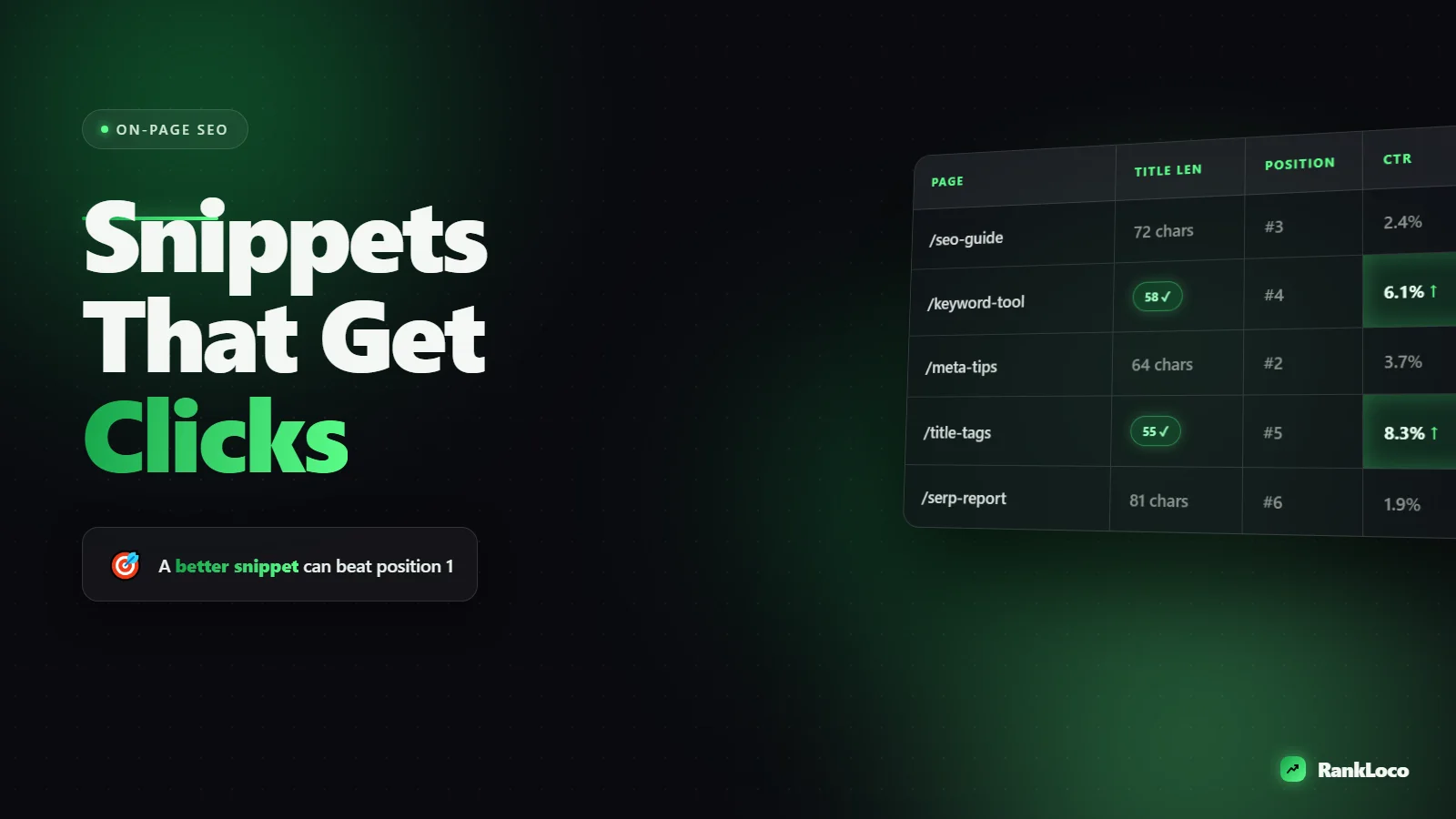
How to Write Title Tags and Meta Descriptions That Get Clicks
To write meta descriptions that get clicks, lead with the benefit or answer the searcher wants, mirror the exact words they typed, and keep it under about 155 characters so Google does not cut it off. Pair it with a title tag that puts the primary keyword near the front and adds one reason to choose your result over the others. The title does most of the clicking work; the description closes the deal.
Your title tag and meta description are the ad copy for your organic listing. You can rank in position 3 and still beat the pages above you if your snippet is more compelling. Here is exactly how to write both so people actually click.
Why Title Tags and Meta Descriptions Still Matter for CTR
Rankings get you into the auction. Click-through rate decides whether you win it. Two pages in similar positions can pull wildly different traffic based purely on how their snippets read. A stronger snippet also tends to feed back into rankings: when more people pick your result over the competition for a given query, Google reads that as a signal your page is the better match.
Google rewrites meta descriptions roughly 60 to 70 percent of the time, pulling text from the page that better matches the query. That does not make descriptions pointless. It means you should write one great description for your most valuable head query, then make sure the on-page copy Google might pull is also strong. Title tags get rewritten far less often, so that is where your effort pays the most reliable return.
How to Write Title Tags That Get the Click
The title tag is the blue clickable link in search results. It is the single biggest on-page lever for CTR. Get these fundamentals right on every page.
Put the primary keyword near the front
Searchers scan the first two or three words of each result. If your keyword is buried at the end, the scan misses it. Lead with the term the person searched. "Meta Description Length: The 2026 Character Limit Guide" beats "A Complete Guide to Everything About Meta Description Length in 2026."
Stay inside the pixel limit, not just the character count
Google truncates titles around 580 to 600 pixels, which usually means 50 to 60 characters. Wide characters like W and M eat space faster than i and l. Aim for 50 to 55 characters to be safe. If the important words get cut, the title fails.
Add a differentiator
Once the keyword is in, use the leftover space to give a reason to click. Numbers, years, brackets, and specificity all work:
- Numbers: "7 Title Tag Templates That Lift CTR"
- Year: "On-Page SEO Checklist (2026)"
- Brackets and parentheses: "Meta Descriptions [With Examples]"
- Outcome: "...That Actually Get Clicks"
- Free/tool angle: "Free Title Tag Checker"
Match search intent before you get clever
A title that promises a how-to guide but links to a product page will get the click and lose the visitor in three seconds. That bounce hurts you. Make sure the title reflects what the page actually delivers, and that it matches the intent behind the query. If you are unsure what a keyword wants, read our guide on matching content to search intent before writing a single title.
Do not stuff keywords or repeat your brand on every page
"Meta Descriptions | Title Tags | SEO Tips | Meta Tags | BrandName" reads like spam and gets rewritten. Use one clear keyword phrase, one differentiator, and your brand only where it adds trust (usually at the end, on commercial and homepage-type queries).
How to Write Meta Descriptions That Get Clicks
The meta description is the gray text under the title. It does not directly affect rankings, but it heavily influences whether someone clicks. Treat it like the two-line pitch it is.
Answer the query or promise the payoff in the first sentence
People scan descriptions the same way they scan titles. Front-load the value. If someone searches "how long should a meta description be," your description should basically answer it: "Meta descriptions should stay under 155 characters. Here is the exact pixel limit and how to write one that earns the click."
Mirror the searcher's language
Google bolds words in the description that match the query. Bold text catches the eye and pulls the click. Use the actual keyword and close variants naturally in the copy so more of it gets bolded in the SERP.
Respect the character limit
Descriptions get truncated around 155 to 160 characters on desktop and shorter on mobile. Write the essential message in the first 120 characters so it survives on every device. Anything after 155 is a bonus, not a guarantee.
Include a soft call to action that fits the intent
Match the verb to what the searcher is doing. Informational queries respond to "Learn," "See how," or "Get the checklist." Commercial queries respond to "Compare," "Try free," or "Get a quote." Do not force "Buy now" onto a research query.
Be specific, not generic
"We offer great SEO services for your business needs" says nothing. "Track rankings, run site audits, and find keywords in one dashboard. Free plan, no credit card." gives concrete reasons to click. Specificity is what separates a snippet that gets picked from one that gets rewritten.
Title Tag and Meta Description Formula by Page Type
Different pages need different angles. Here is a reference table you can copy for the pages you optimize most.
| Page type | Title tag formula | Meta description angle |
|---|---|---|
| Blog post / guide | Primary Keyword + Number/Year + Payoff | Answer the question, promise the takeaway, soft CTA ("Learn how...") |
| Product page | Product Name + Key Benefit + Brand | Lead with benefit, add proof (rating, shipping, guarantee), CTA to buy |
| Category / collection | Category + Modifier (Best, Cheap, Type) + Brand | Range and choice ("Shop 200+..."), key filter, shipping/price hook |
| Local service page | Service + City + Benefit | Location, credential, CTA ("Get a free quote") |
| Homepage | Brand + Primary Value Proposition | What you do, who it is for, main differentiator |
A Step-by-Step Checklist for Every Page
- Identify the one query the page targets. Write for that, not five keywords at once.
- Write the title first. Keyword near the front, 50 to 55 characters, one differentiator.
- Check the pixel width by previewing how it renders in search results, not just counting characters.
- Write the description second. Answer or payoff in the first sentence, keyword mirrored, under 155 characters, intent-matched CTA.
- Confirm it matches the page. No promise the content does not keep.
- Check for duplicates. Every page needs a unique title and description. Duplicate titles across pages confuse Google and tank CTR.
- Publish, then measure. Watch CTR in Search Console after 2 to 4 weeks and rewrite the underperformers.
Test and Improve CTR With Real Data
Writing the snippet is step one. The real gains come from iteration. Open Google Search Console, go to the Performance report, and sort your pages by impressions. Look for pages with high impressions but a CTR below the average for their position. Those are your fastest wins: they already rank, they just need a better snippet.
Rewrite the title with a sharper differentiator, wait a few weeks, and compare. Small changes (adding a number, leading with the keyword, adding a year) often move CTR by a point or two, which on a high-impression query is real traffic. To see how position and snippet quality work together across your whole site, track your target keywords over time with RankLoco so you can tie snippet edits to actual movement in clicks and rankings.
Title and description work is one part of a bigger on-page process. When you are optimizing a full article, combine this with the steps in our guide on how to optimize a blog post for a target keyword, and use a solid internal linking strategy to push authority to the pages you most want ranking. For more playbooks, browse the full library of SEO guides.
Common Title Tag and Meta Description Mistakes
- Letting the CMS auto-generate them. Default titles pull the H1 or page slug and rarely read like ad copy.
- Writing for the algorithm, not the human. Keyword-stuffed titles get ignored by both.
- Ignoring mobile truncation. Most searches are mobile, where descriptions cut off sooner.
- Duplicate meta across pages. Templated descriptions that only swap a city or product name almost always get rewritten by Google.
- Forgetting the description entirely. Blank descriptions force Google to scrape random page text, and it rarely picks your best line.
- Clickbait that overpromises. High CTR plus instant bounce is worse than a lower CTR with satisfied visitors.
Frequently Asked Questions
How long should a meta description be in 2026?
Keep meta descriptions under 155 to 160 characters for desktop, and put the most important message in the first 120 characters so it survives mobile truncation. There is no ranking bonus for going longer. Anything past the cutoff shows as an ellipsis and gets ignored.
Does the meta description affect Google rankings?
No, the meta description is not a direct ranking factor. It affects click-through rate, and a higher CTR for your position can indirectly support rankings by signaling to Google that searchers prefer your result. Write it to earn clicks, not to rank.
Why does Google rewrite my meta description?
Google rewrites descriptions when it thinks a different snippet from your page better matches the specific query. This happens often, especially for long-tail searches. Reduce rewrites by writing a description that closely mirrors your main target query and by keeping on-page copy strong and relevant.
Should every page have a unique title tag and meta description?
Yes. Duplicate titles and descriptions across pages confuse search engines about which page to rank and hurt CTR. Every indexable page needs a unique title and description. A site audit tool like RankLoco can flag duplicate and missing meta tags across your whole site in one crawl.
What is the difference between a title tag and an H1?
The title tag is the clickable headline in search results and browser tabs, written for the SERP. The H1 is the on-page heading readers see after they click. They can be similar but do not have to match; the title is optimized for the click, the H1 for on-page clarity.
How do I know if my title tags are working?
Check the Performance report in Google Search Console and compare CTR against the expected rate for each page's average position. Pages ranking well but getting few clicks have a snippet problem. Rewrite the title, wait two to four weeks, and compare the CTR before and after.


