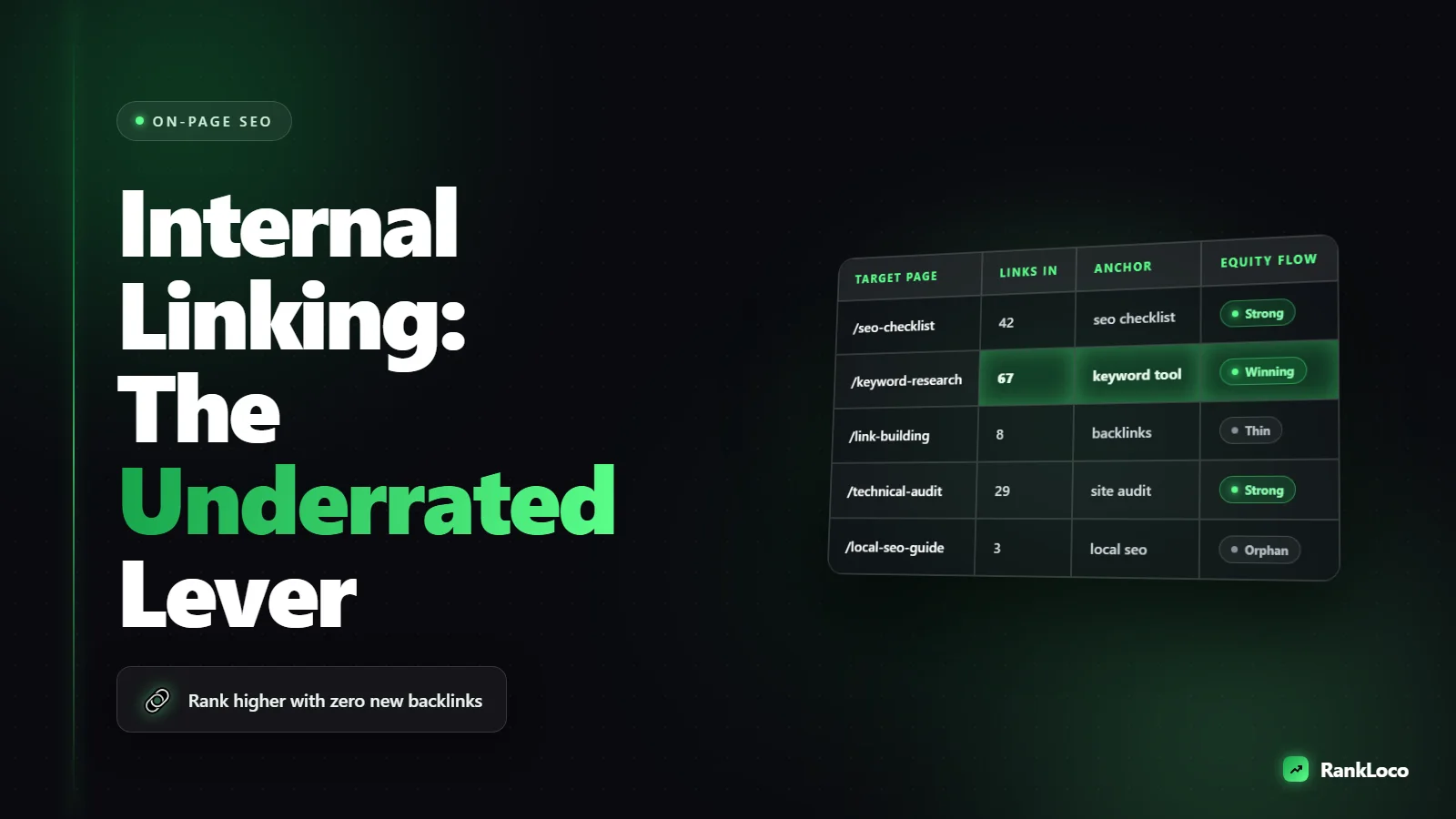
Internal Linking Strategy: The Most Underrated SEO Lever
An internal linking strategy is the deliberate practice of connecting your own pages with descriptive links so search engines understand your site structure and rank your most important pages higher. Done right, it passes authority from strong pages to weak ones, helps Google crawl and index faster, and boosts rankings without a single new backlink. Most sites treat it as an afterthought, which is exactly why it's the cheapest ranking win you're ignoring.
I've moved pages from position 15 to page one just by adding four relevant internal links from high-authority pages. No new content, no outreach, no waiting for backlinks. If you're doing SEO and not thinking about internal links on purpose, you're leaving rankings on the table.
Why internal links move rankings
Internal links do three jobs, and each one directly affects whether you rank.
- They pass authority (PageRank). When a strong page links to a weaker one, it shares some of its ranking power. Your homepage and top blog posts are usually your most authoritative assets. Point them at pages you actually want to rank.
- They give Google context. The anchor text and surrounding words tell search engines what the linked page is about. Link to a page with the anchor "internal linking strategy" and you reinforce that topic. Link with "click here" and you've told Google nothing.
- They control crawling and discovery. Google finds and re-crawls pages by following links. A page buried five clicks deep with no internal links gets crawled rarely and ranks poorly. Pages linked from your main navigation and popular content get crawled often.
External backlinks are still powerful, but you don't control who links to you. You have total control over how your own pages link to each other. That's what makes internal linking the most reliable lever you have.
The core principles of a strong internal linking strategy
Before you touch a single link, get these fundamentals right. They're the difference between random linking and a strategy that compounds.
Build around topic clusters
Organize content into clusters: one broad pillar page targeting a head keyword, surrounded by narrower supporting pages targeting long-tail variations. Every supporting page links up to the pillar, and the pillar links down to each supporter. This structure tells Google you have depth on a topic and concentrates authority on the page you most want to rank. If you're still figuring out which topics to build around, start with solid keyword research to map out your clusters.
Keep important pages within three clicks of the homepage
The number of clicks it takes to reach a page from your homepage is a rough proxy for how important Google thinks it is. Your money pages, key service pages, and top guides should never be more than three clicks deep. If they are, add links from your main navigation, footer, or high-traffic content to pull them up.
Use descriptive, varied anchor text
Anchor text should describe the destination page and include relevant keywords, but don't use the exact same phrase every time. Mix it up naturally. For a page about local citations, you might link with "local citation building," "managing your business listings," and "citation consistency" across different pages. Natural variation looks like real editorial linking, which is exactly what it is.
Link from strong pages to pages that need help
Find your highest-authority, highest-traffic pages and use them as launch pads. A single link from a page that ranks well and gets links carries far more weight than ten links from thin, ignored pages. This is the single most overlooked tactic in most internal linking efforts.
How to build an internal linking strategy step by step
Here's the exact process I run on every site. It takes an afternoon and pays off for months.
- Map your content into clusters. List your pages and group them by topic. Identify one pillar per cluster and mark the supporting pages that should link to it.
- Find your most authoritative pages. Use Google Search Console or your analytics to spot pages with the most impressions, clicks, and backlinks. These are your authority sources.
- Find your orphan and under-linked pages. Orphan pages have zero internal links pointing to them. Under-linked pages have one or two. A site crawl (RankLoco's technical SEO audit will flag these fast) makes this obvious.
- Add contextual links from authority pages to targets. Go into your strong pages and add relevant, in-content links pointing to the pages you want to rank. Contextual links inside body copy carry more weight than sitewide footer or sidebar links.
- Fix your anchor text. Replace vague anchors like "read more" and "click here" with descriptive phrases that include target keywords.
- Wire up every new post. Whenever you publish, add links from at least two or three existing relevant pages, and link out from the new post to your pillar and related content. New pages should never launch as orphans.
- Track the impact. Watch rankings and impressions for the pages you linked to. Use RankLoco to track those keywords so you can see which internal linking changes actually moved positions.
Internal linking mistakes that quietly kill rankings
| Mistake | Why it hurts | Fix |
|---|---|---|
| Orphan pages | Google barely crawls them and rarely ranks them | Add at least 2-3 contextual internal links from related pages |
| Generic anchor text | Wastes the context signal Google relies on | Use descriptive, keyword-relevant anchors |
| Too many links on one page | Dilutes the authority each link passes | Keep in-content links focused and relevant, not a link dump |
| Deep, buried pages | Low crawl priority and weak ranking signals | Link from navigation or high-traffic pages to shorten the path |
| Only linking from footer/sidebar | Sitewide links carry less weight than in-content links | Prioritize contextual links inside body copy |
| Broken internal links | Wastes crawl budget and passes users to dead ends | Run regular crawls and fix or redirect 404s |
How many internal links should a page have?
There's no magic number, but here's a practical rule: every page should have enough contextual links to fully cover the related topics it mentions, without turning into a wall of blue text. For a typical blog post of 1,500 words, three to eight in-content internal links is a healthy range. Your money pages should receive many more inbound internal links than they send out, because you want authority flowing toward them.
Don't obsess over exact counts. Focus on relevance. A link only helps if it genuinely connects two related pages and a reader might actually want to follow it. If a link wouldn't make sense to a human, it won't help you with Google either.
Internal linking for local businesses
If you run a local site, the same rules apply but the clusters look different. Your service pages, location pages, and blog posts should all link back to each other logically. A city page can link to the specific services you offer there, and a blog post about a service can link to the relevant service page. This structure helps Google connect your topical relevance to your geographic relevance. It pairs well with the fundamentals in a small business SEO audit, where internal structure often reveals quick wins.
One caution for local sites: don't spin up dozens of thin location pages and cross-link them in a giant grid. Google spots that pattern. Build real, distinct pages worth linking to, then connect them where the relationship is genuine.
Internal linking and SERP features
Strong internal linking also helps you win featured snippets and other rich results, because it signals which page is the definitive answer on a topic. When you concentrate links and clear anchor text on one authoritative page, you increase its odds of being chosen for the snippet. If that's a goal, read up on how to win SERP features and make sure your best answer page is also your best-linked page. You can find more playbooks like this across our SEO guides, and if you want a tool to find keywords, track rankings, and run the audits behind all of this, start at the RankLoco homepage.
A quick internal linking audit checklist
- Every important page is within three clicks of the homepage
- No orphan pages exist (every page has at least 2-3 inbound internal links)
- Pillar pages receive links from all their supporting pages
- High-authority pages link out to pages that need a rankings boost
- Anchor text is descriptive and varied, not generic
- Contextual in-content links are prioritized over footer/sidebar links
- No broken internal links or redirect chains
- Every new post gets wired into existing content on publish
Run this quarterly. Sites change, pages get published, and links break. Internal linking is not a one-time project. It's ongoing maintenance that keeps your authority flowing where you want it.
Frequently Asked Questions
Do internal links help SEO?
Yes. Internal links pass ranking authority between your pages, help Google crawl and index your site, and give search engines context about what each page is about through anchor text. They're one of the few ranking factors you fully control, which makes them a reliable way to boost pages you already own.
How many internal links per page is too many?
There's no hard cap, but if a page has so many links that authority gets spread thin and readers can't tell which matter, you've gone too far. For most content, keep in-content links focused and relevant. A 1,500-word post with three to eight meaningful internal links is a healthy range.
What is the difference between internal and external links?
Internal links point from one page on your site to another page on the same site. External links point to pages on other websites (or come from other sites to yours, called backlinks). Internal links you control completely; external backlinks depend on other people choosing to link to you.
What is an orphan page in SEO?
An orphan page has no internal links pointing to it from anywhere on your site. Google struggles to find and crawl these pages, so they rarely rank well. The fix is simple: add at least two or three contextual internal links from related, higher-authority pages on your site.
Does anchor text matter for internal links?
Yes, a lot. Anchor text tells Google what the linked page is about. Descriptive, keyword-relevant anchors reinforce the topic and improve rankings. Generic anchors like "click here" or "read more" waste that signal. Vary your anchor text naturally rather than repeating the exact same phrase every time.
How often should I audit my internal linking?
Review your internal linking at least quarterly, and wire in links every time you publish new content. Sites accumulate orphan pages, broken links, and buried content over time. A regular crawl catches these issues before they drag down crawl efficiency and rankings.


