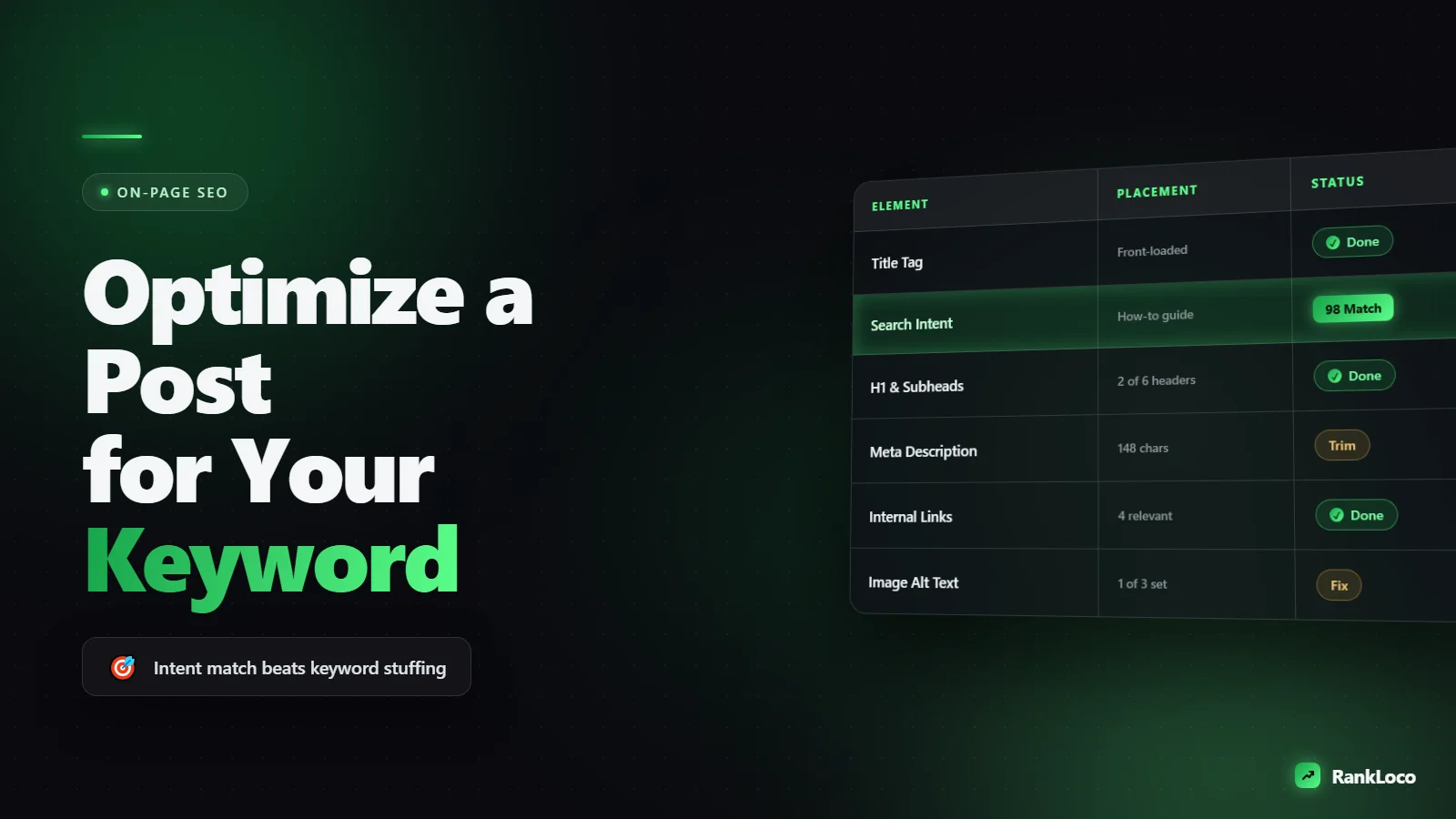
How to Optimize a Blog Post for a Target Keyword Step by Step
To optimize a blog post for a target keyword, match the page to search intent, put the keyword in the title, URL, H1, first 100 words, and one H2, then support it with related terms Google expects to see, tight internal links, and a scannable structure. Do that on a page that genuinely answers the query better than the current top 10 and you have the on-page foundation to rank.
That is the short version. Below is the full step-by-step process I use on real pages, in the order I actually do it.
Step 1: Confirm the keyword is worth optimizing for
Before you touch the post, make sure the keyword can realistically rank and is worth the effort. A perfectly optimized page for a keyword you cannot win is wasted work.
Check three things:
- Search volume: enough people search it to matter. Even 50 to 100 monthly searches is fine for a small site if the intent is strong.
- Competition: can a page with your authority realistically crack the top 10? If the first page is all high-authority domains, pick a longer-tail variation.
- Relevance: the keyword maps to something you actually sell or want to be known for.
If you are starting a newer site, prioritize easier terms first. Our guide on how to find low competition keywords for a new website walks through the exact filters to use, and if you need tools, start with the best free keyword research tools for small businesses.
Step 2: Nail the search intent before writing a word
Search intent is the single biggest ranking factor most people ignore. Google already knows what type of content ranks for your keyword because it watches what users click and stay on. Your job is to match that format.
Google the keyword and read the top 5 results. Ask:
- Are they how-to guides, listicles, product pages, or comparison posts?
- How long are they, roughly?
- What subtopics do they all cover?
- Is the reader trying to learn, buy, compare, or find a specific page?
If every top result is a step-by-step tutorial and you write a 400-word opinion piece, you will not rank no matter how many times you drop the keyword. Format follows intent. For a deeper breakdown, read our guide on matching content to search intent.
Step 3: Place the keyword where it actually counts
Keyword placement is not about stuffing. It is about signaling clearly what the page is about in the spots Google weighs most. Hit these placements naturally and stop:
| Placement | Why it matters |
|---|---|
| Title tag | Strongest on-page relevance signal and drives the click in the SERP |
| URL slug | Reinforces topic; keep it short and clean |
| H1 (post title) | Confirms the main topic to users and crawlers |
| First 100 words | Shows relevance early; also helps snippet eligibility |
| At least one H2 | Signals the keyword is a core section, not an afterthought |
| Image alt text | Adds context and can rank in image search |
| Meta description | No direct ranking value but lifts click-through |
Use the exact keyword in the title and H1. Everywhere else, natural variations are fine. Read your draft out loud: if a sentence sounds robotic because you forced the keyword in, rewrite it. Google is good at understanding variations, so awkward exact-match phrasing hurts more than it helps.
Write a title tag that earns the click
Put the keyword near the front, keep it under about 60 characters so it does not truncate, and add a reason to click: a number, a year, a benefit, or a bracketed qualifier. "How to Optimize a Blog Post for a Target Keyword (Step by Step)" beats a bare keyword every time.
Step 4: Build a structure that answers the whole query
Ranking pages cover a topic completely. Thin coverage is the most common reason a well-written post stalls on page two.
Do this before writing the body:
- List every subtopic the top 5 results cover.
- Note the "People Also Ask" questions under the SERP.
- Group these into logical H2 and H3 sections.
- Add one or two angles the competitors missed so your page is more complete, not just a copy.
Each H2 should map to a real subtopic or question. Use descriptive, keyword-bearing headings instead of generic ones like "Overview" or "Tips." Headings help readers scan and help Google understand your page structure.
Step 5: Answer the core question in the first paragraph
Lead with a direct, self-contained answer to the main query in two to three sentences. This does two things: it earns featured snippets, and it keeps impatient readers on the page instead of bouncing back to the SERP.
Then go deep. Put the payoff up top and the supporting detail below. Nobody wants to scroll through a 300-word warmup to find the answer they searched for.
Step 6: Add supporting keywords and entities
Google does not rank pages on a single keyword anymore. It looks for the related terms, subtopics, and entities that naturally appear when someone genuinely covers a topic. If you write about optimizing a blog post, terms like "title tag," "internal links," "search intent," and "meta description" should show up because they belong there.
How to find them without guessing:
- Scan the "related searches" at the bottom of the SERP.
- Note bolded terms in competitor content.
- Pull the questions from People Also Ask.
- Use a keyword tool to find variations and long-tail phrases.
Cover these naturally. Do not build a list and cram them in. If your content is thorough, most will appear on their own.
Step 7: Optimize for readability and engagement
Dwell time and engagement matter. A page people actually read sends better signals than a wall of text. Format for skimmers:
- Short paragraphs (two to four sentences).
- Bullet lists and numbered steps for processes.
- Bold the key takeaway in dense sections.
- One idea per paragraph.
- A table or checklist where it saves the reader time.
Aim for a reading level a busy person can skim on a phone. Most of your traffic is mobile, so test how the post looks on a small screen.
Step 8: Add internal links with descriptive anchor text
Internal linking is the most underused on-page lever. It passes authority to the pages you want to rank and helps Google understand how your content connects. When you publish or update a post, link to it from 2 to 4 relevant existing pages using descriptive anchor text (not "click here").
Also link out from your new post to other relevant posts on your site. This keeps readers moving through your content and spreads link equity. Our full internal linking strategy guide covers how to structure this across a whole site. For more on-page and technical wins, browse our other SEO guides.
Step 9: Handle the technical on-page basics
Content wins rankings, but technical mistakes can cap them. Run through this before you hit publish:
- URL: short, lowercase, hyphenated, keyword included, no dates or stop words.
- Page speed: compress images, lazy-load below-the-fold media.
- Mobile: readable text, tappable buttons, no horizontal scroll.
- Headings: one H1, logical H2/H3 hierarchy, no skipped levels.
- Alt text: descriptive, keyword where it fits naturally.
- Schema: add Article or FAQ schema where relevant.
- Indexing: confirm the page is not blocked by robots.txt or noindex.
If you are unsure where your site stands, run a scan with a tool like RankLoco to catch technical issues on the page, then work through our technical SEO checklist for the fixes that actually move rankings.
Step 10: Write a compelling meta description
The meta description does not directly affect rankings, but it affects how many people click your result, and click-through influences position over time. Write 140 to 155 characters that include the keyword, state the benefit, and give the reader a reason to choose your result over the others on the page.
Step 11: Publish, track, and improve
Optimization does not end at publish. New posts often bounce around positions 15 to 40 for a few weeks while Google tests them. Give it 4 to 8 weeks, then check where you land.
Track your target keyword's position so you know whether your changes worked. This is where a rank tracker earns its keep: you see movement over time instead of refreshing an incognito search and guessing. If a page stalls on page two, that is usually a content-depth or intent-match problem, not a keyword-placement one. Add the subtopics you are missing, strengthen internal links, and improve the answer above the fold.
The complete on-page checklist
- Keyword is winnable and relevant
- Intent matches the ranking format
- Keyword in title, URL, H1, first 100 words, one H2
- Structure covers every subtopic in the top results
- Direct answer in the opening paragraph
- Supporting terms and entities included naturally
- Scannable formatting: short paragraphs, lists, bold
- Internal links in and out with descriptive anchors
- Technical basics clean (URL, speed, mobile, schema)
- Meta description written for clicks
- Tracking set up and content reviewed after 6 weeks
Frequently Asked Questions
How many times should a target keyword appear in a blog post?
There is no magic number. Use the exact keyword in the title and H1, mention it in the first 100 words and one H2, then use natural variations throughout. For a 1,500-word post, that usually means the exact phrase appears 4 to 8 times. Forcing more risks reading as spam.
Should I optimize an old blog post or write a new one?
If you already have a post that ranks anywhere in the top 30 for the keyword, update it rather than starting over. It already has some authority and history. Refresh the content depth, improve the intent match, add internal links, and republish. Write new only when no existing page targets that intent.
How long does it take to rank after optimizing a post?
For a new post on a low-competition keyword, expect movement in 4 to 8 weeks and stable rankings in 3 to 6 months. Competitive terms take longer and often need backlinks. If nothing moves after two months, the issue is usually intent mismatch or thin content, not keyword placement.
Does keyword density still matter for SEO?
No. Keyword density as a target percentage is outdated. Google evaluates topical relevance using related terms and entities, not a ratio. Write comprehensively for the reader, place the keyword in the key spots, and density takes care of itself. Chasing a specific percentage leads to awkward, over-optimized writing.
Can I target more than one keyword in a single blog post?
Yes, and you should. Target one primary keyword plus several closely related variations that share the same intent. Trying to force two different intents into one post usually means you rank for neither. If two keywords need different formats or answers, make two pages.
Why is my optimized post stuck on page two?
Page two usually means Google sees the page as relevant but not the best answer. Common causes: content is thinner than the top results, intent is slightly off, or the page lacks internal links and authority. Add missing subtopics, strengthen internal linking, and earn a few quality backlinks to push into the top 10.


