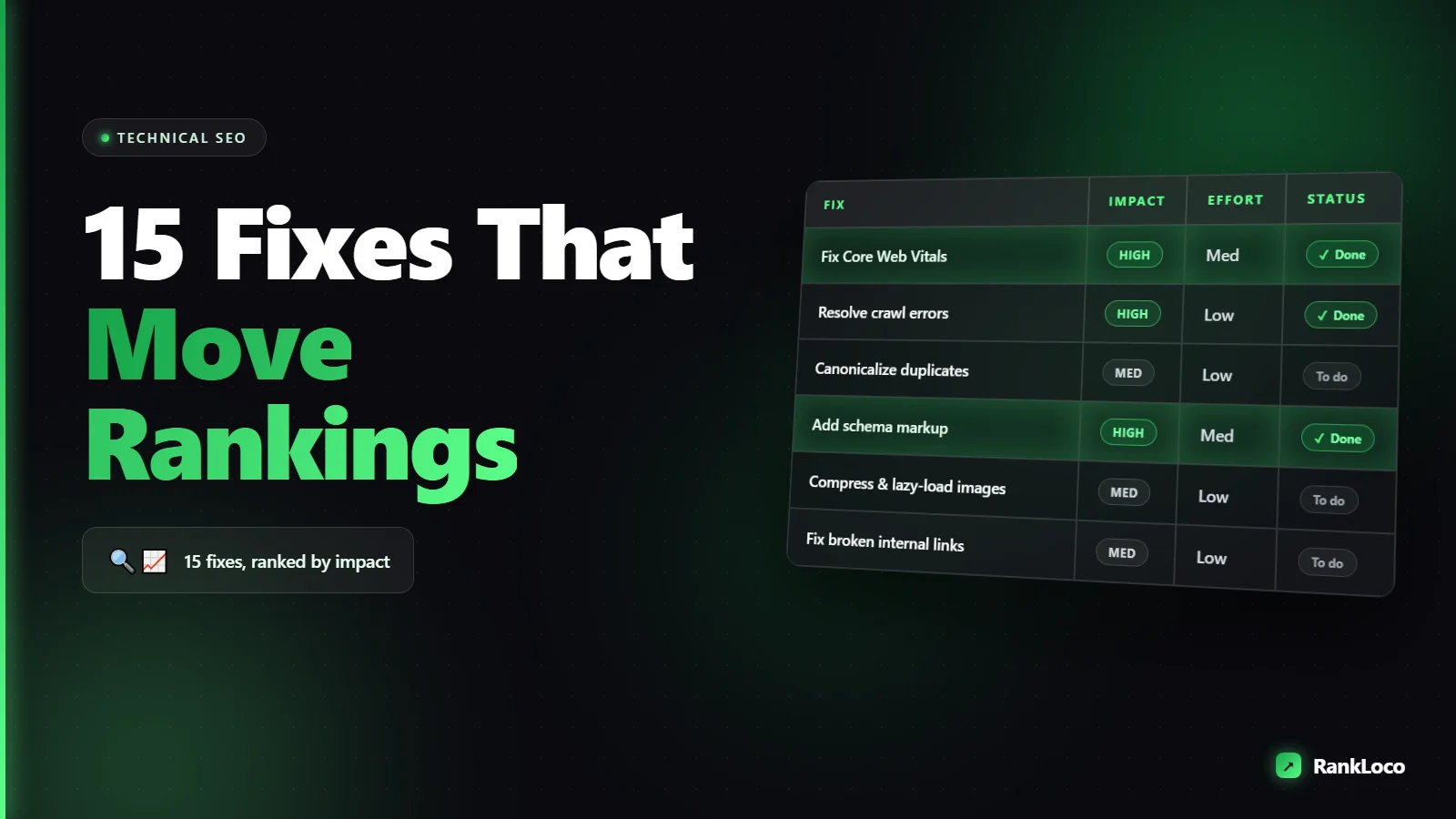
Technical SEO Checklist: 15 Fixes That Actually Move Rankings
A technical SEO checklist covers the site-level fixes that let Google crawl, render, index, and trust your pages: fast load times, clean crawl paths, correct indexing rules, mobile usability, HTTPS, structured data, and no duplicate or broken content. Fix these first and your existing content ranks better without writing a single new page. Below are the 15 fixes that move rankings, ordered so you tackle the highest-impact problems before the polish.
Why Technical SEO Comes Before Content and Links
You can publish the best article on the topic and it still ranks nowhere if Google can't crawl it, the page takes eight seconds to load, or a stray noindex tag is quietly hiding it. Technical SEO is the foundation. It doesn't win rankings on its own, but broken technical SEO caps everything else you do. Run through this list before you spend another dollar on content or backlinks.
If you want to see where your site actually stands before you start, run a full small business SEO audit so you're fixing real problems instead of guessing.
The 15-Point Technical SEO Checklist
| # | Fix | Impact |
|---|---|---|
| 1 | Get indexed (check coverage) | High |
| 2 | Fix crawl budget waste | Medium |
| 3 | Clean up robots.txt | High |
| 4 | Remove accidental noindex tags | High |
| 5 | Fix Core Web Vitals | High |
| 6 | Force HTTPS everywhere | Medium |
| 7 | Pick one canonical domain | High |
| 8 | Set canonical tags correctly | Medium |
| 9 | Kill duplicate content | Medium |
| 10 | Fix broken links and 404s | Medium |
| 11 | Repair redirect chains | Low |
| 12 | Confirm mobile usability | High |
| 13 | Add structured data | Medium |
| 14 | Optimize XML sitemap | Medium |
| 15 | Improve internal linking | High |
1. Confirm your pages are actually indexed
Open Google Search Console and check the Pages report under Indexing. If a page isn't indexed, it can't rank. Common reasons: "Crawled - currently not indexed" (thin or duplicate content), "Discovered - currently not indexed" (crawl budget or quality issue), or "Excluded by noindex tag." Fix the highest-value pages first. A quick sanity test: search site:yourdomain.com/your-page-url in Google. Nothing? It's not indexed.
2. Stop wasting crawl budget
Google gives every site a limited crawl budget. If it burns that budget on filtered URLs, session IDs, tag archives, and paginated junk, your important pages get crawled less often. Block low-value parameter URLs, consolidate thin archive pages, and make sure your money pages are close to the homepage in click depth. On small sites this matters less. On large e-commerce or listing sites it matters a lot.
3. Audit your robots.txt file
Visit yourdomain.com/robots.txt. I've seen entire sites tank because a developer left Disallow: / in place after launch. Make sure you aren't blocking CSS, JavaScript, or important directories that Google needs to render pages. Robots.txt controls crawling, not indexing, so don't use it to hide pages you want removed from search. Use noindex for that.
4. Remove accidental noindex tags
A single <meta name="robots" content="noindex"> tag will keep a page out of Google entirely. These get left behind after staging or added by CMS plugins by mistake. Crawl your site and filter for any page returning a noindex directive. Check both the meta tag and the X-Robots-Tag HTTP header. If a page you want ranking has noindex, that's your problem, full stop.
5. Fix Core Web Vitals
Core Web Vitals are a confirmed ranking factor and, more importantly, a conversion factor. Focus on three metrics:
- LCP (Largest Contentful Paint): under 2.5 seconds. Usually fixed by compressing your hero image, using a CDN, and lazy-loading below-the-fold assets.
- INP (Interaction to Next Paint): under 200ms. Reduce heavy JavaScript and third-party scripts.
- CLS (Cumulative Layout Shift): under 0.1. Set width and height on images and reserve space for ads and embeds so the page doesn't jump.
Use the Core Web Vitals report in Search Console (it uses real user data) rather than relying only on lab tools. Fix the URL groups flagged as "Poor" first.
6. Force HTTPS across the whole site
HTTPS has been a ranking signal for years. Make sure your certificate is valid and not expired, and that every HTTP URL 301-redirects to its HTTPS version. Watch for mixed content warnings where an HTTPS page still loads an image or script over HTTP. Those break the secure padlock and can hurt user trust.
7. Choose one canonical version of your domain
Your site should resolve to exactly one version. Pick either www or non-www, and either HTTP or HTTPS, then 301-redirect the other three combinations to it. If yourdomain.com, www.yourdomain.com, and the HTTP versions all load separately, Google sees duplicate sites and splits your ranking signals. Test all four by typing them into a browser and confirming they land on the same URL.
8. Set canonical tags correctly
Every page should have a self-referencing canonical tag pointing to its own preferred URL. For duplicate or near-duplicate pages (print versions, sorted product lists, UTM-tagged URLs), point the canonical to the main version. Common mistake: canonical tags that point to the homepage on every page, which tells Google to ignore all your other content. Spot-check yours in the page source.
9. Eliminate duplicate content
Duplicate content dilutes your ranking signals and can leave Google guessing which page to show. Look for boilerplate service pages that only swap a city name, product variants with identical descriptions, and the same content living on multiple URLs. Consolidate with canonicals or 301 redirects, or rewrite pages so each one is genuinely distinct and useful.
10. Find and fix broken links and 404s
Broken internal links waste crawl budget and frustrate users. Broken links to your important pages leak the value they'd otherwise pass. Crawl your site, pull every 404, and either restore the page, 301-redirect it to the closest relevant URL, or update the links pointing to it. Don't blanket-redirect everything to the homepage, Google treats those as soft 404s.
11. Repair redirect chains and loops
A redirect chain (URL A goes to B goes to C) slows crawling and loses a little link equity at each hop. Redirect loops break pages entirely. Map your redirects so each old URL points directly to the final destination in one hop. This is easy to let pile up after a few site migrations.
12. Confirm mobile usability
Google indexes the mobile version of your site first. If your mobile pages hide content, use tiny tap targets, or have text that overflows, you're ranking on a worse version of your site. Open your key pages on an actual phone. Check that the content matches desktop, buttons are tappable, and nothing requires horizontal scrolling. Responsive design handles most of this, but verify it.
13. Add structured data (schema markup)
Schema markup helps Google understand your content and can win rich results: star ratings, FAQs, breadcrumbs, product prices, and more. Add the relevant type for each page (Article, Product, FAQPage, LocalBusiness). Validate everything with Google's Rich Results Test. For local sites, this is a big one. Here's a full breakdown of how local business schema markup helps you rank and which fields to fill in.
14. Optimize your XML sitemap
Your sitemap should list only canonical, indexable, 200-status URLs, no redirects, no noindex pages, no 404s. Keep it current, submit it in Search Console, and reference it in robots.txt. On big sites, split it into logical sitemaps (products, blog, categories) so you can diagnose indexing problems by section. A messy sitemap sends Google mixed signals about what matters.
15. Strengthen internal linking
Internal links tell Google which pages matter and pass ranking value between them. Every important page should be reachable within three clicks of the homepage. Link from high-authority pages (like popular blog posts) to the pages you want to rank, using descriptive anchor text. Orphan pages with zero internal links struggle to rank no matter how good they are. Fix those first.
How to Prioritize These Fixes
Don't try to do all 15 in one sitting and burn out. Work in this order:
- Indexing and crawl blockers first. If Google can't index or crawl a page, nothing else matters. That's fixes 1, 3, 4, and 7.
- Speed and mobile next. Core Web Vitals and mobile usability affect every page and every user. Fixes 5 and 12.
- Duplication and structure. Canonicals, duplicates, redirects, sitemaps, internal links. Fixes 8, 9, 11, 14, 15.
- Enhancements last. Schema and crawl budget tuning. Fixes 2 and 13.
Re-crawl after each batch so you can confirm the fix worked and catch anything you broke. A tool that runs the full technical audit and tracks your keyword positions over time makes this loop faster. RankLoco flags these issues, groups them by severity, and shows you whether rankings actually moved after you fixed them, so you're not fixing things blind. If you're comparing options, here's a rundown of the best local SEO audit tool for fast fixes.
Technical SEO Is Maintenance, Not a One-Time Project
Sites break. Plugins update, developers push changes, redirects pile up, and pages fall out of the index. Re-run this checklist quarterly, or monthly for larger sites, and check Search Console weekly for new coverage errors. The sites that rank consistently aren't the ones that did a perfect audit once. They're the ones that catch problems within days instead of months. Browse more SEO guides to go deeper on content and off-page work once your technical foundation is solid.
Frequently Asked Questions
How long does technical SEO take to affect rankings?
Fixes that unblock indexing or crawling can show results within days once Google recrawls. Speed and structure improvements usually take two to eight weeks to reflect in rankings, since Google needs to recrawl, re-evaluate, and update its assessment of your site across many pages.
What is the most important technical SEO factor?
Indexability comes first, because a page that isn't indexed cannot rank at all. After that, Core Web Vitals and mobile usability have the broadest impact since they affect every page and every visitor. Fix crawl and index blockers before you touch anything else.
Can I do technical SEO without coding skills?
Yes for most of it. Modern CMS platforms and plugins handle sitemaps, canonicals, HTTPS, and schema through settings. You'll need developer help for Core Web Vitals tuning, redirect logic, and server-level fixes, but you can identify and prioritize every issue on this list yourself with an audit tool.
How often should I run a technical SEO audit?
Run a full audit quarterly for a small site and monthly for a large or fast-changing one. Check Google Search Console weekly for new indexing errors, manual actions, and Core Web Vitals regressions so you catch problems before they cost you rankings.
Does technical SEO matter for small local businesses?
Yes. A slow, hard-to-crawl site with broken schema underperforms even in local search. Technical health supports your Google Business Profile and map rankings too. Pair these fixes with the on-page and off-page work in an instant local SEO audit checklist for the full picture.
What tools do I need for a technical SEO audit?
At minimum, Google Search Console (free) for indexing and Core Web Vitals data, plus a site crawler to find broken links, redirect chains, noindex tags, and duplicate content. A combined SEO platform that crawls, audits, and tracks rankings in one place saves you from stitching together five separate tools.


