Local SEO for Small Businesses: A Practical Playbook
Local SEO for small business means getting your business to show up when nearby customers search for what you sell, especially in Google's map pack and local results. The three levers that move the needle are a fully optimized Google Business Profile, consistent business information (NAP) across the web, and reviews plus local links that prove you are relevant and trusted. Nail those three and you can outrank bigger competitors in your own city.
This is the playbook I use to rank real local businesses. No theory, no fluff. Just the moves that generate phone calls and form fills.
How local search actually works
Google ranks local results on three main signals: relevance (does your business match the search), distance (how close you are to the searcher), and prominence (how well-known and trusted you are). You cannot change distance, but you have enormous control over the other two.
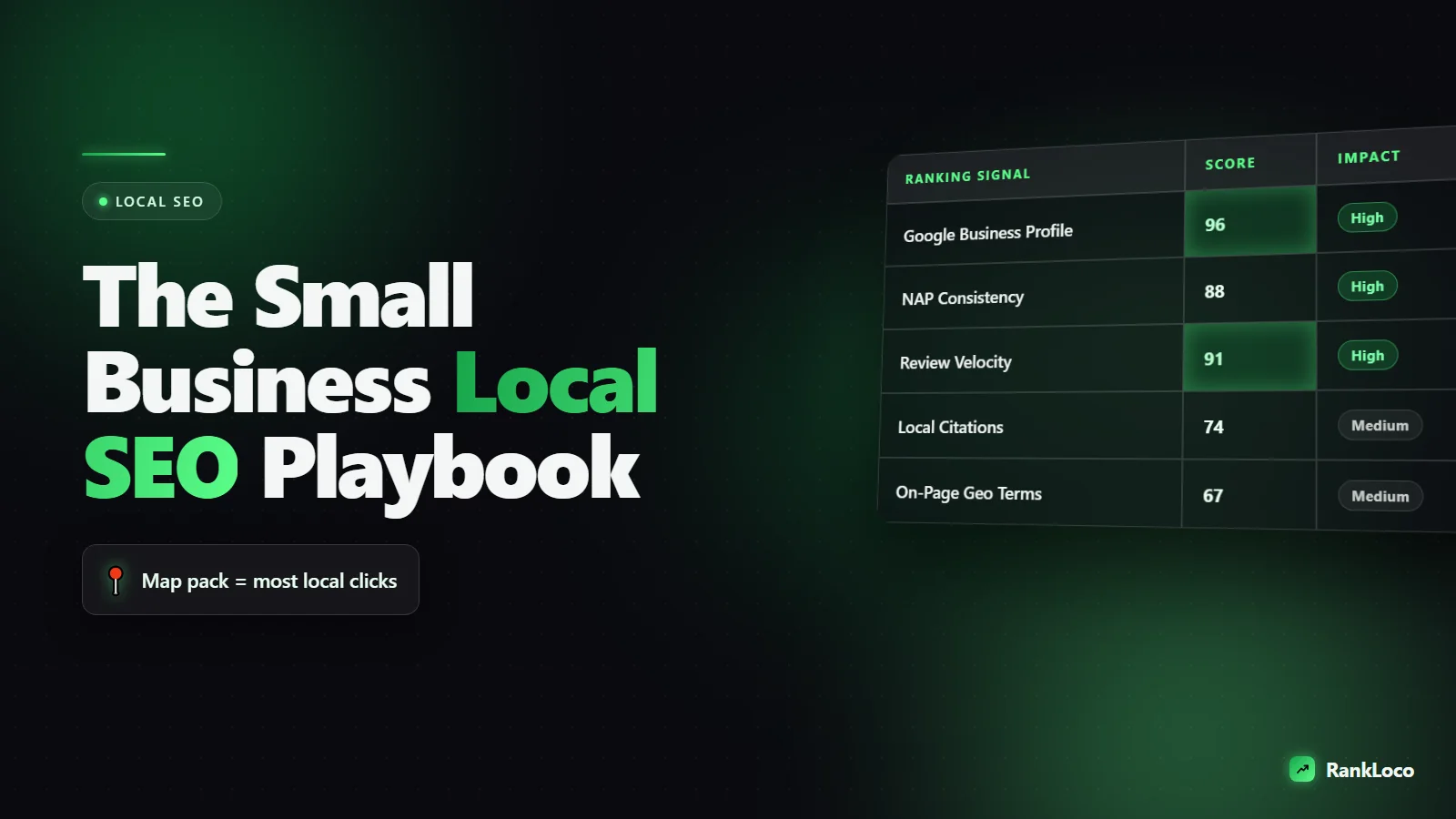
When someone searches "plumber near me" or "tacos downtown," Google shows two things: the map pack (the three business listings with the map) and the regular blue links below it. The map pack gets the majority of clicks for local intent searches, so that is where your energy goes first. If you want the full breakdown of what feeds those rankings, read our local search ranking signals guide for Maps.
Step 1: Own your Google Business Profile
Your Google Business Profile (formerly Google My Business) is the single highest-leverage asset in local SEO. It is free, and a complete profile can put you in the map pack without a single backlink.
Claim and verify first
Search your business name on Google. If a profile already exists, claim it. If not, create one at google.com/business and complete verification (usually by postcard, phone, or video). An unverified profile will not rank.
Fill in every field
Google rewards completeness. Skip nothing:
- Business name: Use your real name. Do not stuff keywords like "Joe's Plumbing Best Cheap Plumber" or you risk suspension.
- Primary category: Pick the most specific match. This is one of the strongest ranking signals you control.
- Secondary categories: Add every service that genuinely applies.
- Hours: Keep them accurate, including holiday hours.
- Phone and website: Use a local number when possible.
- Services and products: List them all with descriptions.
- Photos: Add real photos of your storefront, team, and work. Fresh photos signal an active business.
- Description: Write naturally, include what you do and where you serve.
If your profile is thin, our guide on how to optimize your Google Business Profile walks through each section in detail, and the fix an incomplete Google Business Profile post covers what to prioritize.
Post and update regularly
Use Google Posts to share offers, events, and updates weekly. Answer questions in the Q&A section. Respond to every review. These activity signals tell Google the business is alive and engaged.
Step 2: Get your NAP consistent everywhere
NAP stands for Name, Address, Phone. Google cross-references your business details across the web to confirm you are legitimate. If your address reads "Suite 200" on one site and "Ste. #200" on another, or an old phone number lingers on a directory, that inconsistency erodes trust and rankings.
Pick one exact format and use it identically everywhere: your website, Google Business Profile, Yelp, Facebook, industry directories, and data aggregators. Our breakdown of why NAP consistency matters explains how much this quietly holds businesses back.
Build and clean citations
A citation is any mention of your NAP online. The core set every local business should have:
- Google Business Profile
- Bing Places
- Apple Maps
- Yelp
- Better Business Bureau
- Industry-specific directories (Avvo for lawyers, Healthgrades for doctors, etc.)
- Local chamber of commerce
Run a scan to find duplicate or wrong listings, then fix them. A citation cleanup process stops old data from undermining your new work, and a good citation checker surfaces the problems fast.
Step 3: Turn reviews into a ranking engine
Reviews influence both rankings and conversions. A business with 80 reviews at 4.7 stars will beat one with 6 reviews at 5.0 stars almost every time, and it will convert more of the people who see it.
Ask systematically
- Send a review link by text right after you finish a job or a sale, while the customer is happy.
- Add the link to email signatures, receipts, and thank-you pages.
- Train staff to ask in person. "If you were happy, a quick Google review really helps us."
Respond to all of them
Reply to every review, positive and negative. For positives, thank them and mention the service naturally. For negatives, stay calm, acknowledge, and offer to fix it offline. Prospects read your responses more than the reviews themselves.
Step 4: Optimize your website for local intent
Your Google Business Profile does a lot, but your website closes the loop, especially for the regular organic results and for building prominence.
Create location and service pages
If you serve multiple cities, build a unique page for each with genuinely different content: local landmarks, testimonials from that area, specific services. Do not spin the same page 20 times with the city name swapped. That gets you nowhere.
If you travel to customers instead of having a storefront, the rules change. Read our guide on service area business local SEO before building city pages.
Nail the on-page basics
- Put the city and service in your title tags and H1s where natural.
- Embed a Google Map on your contact page.
- Show your NAP in the footer of every page.
- Make sure the site loads fast and works on mobile. Most local searches happen on phones.
Add local business schema
Structured data helps Google understand your business details and can unlock rich results. Implementing local business schema markup is a quick technical win most small businesses skip. While you are in the code, run through our technical SEO checklist to clear anything blocking your rankings.
Step 5: Do keyword research the local way
Local keyword research is simpler than national SEO. You want the terms people in your area type when they need what you offer.
- List your core services.
- Add modifiers: "near me," city names, neighborhoods, "emergency," "24 hour," "affordable."
- Check Google autocomplete and the "People also ask" boxes for each.
- Note which terms trigger a map pack (that tells you local intent is strong).
You do not need expensive software to start. Our walkthrough on how to do keyword research without expensive tools covers the free methods. Then use RankLoco to track where you rank for those terms across your target locations so you know what is working.
Step 6: Build local prominence with links and mentions
Prominence is where most small businesses fall short. You build it with local relevance, not spammy links.
- Sponsor a local team, event, or charity and get a link from their site.
- Join the chamber of commerce and local business associations.
- Get featured in local news and blogs with a story or expert quote.
- Partner with complementary businesses (a wedding photographer and a florist linking to each other).
Before you chase new links, audit what you already have. A quick backlink audit for local business shows which links help and which need pruning.
Your local SEO priority checklist
| Priority | Task | Impact |
|---|---|---|
| 1 | Claim and verify Google Business Profile | Required to rank at all |
| 2 | Complete every profile field + primary category | High |
| 3 | Fix NAP consistency and duplicate listings | High |
| 4 | Set up a review request system | High |
| 5 | Build location/service pages with local content | Medium-High |
| 6 | Add local business schema | Medium |
| 7 | Earn local links and citations | Medium (compounds over time) |
| 8 | Post weekly and respond to reviews | Ongoing |
Work top to bottom. If you want help deciding what to tackle first based on your specific gaps, our guide on how to prioritize local SEO fixes that win calls gives you a scoring framework.
How to measure results
Track three things every month:
- Map pack rankings for your priority keywords across your service area.
- Google Business Profile insights: calls, direction requests, website clicks, and searches that showed your profile.
- Organic rankings and traffic to your location pages.
Rankings vary by the searcher's exact location, so check from multiple points in your area, not just your office. A rank tracker that supports local grid tracking removes the guesswork. For more ways to earn extra real estate in the results, see how to win SERP features.
Common mistakes that stall local rankings
- Keyword-stuffing the business name (risks suspension).
- Using a call-tracking number that does not match your citations.
- Creating thin duplicate city pages.
- Ignoring reviews or buying fake ones.
- Setting up the profile once and never touching it again.
- Wrong or too-broad primary category.
If you have done the work and still are not showing up, our post on why you are not ranking in Maps diagnoses the usual culprits. For deeper self-audits, browse more SEO guides on the blog.
Frequently Asked Questions
How long does local SEO take to work?
Expect early movement in 4 to 8 weeks once your Google Business Profile is optimized and citations are consistent. Competitive categories in larger cities can take 3 to 6 months to reach the map pack. Reviews and links compound over time, so results accelerate the longer you stay consistent.
Is Google Business Profile enough, or do I need a website?
You can rank in the map pack with just a strong profile, but a website builds prominence, ranks in organic results, and converts visitors better. For most small businesses a simple, fast, mobile-friendly site with location and service pages is worth the investment alongside the profile.
How much should local SEO cost for a small business?
You can do the fundamentals yourself for free plus the cost of a tracking tool. Agencies typically charge $300 to $2,000 per month depending on competition. The highest-leverage work (profile optimization, NAP cleanup, review requests) is doable in-house before you pay anyone.
How many reviews do I need to rank in the map pack?
There is no magic number. What matters is being competitive with the top three businesses in your category and city. If they average 40 reviews, aim to pass that steadily. Velocity matters too: a consistent stream of fresh reviews beats a one-time burst.
Can I rank in a city where I do not have an address?
Yes, if you serve customers there. Set your Google Business Profile as a service area business, hide your address, and define your service areas. Then build genuinely useful pages for each city and earn local links from those areas. Do not create fake listings at addresses you do not occupy.
What is the single most important local SEO ranking factor?
Your Google Business Profile, specifically the primary category and overall completeness, combined with proximity to the searcher. Since you cannot change distance, obsess over category accuracy, complete information, and prominence signals like reviews and local links.


