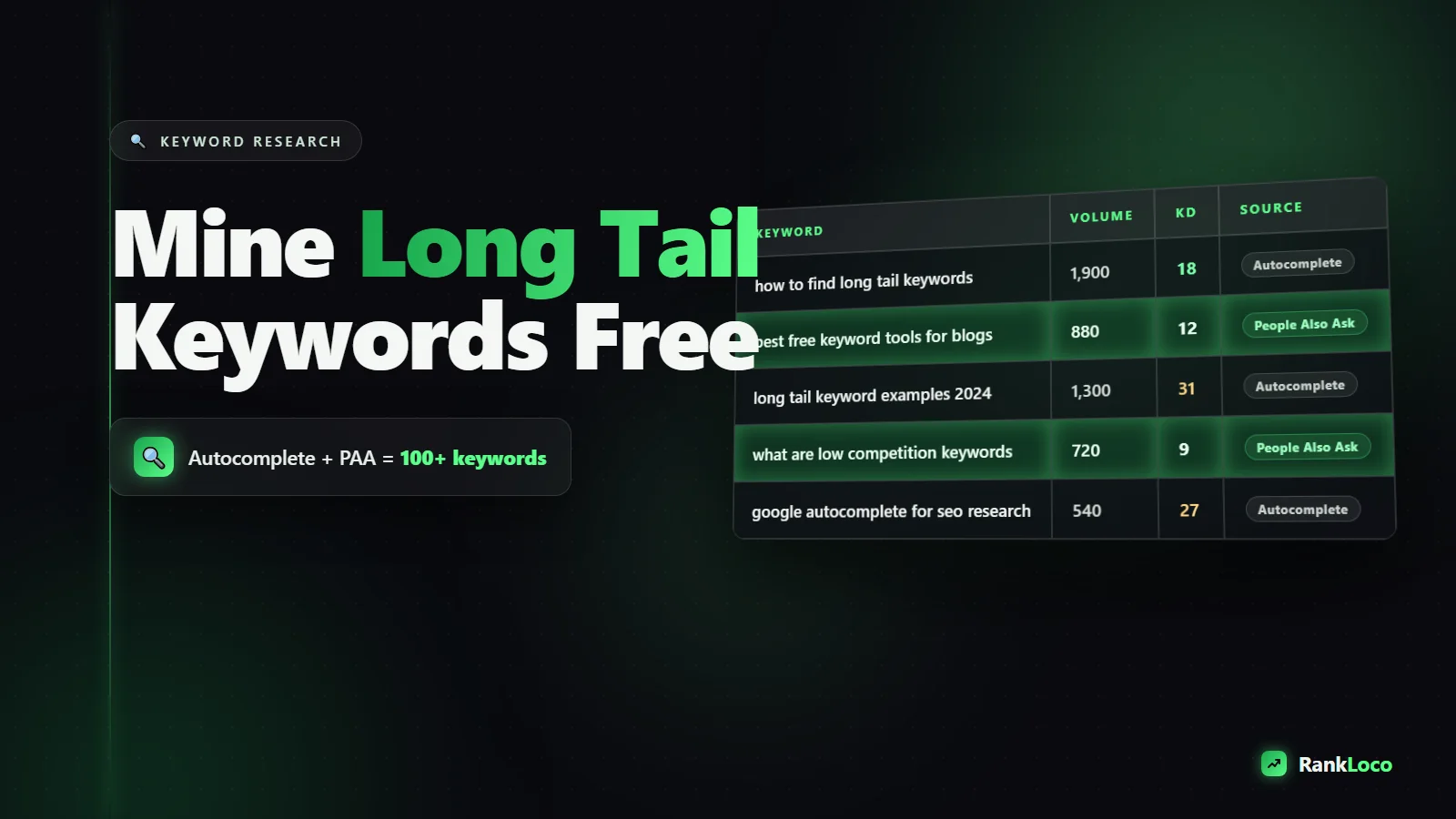
How to Find Long Tail Keywords Using Google Autocomplete and People Also Ask
To find long tail keywords for free, type a seed phrase into Google and read every suggestion in the Autocomplete dropdown, then scroll to the "People Also Ask" box and expand a few questions to reveal more. Both features pull directly from real search behavior, so you get low-competition, high-intent phrases with zero paid tools. Combine them with "Related searches" at the bottom of the results page and you have a repeatable keyword mining system.
Long tail keywords are the longer, more specific phrases people search when they know exactly what they want. "Running shoes" is a head term. "Best running shoes for flat feet under 100" is long tail. The long tail converts better, costs nothing to target, and lets a small or new site rank against giants because the competition thins out fast. Below is exactly how to pull these phrases out of Google itself.
Why Long Tail Keywords Are the Fastest Path to Rankings
Head terms are a bloodbath. Trying to rank a new site for "project management software" means going up against companies with thousands of backlinks and years of authority. You will lose. Long tail phrases flip the math in your favor for three reasons:
- Lower competition: Fewer sites bother to target the specific phrasing, so the SERP is beatable.
- Higher intent: Someone searching "how to unclog a garbage disposal with vinegar" is closer to acting than someone typing "garbage disposal."
- Better conversions: Specific queries mean you can write a page that answers the exact question, which keeps people on the page and earns the click.
The catch is that most long tail phrases have low individual search volume. You do not win with one keyword. You win by publishing dozens of pages that each catch a small stream of highly targeted traffic. Add them up and the total dwarfs one competitive head term.
How to Find Long Tail Keywords for Free with Google Autocomplete
Google Autocomplete is the dropdown that appears the moment you start typing in the search bar. Those suggestions are ranked by real query popularity and freshness, which makes them a goldmine for phrases people actually type. Here is how to work it systematically.
Step 1: Start with a seed and read every suggestion
Type your core topic into Google but do not hit enter. If you sell dog training services, type "dog training" and note the full dropdown: "dog training near me," "dog training tips," "dog training treats," and so on. Each of those is a potential page.
Step 2: Add a letter to the end and cycle the alphabet
This is where volume explodes. Type your seed plus a space, then "a," then "b," then "c," all the way through. "Dog training a" surfaces "dog training aggressive dog." "Dog training p" surfaces "dog training puppy schedule." Go through the whole alphabet and you will collect 50 to 100 real phrases in ten minutes.
Step 3: Use question and preposition modifiers
Front-load your seed with question words and prepositions to pull intent-rich phrases:
- Questions: how, what, why, when, where, can, does ("how to train a dog not to bark")
- Prepositions: for, with, without, near, vs ("dog training for reactive dogs")
- Comparisons: "dog training vs behaviorist"
- Commercial modifiers: best, cheap, top, reviews, cost ("dog training classes cost")
Step 4: Use the wildcard trick
Put an asterisk in the middle of a phrase: "best dog training * puppies." Google fills the gap with popular middle words. This uncovers phrasings you would never think to test manually.
How to Mine People Also Ask for Question Keywords
The "People Also Ask" (PAA) box is that expandable list of questions that appears partway down the results page. It is the single best source of question-based long tail keywords because every entry is a real query Google has grouped as related to your topic.
Step 1: Search your seed and find the PAA box
Run a normal search for your topic and scroll until you see the accordion of questions. Screenshot or copy every one.
Step 2: Expand answers to spawn more questions
Here is the trick most people miss: when you click to expand any PAA question, Google injects two to four new questions at the bottom of the box. Keep expanding and the list keeps growing. You can pull 20 or more related questions from a single search this way.
Step 3: Group questions by intent
Sort what you find into buckets: informational ("what is," "how does"), commercial ("is X worth it," "best X for"), and navigational. This tells you whether each question deserves its own page, a section inside a larger guide, or an FAQ block. If you are unsure which bucket a query belongs in, our guide on matching content to search intent breaks it down.
Step 4: Turn questions into H2s and FAQ sections
PAA questions map perfectly onto subheadings. Answer them directly in your content and you become eligible to win the PAA feature itself, which is a strong click magnet. For more on capturing these boxes, read our breakdown of how to win SERP features.
Two More Free Sources Sitting on the Same Page
While you are in the SERP, grab these too.
Related searches
Scroll to the very bottom of any results page. The "Related searches" block lists eight to ten phrases Google associates with your query. These are often longer and more specific than your original search and frequently overlap with real content gaps.
Google Search Console queries
If your site is live, open the Performance report in Search Console. Sort by impressions and look for long queries where you rank on page two or three. Those are phrases Google already thinks you are relevant for. Beef up the page and you can climb fast. Pair this with our walkthrough on how to track keyword rankings for free so you know when your work pays off.
A Free Long Tail Keyword Workflow You Can Run Today
Here is the full process start to finish. Block out an hour.
- Pick one seed topic tied to a product or service you offer.
- Run the Autocomplete alphabet soup method and paste every suggestion into a spreadsheet.
- Layer in question and preposition modifiers and grab those suggestions too.
- Search the seed, harvest every PAA question, and keep expanding to spawn more.
- Copy the Related searches from the bottom of the page.
- Dedupe your list and tag each phrase by intent.
- Group similar phrases into clusters. One cluster equals one page.
- Prioritize clusters with clear commercial or high informational intent.
Your spreadsheet might end up looking like this:
| Keyword | Source | Intent | Page type |
|---|---|---|---|
| dog training for reactive dogs | Autocomplete | Commercial | Service page |
| how long does dog training take | PAA | Informational | Blog post / FAQ |
| dog training classes cost | Autocomplete | Commercial | Pricing page |
| best treats for training puppies | Related searches | Commercial | Product roundup |
How to Judge Which Long Tail Keywords Are Worth Targeting
A big list is useless without prioritization. Autocomplete and PAA confirm a phrase is real, but they do not tell you how hard it is to rank or how much traffic it pulls. Sanity-check with these free signals:
- SERP quality: Search the phrase. If page one is all forum threads, thin pages, or huge sites answering it poorly, you have an opening.
- Word count of competitors: If the top results are shallow, a thorough page wins.
- Number of ads: Ads signal commercial value. Some ads on an informational query mean money is moving.
- Your own authority: A brand new site should chase the longest, most specific phrases first, then work up.
When you want volume and difficulty numbers to go with your list, plug the phrases into RankLoco to see estimated search volume, competition, and where you already rank. It turns a raw list into a prioritized roadmap. If you prefer to stay fully manual for now, our roundup of the best free keyword research tools for small businesses covers other options worth stacking on top of Autocomplete.
Turn Long Tail Keywords Into Ranking Pages
Finding the keyword is half the job. To actually rank you need to build a page that satisfies the query better than what is there now. Match the intent, answer the exact question early, cover the related PAA questions in subheadings, and link the page into the rest of your site. Our step-by-step guide on how to optimize a blog post for a target keyword walks through the on-page details, and connecting your new pages with a smart internal linking strategy helps them rank faster by passing authority between related topics.
Long tail keyword research through Google's own features costs nothing but your time, and it scales. Every seed spawns dozens of phrases, every phrase can become content, and every piece of content is another door for the right visitor to walk through.
Frequently Asked Questions
What is a long tail keyword example?
A long tail keyword is a specific, multi-word phrase like "how to remove coffee stains from a white shirt" instead of the broad head term "coffee stains." It has lower search volume but higher intent, less competition, and usually converts better because the searcher knows exactly what they want.
How many words is a long tail keyword?
Long tail keywords are usually three or more words, but length matters less than specificity. "Cheap flights" is short and broad, while "cheap direct flights to Tokyo in January" is genuinely long tail. Focus on how specific and intent-rich the phrase is, not the exact word count.
Is Google Autocomplete good for keyword research?
Yes. Autocomplete suggestions are pulled from real, popular searches and updated constantly, so they reflect what people actually type. It will not give you exact volume numbers, but it is one of the most reliable free sources for discovering long tail phrasing and question variations people use.
How do I find keywords with no search volume tool?
Use Google itself. Combine Autocomplete (including the alphabet and modifier methods), People Also Ask boxes, and Related searches to build a list of real phrases. Then cross-check them against your Google Search Console Performance report to see which queries already bring you impressions.
Do long tail keywords rank faster than short keywords?
Generally yes, especially for new or low-authority sites. Because fewer sites target the specific phrasing, the competition on the results page is weaker and easier to beat. You can often rank a well-written long tail page within weeks, while a competitive head term can take a year or more.
How many long tail keywords should one page target?
One primary long tail keyword per page, plus a cluster of closely related variations and questions that share the same intent. Do not force unrelated phrases onto a single page. Group them by topic, and if a keyword answers a clearly different question, give it its own page.


