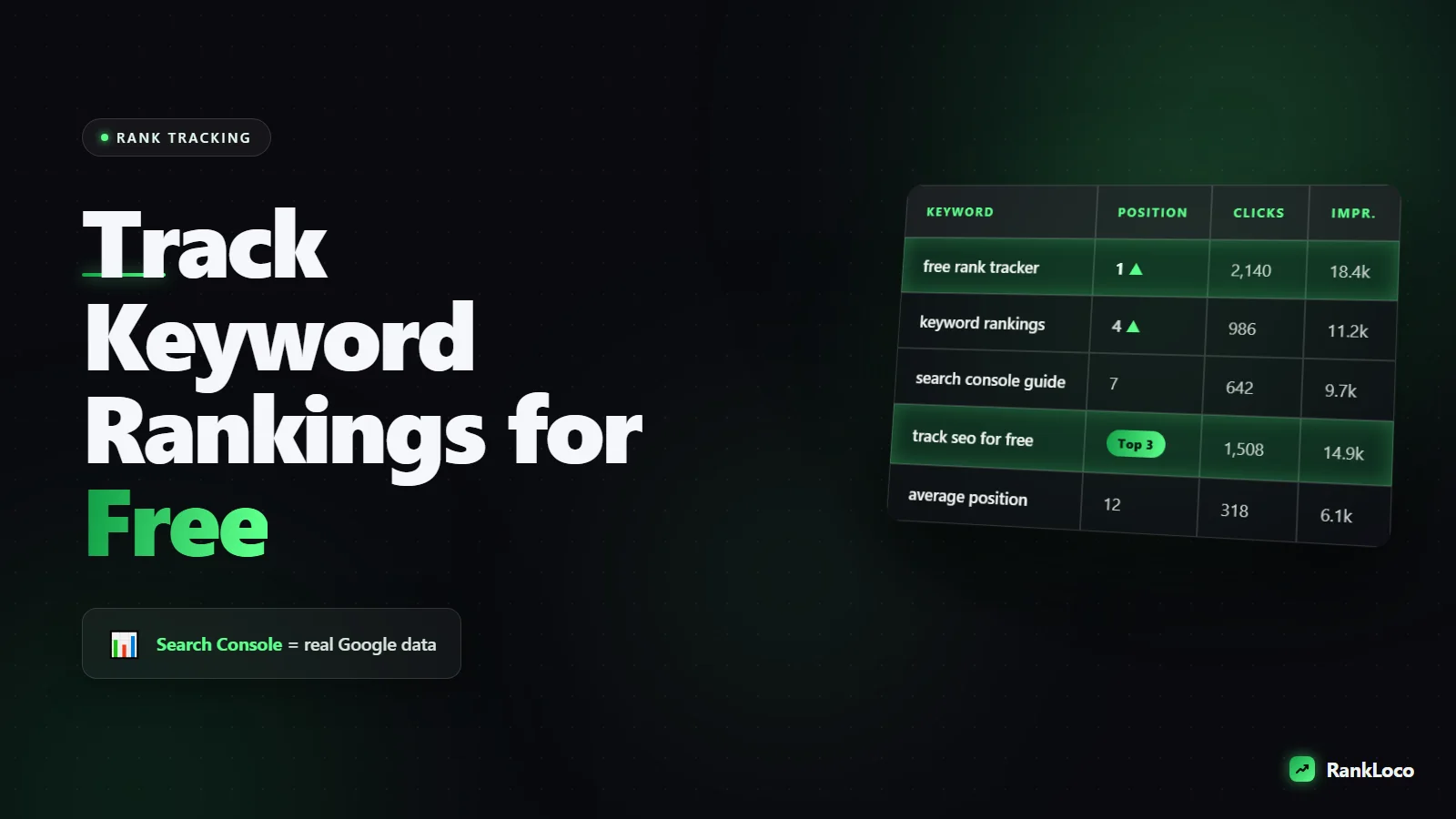
How to Track Keyword Rankings for Free
To track keyword rankings for free, use Google Search Console: open the Performance report, filter by query, and read the Average Position column for every keyword your site already ranks for. For keywords you don't yet rank for, do incognito searches with location set, or use a free rank tracker to log daily positions. Search Console is the most accurate free source because it pulls real impression and position data straight from Google.
That's the short answer. The problem is that most people set this up wrong, misread the data, or track vanity keywords that never convert. Here's how to do it properly without paying for anything until you actually need to.
Why Google Search Console Is the Best Free Rank Tracker
Every other free method estimates. Search Console reports. It shows the exact average position your pages held for real queries, based on actual searches by real people. No sampling, no scraping, no guessing. And it's free forever for any site you can verify.
The catch: it only shows keywords you already rank for (roughly top 100), and position data is averaged across all the searches in your date range and across devices and locations. That averaging is why a keyword can show "position 7" when you clearly see it at 4 in your own browser. Both are true. You're one data point; Search Console blends thousands.
Set up Search Console rank tracking step by step
- Verify your site at search.google.com/search-console (use the domain property if you can access DNS, so subdomains and http/https are all covered).
- Open Performance > Search results.
- Turn on all four metric toggles: Clicks, Impressions, CTR, and Average Position.
- Set the date range to the last 3 months so you have enough data to spot trends.
- Click the Queries tab to see every keyword, its position, and how many clicks it drives.
- Use the Pages tab and filter by a specific URL to see which keywords a single page ranks for.
Want to watch one keyword over time? Click a query, then switch to the date comparison view. You'll see whether position 12 last month became position 6 this month. That trend line matters far more than any single-day number.
How to Check a Keyword Ranking Manually (and Not Fool Yourself)
Search Console can't tell you where you'd rank for a keyword you don't yet appear for. For that, you check the live SERP. But your normal browser lies to you. Google personalizes results based on your history, your location, and whether you're logged in. If you keep searching your own brand, Google learns to show it to you higher than it shows strangers.
Do it clean:
- Use incognito or a private window and stay logged out of Google.
- Set your location. Scroll to the bottom of the results page, or use the search settings, to lock in the city you want to check. Rankings for "plumber near me" swing wildly by neighborhood.
- Count real organic results only. Skip ads, the map pack, and other SERP features when counting your position, but note which features are eating the top of the page.
- Check mobile separately. Google indexes mobile-first, and mobile SERPs push organic results further down. Use your phone in a private tab.
Manual checks are fine for 5 or 10 keywords once a week. Beyond that they get tedious and error-prone, which is where a tracker pays off. If you're deciding which keywords are even worth chasing first, read our guide on how to find low competition keywords for a new website before you build your tracking list.
Free and Freemium Rank Tracking Tools Compared
Manual checks and Search Console cover the basics. When you want daily automated positions, location-specific tracking, or a clean dashboard for clients, a dedicated tracker helps. Here's an honest comparison of the realistic free options.
| Method | Cost | Best for | Limitation |
|---|---|---|---|
| Google Search Console | Free forever | Real position and click data for keywords you rank for | Only keywords in top ~100; averaged positions; 2-3 day delay |
| Manual incognito search | Free | Spot-checking a handful of target keywords | Slow, no history, easy to misread with personalization |
| Google Sheets + free API scripts | Free | DIY tracking if you're technical | Setup effort, can break, no support |
| Freemium rank trackers (incl. RankLoco) | Free tier, then paid | Daily automated tracking, location targeting, trend charts | Free tiers cap keyword count |
If you want automated daily positions without babysitting spreadsheets, RankLoco tracks your keywords by location and device and charts the movement over time, so you can start on a free tier and scale up only when you're managing more keywords than a spreadsheet can handle.
Which Keywords You Should Actually Track
Most people track too many keywords and the wrong ones. Tracking 300 keywords you'll never move is noise. Track a focused list that maps to money and progress.
- Your primary money keywords: the 10 to 20 terms that would drive real leads or sales if you ranked top 3.
- Page-one-adjacent keywords: anything sitting positions 5 to 20. These are your fastest wins. Small on-page and internal linking tweaks can push them onto page one.
- Branded terms: your company name and product names, to confirm you own your own SERP.
- A few aspirational head terms: high-volume keywords you're chasing, tracked so you can see slow progress over months.
Skip keywords with obvious mismatched intent. Ranking is pointless if the searcher wants something your page doesn't deliver. If you're unsure, our breakdown of search intent and how to match content to what users want will save you from tracking terms you can never realistically win.
Group keywords by page, not just by rank
Cluster the keywords each URL targets. When you see all of one page's keywords rising or falling together, you learn something about that page (a content update helped, or a Google update hurt it). Tracking keyword by keyword in isolation hides those patterns.
How Often to Check Rankings Without Losing Your Mind
Daily rank checking is a great way to panic over nothing. Positions bounce day to day because of personalization, testing, and normal SERP volatility. Here's a sane cadence:
- Weekly: glance at your priority keyword list for big moves.
- Monthly: pull a full Search Console report and compare it to the previous month. This is where real trends show up.
- After every change: when you publish or update a page, note the date so you can attribute movement (up or down) to what you did.
Watch clicks and impressions alongside position. A keyword that dropped from 3 to 5 but gained clicks might have picked up a better-matched query. Position without traffic context is half the story. For the pages that matter most, pair rank tracking with better click-through by fixing your title tags and meta descriptions to earn more clicks: sometimes you don't need to rank higher, you need a better snippet.
What to Do When Rankings Drop
Tracking is only useful if you act on it. When a keyword slides, work through this checklist before assuming the worst:
- Confirm it's real. Check Search Console's averaged position, not one incognito search. A single search can mislead.
- Check the date. Did the drop line up with a Google update, or with a change you made to the page?
- Look at the SERP. Did new SERP features (featured snippet, video pack, map pack) push organic results down? That's a different fix than losing to a competitor.
- Check indexing. Make sure the page is still indexed and not throwing errors. Our guide to fixing crawl errors in Google Search Console covers the common culprits.
- Compare the winners. Look at who overtook you and what their content does better.
If a sitewide drop hit after an algorithm change, don't chase individual keywords. Read our walkthrough on how to recover from a Google core update and fix the systemic issue instead.
Free Rank Tracking Setup Checklist
- Verify your domain in Google Search Console.
- Turn on all four Performance metrics and set a 3-month date range.
- Export your current keyword and position list as your baseline.
- Build a focused list of 15 to 30 keywords that map to leads or sales.
- Flag every keyword sitting in positions 5 to 20 as a quick-win target.
- Record the date of every content change so you can attribute movement.
- Schedule a weekly 10-minute check and a monthly deep review.
- Add location and device tracking (via a tool) if local rankings matter to you.
Do this and you'll have a real, free rank tracking system, not a spreadsheet you abandon in a month. When you're ready to go deeper on the research side, our roundup of the best free keyword research tools for small businesses pairs perfectly with a tracking routine, and you'll find more setups like this across the RankLoco blog.
Frequently Asked Questions
Is Google Search Console position accurate?
Yes, but it's an average. Search Console reports the mean position across every impression in your date range, blending devices, locations, and personalized results. It's the most accurate free data available because it comes from Google, but a single number won't match what you see in your own browser. Trust the trend over time, not one day.
How can I check my keyword ranking in a specific location for free?
Run an incognito search, scroll to the bottom of the results page, and set your location manually in Google's settings. Stay logged out. For repeatable location tracking without doing it by hand, use a rank tracker that lets you specify the city or ZIP code, since local rankings vary block by block.
Why does my site rank higher for me than for other people?
Personalization. Google factors in your search history, location, and logged-in status. If you keep searching your own site, Google learns to surface it higher for you specifically. Always check rankings in an incognito window while logged out to see what a first-time visitor actually gets.
How long does it take to see keyword rankings change?
New pages can take days to weeks to appear, and moving an established page usually takes two to eight weeks after a change. Search Console data also lags by about two to three days. Don't judge a change until at least two weeks have passed, and always compare month over month.
How many keywords should I track?
Start with 15 to 30 keywords tied directly to leads or sales, plus a handful of branded and aspirational terms. Tracking hundreds of keywords creates noise and hides the movements that matter. Expand the list only once your priority keywords are ranking well and you're ready to chase new territory.
Can I track keyword rankings without Google Search Console?
You can, using manual incognito searches or a third-party rank tracker, but you'll lose the real click and impression data that only Search Console provides. The best free setup uses Search Console as your source of truth and adds a tracker for automated daily positions and location targeting.


