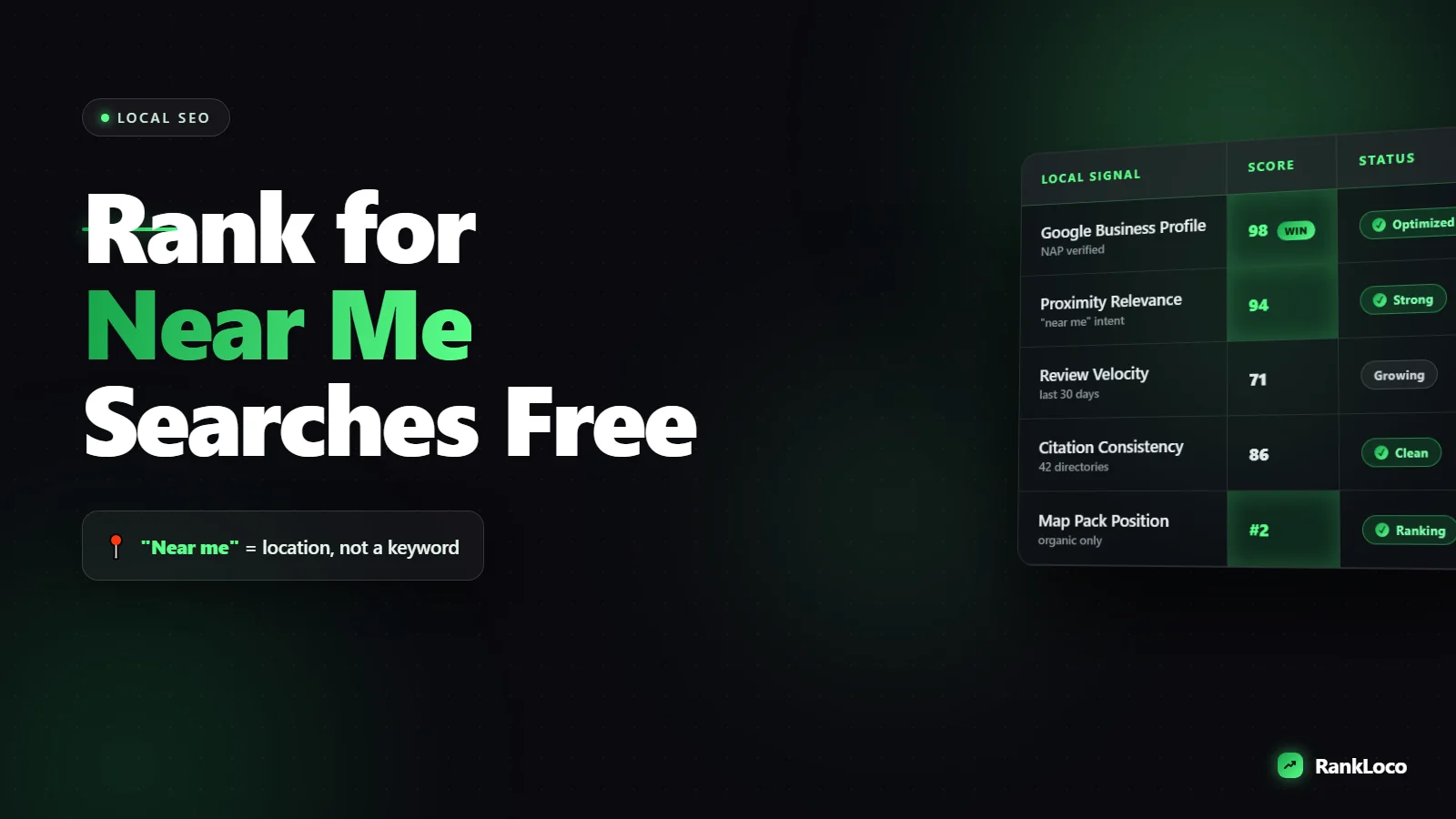
How to Rank for Near Me Searches Without Paid Ads
To rank for "near me" searches without paid ads, optimize your Google Business Profile with accurate categories and your service area, earn consistent reviews, build local citations with matching name/address/phone info, and create location-specific pages targeting the exact services people search for. Google doesn't need the literal phrase "near me" on your page: it matches the searcher's location to the most relevant, nearby, trusted business. Your job is to prove relevance and proximity signals better than competitors.
Here's the part most guides skip: "near me" is not a keyword you optimize for directly. It's a behavior. When someone types "plumber near me" or "coffee near me," Google strips the "near me" and uses the device location instead. So the real question is how to show up when someone in your area searches for what you sell. Below is the exact playbook that works on free organic and map results.
Understand How Near Me Searches Actually Work
Google ranks "near me" queries using three local ranking factors: relevance (does your business match the query), distance (how close are you to the searcher), and prominence (how well-known and trusted you are). You can't change a searcher's location, but you influence the service area Google associates with you, and you fully control relevance and prominence.
There are two result types to win:
- The Map Pack (the three local listings with a map). These are driven mostly by your Google Business Profile, reviews, and proximity.
- The organic blue links below it. These are driven by your website pages, content, and backlinks.
You want to appear in both. Treating them as separate projects is a mistake because the signals overlap. A strong website feeds your Map Pack ranking, and a strong profile sends trust signals that help your pages.
Fix Your Google Business Profile First
Your Google Business Profile (GBP) is the single biggest lever for "near me" visibility, and it's free. Claim and verify it, then fill out every field. Incomplete profiles lose to complete ones every time.
The Google Business Profile checklist
- Primary category: pick the most specific category that matches your core service. "Mexican restaurant" beats "restaurant." This is one of the strongest relevance signals.
- Secondary categories: add every genuinely relevant one, but don't stuff categories you don't serve.
- Service area: if you go to customers, list the cities and zip codes you actually serve. If you have a storefront, your proximity is fixed to that address.
- Business name: use your real name. Do not keyword-stuff it. Google suspends profiles for this and competitors report it.
- Hours: keep them accurate, including holiday hours. Open-now status affects what shows for some queries.
- Services and products: list them individually with descriptions. These give Google more terms to match.
- Photos: add real photos of your work, team, and location. Profiles with photos get more clicks and calls.
- Google Posts: publish updates, offers, and events regularly. It signals an active business.
If you run a business without a storefront, you can still compete. See our guide on how to rank a local business without a physical store address for the service-area setup that keeps you visible.
Target the Real Keywords Behind Near Me Searches
Since Google substitutes location for "near me," you optimize for "[service] + [city]" and plain service terms. Someone searching "emergency electrician near me" in Austin is matched against pages and profiles relevant to "emergency electrician Austin."
Build your keyword list around three patterns:
- Service + city: "roof repair Denver," "wedding photographer Portland"
- Service + neighborhood: "dentist South Loop," "HVAC repair Buckhead"
- Specific service + modifier: "24 hour locksmith," "same day appliance repair"
Use autocomplete and the People Also Ask box to find the phrasing real customers use. Our walkthrough on how to find long tail keywords using Google Autocomplete and People Also Ask shows the exact process. Then track where you land for those terms over time: you can monitor local and city-level positions inside RankLoco so you know which pages are moving and which need work.
Build Location Pages That Actually Rank
If you serve multiple areas, create a dedicated page for each one. But thin, copy-paste location pages with the city name swapped out get ignored or flagged as doorway pages. Make each page genuinely useful.
What a strong location page includes
- A unique headline with the service and city
- Specific details about that area: neighborhoods served, local projects, parking, landmarks
- Real customer reviews or case studies from that location
- Embedded Google Map and accurate NAP (name, address, phone)
- Clear calls to action (call, book, get directions)
- FAQs about serving that specific area
For businesses with many locations, the structure matters as much as the content. Read how to rank in the Google Map Pack for a multi-location business to avoid cannibalizing your own pages.
Get Reviews to Boost Prominence and Clicks
Reviews are a confirmed local ranking factor and they influence click-through rate dramatically. A business with 120 reviews at 4.7 stars beats a 4.9 with 8 reviews in most searchers' eyes. You need a steady flow, not a one-time push.
A simple review system that works:
- Create a short review link from your Google Business Profile.
- Ask every happy customer right after the job is done, when satisfaction is highest.
- Send a follow-up text or email with the direct link.
- Respond to every review, positive and negative, within a couple days.
- Mention the service and city naturally in your responses ("Glad we could fix your water heater in Riverside").
Go deeper with our guide on how to get more Google reviews to rank higher locally, including the scripts and timing that get the best response rates.
Build Local Citations and Links
Citations are mentions of your business name, address, and phone number across the web: directories, chambers of commerce, industry sites, and local publications. Consistency is the whole game. If your address format or phone number varies across listings, Google loses confidence in your data.
Citation priorities
| Priority | Where to list | Why it matters |
|---|---|---|
| High | Google Business Profile, Bing Places, Apple Maps | Primary data sources for map results |
| High | Yelp, Facebook, industry-specific directories | Trusted, high-traffic citations |
| Medium | Local chamber of commerce, BBB, local news sites | Local relevance and authority |
| Medium | Niche directories (Houzz, Avvo, TripAdvisor) | Industry trust signals |
Beyond citations, local backlinks move the needle on the organic side. Sponsor a local team, get featured in a neighborhood blog, or partner with complementary businesses. Our list of the best backlink sources for local service businesses gives you outreach targets that actually convert.
Nail the Technical and On-Page Basics
Near me searches are overwhelmingly mobile and intent-heavy. People searching "near me" want to act now. A slow or clunky site loses them before Google even gets a chance to rank you.
- Mobile first: your site must load fast and work flawlessly on phones. Fix anything that hurts the mobile experience, because it directly affects rankings. Our guide to fixing mobile usability issues that hurt your rankings covers the common culprits.
- Click-to-call and directions: make your phone number tappable and add a map link above the fold.
- LocalBusiness schema: add structured data with your name, address, phone, hours, and geo coordinates so Google understands your location.
- Fast load times: compress images and clean up code. Speed affects both rankings and conversions.
Optimize for Voice and Conversational Queries
A big share of "near me" searches happen by voice: "Hey Google, find a tire shop near me." Voice queries are longer and conversational, so answer natural questions directly on your pages. If you serve those questions clearly, you win both voice results and featured snippets. See how to optimize blog content for voice search queries to capture this traffic.
Your Near Me Ranking Checklist
- Google Business Profile claimed, verified, and 100% complete
- Correct primary and secondary categories
- Accurate service area or storefront address
- Consistent NAP across all citations
- Steady flow of reviews with owner responses
- Unique, useful location pages for each area served
- Service + city keywords mapped to specific pages
- LocalBusiness schema installed
- Mobile-fast site with click-to-call and directions
- Local backlinks from relevant sources
- Rankings tracked by city so you can see progress
Work through this list in order. The profile and reviews deliver the fastest wins, then content and links compound over time. For more playbooks like this, browse our SEO guides.
Frequently Asked Questions
Do I need to use the words "near me" on my website?
No. Google removes "near me" from queries and substitutes the searcher's location. Forcing the phrase onto your pages reads awkwardly and does nothing for rankings. Instead, use natural service plus city phrasing like "plumbing services in Phoenix" and let Google match your location to the searcher.
How long does it take to rank for near me searches?
A fully optimized Google Business Profile can start showing in the Map Pack within a few weeks, especially in less competitive areas. Organic location pages and backlink-driven prominence usually take three to six months to mature. Reviews and consistent activity speed the whole process up.
Can I rank for near me searches without a physical address?
Yes. Service-area businesses can hide their address and still appear in local results by defining the cities they serve in Google Business Profile. You won't rank for every proximity-based query a storefront would, but strong reviews, citations, and location pages keep you competitive in your service area.
Why am I ranking for near me searches in some areas but not others?
Distance is a major factor. The farther a searcher is from your address or service-area center, the less likely you appear. To expand reach, build location pages and local backlinks for the weaker areas, and strengthen your overall prominence with more reviews and citations.
Do reviews really affect near me rankings?
Yes. Review quantity, recency, star rating, and keywords in reviews all feed Google's prominence signal. Reviews also lift click-through rate, which reinforces your ranking. Businesses that ask consistently and respond to every review almost always outrank those with stale or sparse review profiles.
How do I track my near me rankings over time?
Standard rank checkers show national results, which hide your local position. Use a tool that tracks rankings by city or zip code so you see what a real searcher in your area sees. Monitoring positions over time tells you which pages and tactics are working, as covered in our guide on tracking keyword rankings over time.


