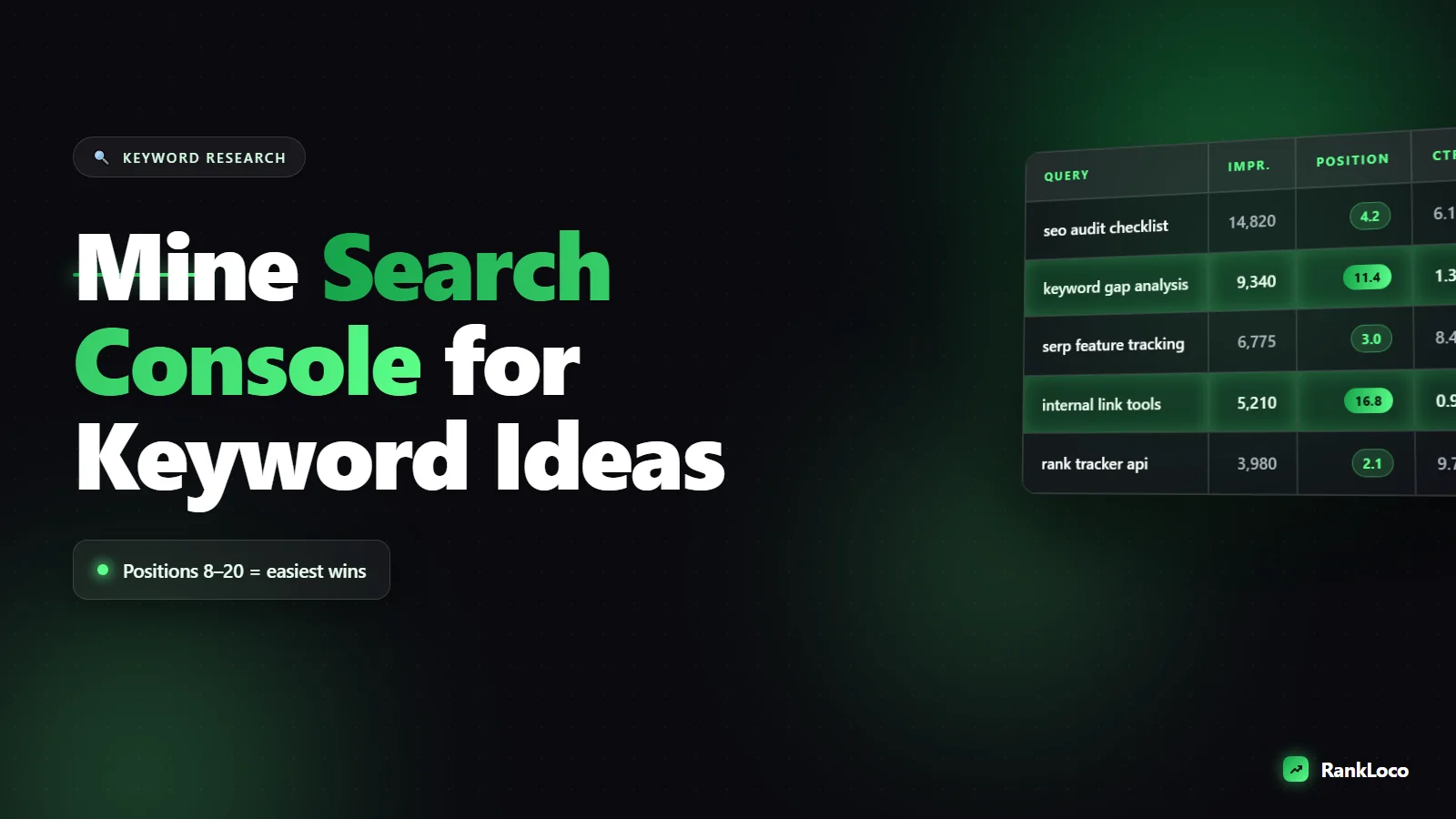
How to Use Google Search Console to Find New Keyword Ideas
To find keyword ideas in Google Search Console, open the Performance report, enable the Average Position and Impressions metrics, then sort by impressions to surface queries you get seen for but have not optimized. The goldmine is queries ranking in positions 8 to 20 with real impressions: these are terms Google already associates with your site, so a focused content update can push them onto page one. GSC shows you actual searches real people used to find you, which no keyword tool can fake.
Most people treat Search Console as a rank-checking dashboard and miss its best use: it is a free keyword research tool fed by your own live search data. Below is exactly how to mine it, step by step, with the filters and patterns that turn raw query data into a content plan.
Why Search Console beats keyword tools for finding ideas
Keyword tools estimate search volume and guess which terms a page could rank for. Search Console reports what actually happened. If a query shows impressions, Google has already served your page for it. That removes the biggest guess in keyword research: whether your site is even in the running.
This matters most for newer sites where volume estimates and difficulty scores lie. We cover why in why keyword difficulty scores mislead new sites, but the short version is that GSC data is grounded in reality. You are not asking "could I rank for this?" You are asking "I already show up for this, so how do I win it?"
Step 1: Open the Performance report and set your metrics
In Search Console, go to Performance > Search results. At the top you will see four metric toggles. Turn on all four:
- Total clicks: how many times people clicked through to your site.
- Total impressions: how many times you appeared in results.
- Average CTR: clicks divided by impressions.
- Average position: your mean ranking for each query.
Set the date range to the last 3 months for a stable sample, or last 6 months if your traffic is low. Then scroll to the Queries tab under the chart. This is your raw keyword feed.
Step 2: Find keywords you rank for but never targeted
Sort the Queries table by impressions, highest first. Scan the list for terms that are not the main keyword of any page you wrote. These are accidental rankings: Google surfaced you because your content loosely matched, but you never built a page around that specific phrase.
When you spot one, ask two questions:
- Does a dedicated page for this query make sense for my business?
- Is the current ranking page the right one, or should a new or different page target it?
A home services site might find it ranks on page three for "how much does gutter cleaning cost" from a single sentence buried in a service page. That is a signal to write a full pricing article. Every one of these is a keyword idea Google handed you for free.
Step 3: Target the striking distance keywords (positions 8 to 20)
This is the single highest-ROI move in Search Console. Filter the Queries table by position to find terms ranking just off page one.
Use the Average position column and look for queries sitting between roughly 8 and 20 that also have meaningful impressions. These are so close that small improvements (better title, more depth, internal links, an FAQ block) can move them into the top five where clicks actually happen.
| Position range | What it means | Action |
|---|---|---|
| 1 to 3 | Winning already | Protect it, add internal links |
| 4 to 7 | Page one, lower half | Improve title and on-page relevance |
| 8 to 20 | Striking distance | Prioritize: refresh content, add sections |
| 21+ | Weak match | Note as a possible new-page idea |
Pull every striking-distance query into a spreadsheet. Group them by the page that ranks for them. Pages with multiple near-miss queries are your best update candidates. The playbook for pushing them up is in how to update old blog posts to improve rankings.
Step 4: Mine queries with high impressions but low CTR
Add the CTR column to your view. Look for queries with lots of impressions but a click-through rate well below what their position deserves. If you rank position 4 but get a 1 percent CTR, your title and meta description are failing to earn the click.
These are not new keyword ideas exactly, but they are free wins hiding in your existing keywords. Rewrite the title tag and meta description to match search intent and include the query naturally. For a benchmark on what good looks like, see what is a good click through rate for organic search.
Step 5: Use query filters to pull out question keywords
Click + New above the table and add a Query filter set to "Custom (regex)" or "Queries containing." This is where you extract themes fast.
- Filter for queries containing how, what, why, or best to find informational intent you can answer with blog content.
- Filter for cost, price, near me, or vs to find commercial and comparison intent.
- Use a regex like
^(who|what|where|when|why|how)to grab every question in one shot.
Question queries are perfect raw material for FAQ sections and long-tail content. Pair this with finding long tail keywords using Google autocomplete and People Also Ask to build out a full question list, then turn the best ones into content that can win featured snippets.
Step 6: Compare date ranges to catch rising queries
Switch the date filter to Compare and set "last 3 months" against "previous 3 months." Sort by impression difference. Queries with sharply rising impressions show topics gaining search demand or where Google is testing your page more often.
Rising queries are early signals. Getting ahead of a trend with fresh content is far easier than muscling into an established topic. Note any query where impressions jumped but clicks did not, then build or expand a page to capture that growing demand before competitors notice.
Step 7: Use the Pages report to find keyword clusters
Go to the Pages tab, click a top page, then switch back to Queries. Now you see every term that one URL ranks for. This reveals two things:
- Keyword clusters: a single page ranking for 20 related queries tells you the subtopics real searchers care about. Use them as H2s and FAQ questions.
- Keyword cannibalization: if two pages both rank for the same query, they may be splitting your authority. Consolidate or differentiate them.
This page-level view is how you spot opportunities to build out a topic properly. When one page is pulling queries across a whole subject, that is your cue to turn it into a hub with supporting articles, as covered in how to build topic clusters and pillar pages.
Step 8: Turn the data into a prioritized content plan
Export your filtered queries to a spreadsheet and score each idea. A simple framework:
- Impressions: proxy for demand. Higher is better.
- Current position: positions 8 to 20 get priority (easiest wins).
- Intent match: does this query match what your site sells or teaches?
- Effort: update an existing page (fast) vs write a new one (slower).
Sort by a combination of high impressions, striking-distance position, and low effort. That stack ranks your to-do list for the next month. Update the existing pages first, then write new pages for the high-impression queries you have no dedicated content for.
Where Search Console runs out and tools take over
GSC has limits. It only shows queries you already appear for, so it cannot reveal brand-new opportunities you have no footprint on, and it caps the number of rows and hides some low-volume queries for privacy. It also does not show competitor data or true search volume.
That is where a dedicated tool fills the gap. Once you have your GSC query list, run those terms through RankLoco to pull volume, track your positions over time, and find related keywords you are not showing for yet. Combining your own GSC data with a content gap analysis against competitors gives you the full picture: what you already own and what you are missing. For more on tooling, see our roundup of the best free keyword research tools for small business owners, and browse more SEO guides for the next steps.
A repeatable monthly Search Console keyword routine
Make this a habit, not a one-off dig:
- Weekly: glance at new rising queries in the compare view.
- Monthly: pull striking-distance queries (positions 8 to 20) and update the pages that own them.
- Quarterly: export all queries, cluster them by page, fix cannibalization, and plan new pages for high-impression terms with no dedicated content.
Do this consistently and Search Console becomes a self-refreshing keyword pipeline built entirely on what real searchers type to find you.
Frequently Asked Questions
How far back does Google Search Console keyword data go?
Search Console stores up to 16 months of performance data. For keyword research, use the last 3 to 6 months for a current, stable sample. Use the full 16 months only when you want to spot long-term trends or compare seasonal query patterns year over year.
Why do some of my queries show impressions but zero clicks?
Impressions with zero clicks usually mean you rank too low to get noticed (page two or beyond), or your title and meta description do not match the searcher's intent. If the query sits in striking distance, improve the page. If it is a weak match, treat it as a new-page idea instead.
Can Search Console show me keywords my competitors rank for?
No. Search Console only shows queries your own verified site appears for. To see competitor keywords, you need a third-party tool like RankLoco that can analyze other domains. Use GSC for your existing footprint and a keyword tool for discovering opportunities you have no presence on yet.
What does (other) mean in the Search Console queries report?
The "(other)" line groups queries that are too low in volume or anonymized for privacy to be listed individually. It is normal to see a large chunk of impressions there. You cannot optimize for hidden queries directly, so focus your effort on the named queries you can actually see and act on.
How many keyword ideas should I pull from Search Console at once?
Start with the top 50 to 100 queries by impressions, then filter down to the 10 to 20 striking-distance terms worth acting on this month. A short, prioritized list you actually execute beats a spreadsheet of 500 ideas you never touch. Repeat the pull every month.
Should I create a new page or update an old one for a GSC keyword idea?
Update an existing page if it already ranks for the query (positions 8 to 20) or covers a closely related topic: Google already trusts that URL, so improving it is faster. Create a new page only when no existing content matches the query's intent and the term deserves dedicated coverage.


