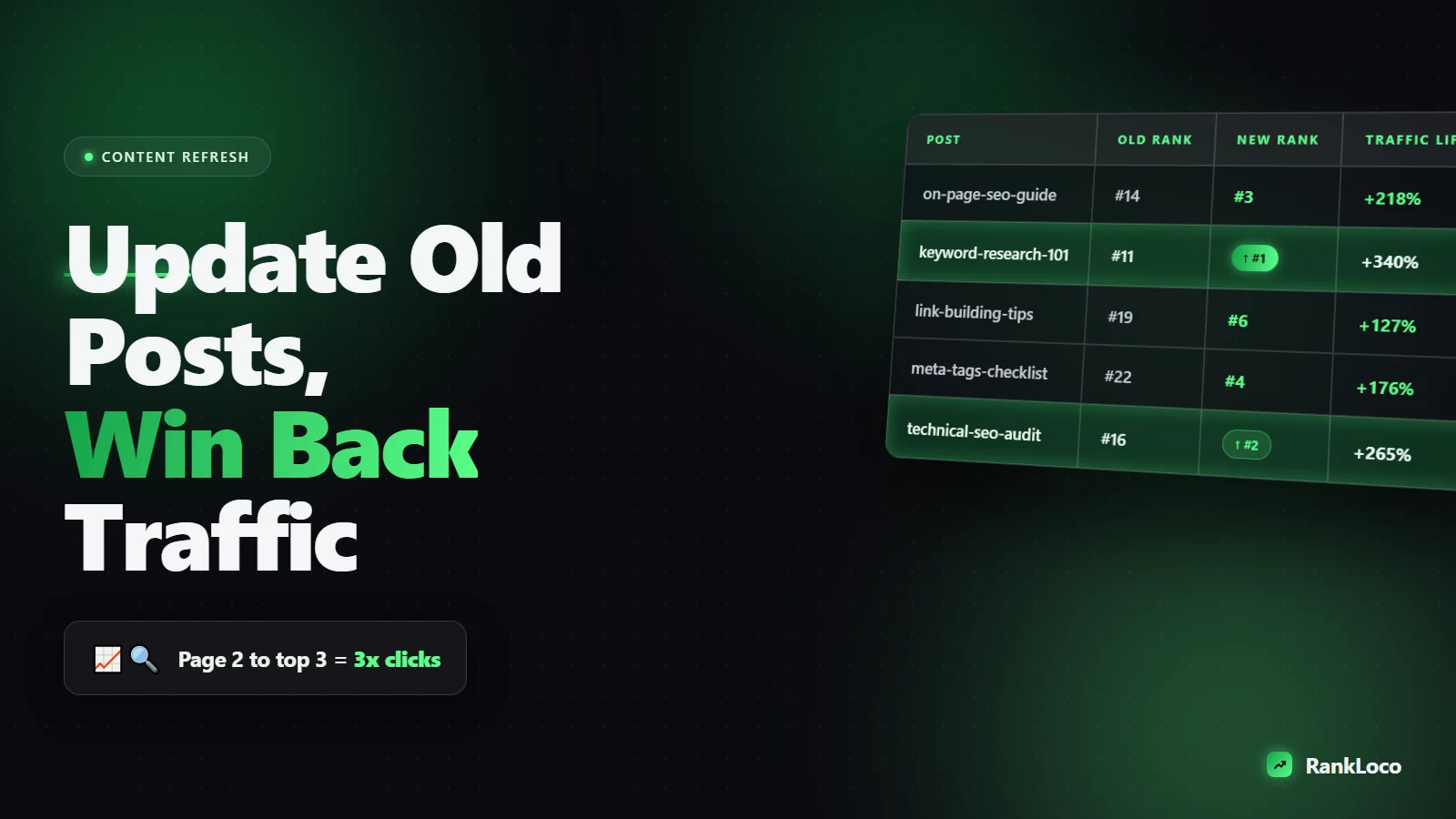
How to Update Old Blog Posts to Improve Rankings and Traffic
To update old blog posts for SEO, find pages that are losing rankings or stuck on page two, then refresh them to match current search intent: rewrite thin sections, add missing subtopics, update stats and dates, fix internal links, and improve the title and meta description. Republish with a new date, resubmit the URL in Google Search Console, and track the result. Done right, a single afternoon of updates often beats writing a brand new post because the page already has history, links, and a URL Google trusts.
Most sites are sitting on a goldmine of underperforming content. You do not need to publish more. You need to fix what you already have. Here is the exact process I use to turn stale posts into ranking machines.
Why updating old content outperforms writing new posts
New posts start from zero. They have no backlinks, no click history, no aging, and no established relevance. An old post that ranks on page two already cleared those hurdles. When you improve it, you are pushing a page that Google already considers a candidate, not begging to be let into the race.
There is also the simple math of content decay. Rankings erode over time as competitors publish fresher, deeper content and as search intent shifts. A post that drove 500 visits a month two years ago might be down to 80 today, not because it got worse, but because the bar moved. Updating resets the clock.
The best part: updates compound. A post that climbs from position 9 to position 3 can triple or quadruple its clicks, because click-through rate jumps sharply in the top three spots. If you want the numbers behind that, see our breakdown of what counts as a good organic click-through rate.
How to find which old blog posts to update first
Do not refresh randomly. Prioritize posts where a small push delivers the biggest return. Pull your data from Google Search Console and Google Analytics 4, then sort by opportunity.
Priority 1: Pages stuck in positions 5 to 20
These are your fastest wins. Open the Performance report in Search Console, filter the last 3 months, and sort by position. Any query sitting between 5 and 20 with real impressions is a page that Google wants to rank higher but needs a reason. These are the posts to update first.
Priority 2: Pages with declining traffic
Compare the last 90 days to the same period last year. Any post with a steady downward slope is decaying. Catch it before it falls off page one entirely. If you are not comfortable reading these trends yet, start with our guide to tracking organic search traffic in GA4.
Priority 3: High-impression, low-CTR pages
In Search Console, find pages with thousands of impressions but a weak CTR. These rank but nobody clicks, usually because the title tag and meta description are flat. Rewriting those two elements alone can lift traffic without touching the body copy.
Priority 4: Pages targeting topics that moved
Any post covering a fast-changing subject (software features, pricing, best-of lists, annual guides) goes stale on a schedule. Flag anything with a year in the title or outdated screenshots and references.
| Signal | Where to find it | Why it matters |
|---|---|---|
| Position 5 to 20 | GSC Performance report | Closest to a top-3 payoff |
| Traffic decline YoY | GA4 or GSC comparison | Content decay in progress |
| Low CTR, high impressions | GSC by page | Fix titles for instant gains |
| Outdated facts or year | Manual review | Freshness and trust |
How to audit a single post before you rewrite it
Once you pick a post, do not just skim it and change a few words. Run a short audit so your edits are targeted.
- Check the current top results. Search your target keyword in an incognito window. Read the top 5 pages. What subtopics do they cover that you do not? What format are they (listicle, how-to, comparison)? Your job is to match or beat the dominant intent.
- Confirm search intent still matches. If your post is a general guide but Google now ranks product comparisons for that query, you have an intent mismatch. No amount of polishing fixes that. You either re-angle the post or accept it targets a different keyword.
- Find the queries it already ranks for. In Search Console, click the page and view its queries. You will often spot keywords you never deliberately targeted. Build sections around those.
- Spot the content gaps. Compare your coverage against competitors. Our walkthrough on running a content gap analysis against competitors shows how to do this systematically.
What to actually change when you update a post
Here is the working checklist. Not every post needs every item, but go through all of them so you do not miss easy wins.
- Rewrite the opening to answer the query in the first two sentences. Google rewards pages that satisfy the search immediately. Lead with a direct, liftable answer, then expand.
- Add the missing subtopics. Pull the gaps from your audit and write real sections for them. This is where most of the ranking lift comes from.
- Cut or merge thin sections. Padding dilutes relevance. Delete filler paragraphs and combine overlapping headings.
- Update every stat, date, screenshot, and example. Replace "in 2021" references, outdated tool names, and old pricing. Freshness signals matter, but accuracy matters more.
- Rewrite the title tag and meta description. Add the primary keyword naturally, lead with the benefit, and write to earn the click. This is the single highest-leverage edit for high-impression pages.
- Improve the subheadings. Turn generic H2s into descriptive, keyword-bearing ones. "Step 1" becomes "How to find which posts to update first."
- Add or fix internal links. Link to your newer related posts and link back to this post from relevant pages. Keep the anchor text descriptive. Our guide on optimizing internal anchor text without over-optimizing covers the balance.
- Add an FAQ section. Target People Also Ask questions you found during research. This is one of the easiest ways to pick up extra snippet real estate.
- Fix on-page technical issues. Check image alt text, compress heavy images, and confirm the page loads fast. See how to optimize images for SEO if load time is dragging.
How to handle the title, date, and URL without losing rankings
This is where people make mistakes that cost them traffic. Follow these rules.
Keep the URL the same whenever possible
The URL holds the page's link equity and history. Do not change it just because the title changed. If you absolutely must change it (for example the old slug has the wrong year baked in), set up a 301 redirect from the old URL to the new one. Our guide to setting up 301 redirects covers the mechanics.
Update the published or modified date
Change the modified date so Google and readers see the content is current. Many platforms show a "last updated" stamp, which builds trust. Do not fake freshness on a post you barely touched, though. A new date on unchanged content does nothing and can erode trust.
Rewrite the title, but keep the keyword
Improve the hook, but make sure your primary keyword still appears. If you are chasing a specific featured snippet, align your H2 and the first sentence under it with the question format, as explained in our guide on writing FAQ sections that win featured snippets.
How to republish and get the update recrawled fast
After you save the updated post, do not wait around for Google to notice.
- Request indexing in Search Console. Paste the URL into the URL Inspection tool and click Request Indexing. This usually gets the update crawled within a day or two.
- Update your sitemap. Most platforms do this automatically, but confirm the lastmod date changed. If you manage yours manually, review how to create and submit an XML sitemap.
- Reshare it. Treat the refresh like a new publish. Post it to your email list and social channels. Fresh engagement signals help.
- Add a fresh internal link or two. Link to the updated post from a recently published, well-indexed page to speed up discovery.
How to measure whether the update worked
Give it 4 to 8 weeks, then check results. Set a baseline before you publish so you can compare honestly.
- Average position for the target keyword in Search Console.
- Clicks and impressions for the page, compared to the 4 weeks before the update.
- Conversions if the post drives signups or sales. Set this up with our guide to tracking blog post conversions in GA4.
To watch position changes without refreshing Search Console every day, use RankLoco to track your target keywords over time. Seeing the trend line move after an update tells you whether to double down or re-angle the post. Our guide on tracking keyword rankings over time explains how to read those movements.
Build a repeatable content refresh system
One-off updates help, but the real gains come from a routine. Once a quarter, pull your decaying and page-two posts, pick the top 5 to 10 by opportunity, and refresh them in a batch. Over a year, that is 20 to 40 pages systematically improved.
Pair this with a clear site structure so your updated posts reinforce each other. If you are organizing content around core topics, our guide to building topic clusters and pillar pages shows how updates to one post lift the whole cluster. For deeper wins, browse more guides over on the RankLoco blog.
Frequently Asked Questions
How often should I update old blog posts for SEO?
Review your content library quarterly and refresh posts that are decaying or stuck on page two. Time-sensitive posts (annual guides, pricing, tool roundups) need updating at least once a year. Evergreen posts can go longer, but check them whenever a target keyword slips in the rankings.
Does changing the publish date help SEO?
Only if you genuinely update the content. Changing the date on an untouched post does nothing and can hurt trust if readers notice stale information under a fresh stamp. When you make real improvements, updating the modified date signals freshness to Google and reassures readers the post is current.
Should I delete old blog posts that get no traffic?
Not automatically. First decide if the topic still matters. If a post has no traffic, no links, no rankings, and no strategic value, consider merging it into a stronger related post with a 301 redirect, or deleting it. If it has backlinks or covers a relevant topic, update it instead of deleting.
Will updating a post make it lose its existing rankings?
It can briefly fluctuate while Google recrawls and reassesses the page, but a well-targeted update almost always improves rankings over a few weeks. The risk comes from changing the URL without a redirect or stripping out content that was already ranking. Add and improve rather than gut the page.
How long does it take to see results after updating a post?
Expect to see movement in 2 to 8 weeks, depending on how often Google crawls your site and how competitive the keyword is. Request indexing right after publishing to speed up the recrawl, then track the keyword's average position weekly to confirm the trend.
What is the fastest high-impact edit when updating a post?
Rewriting the title tag and meta description on a page that already ranks but has a low click-through rate. You can lift traffic without touching the body copy, because you are capturing more clicks from impressions you already earn. Find these pages in the Search Console Performance report.


