How to Rank Your Google Business Profile Higher in Local Search
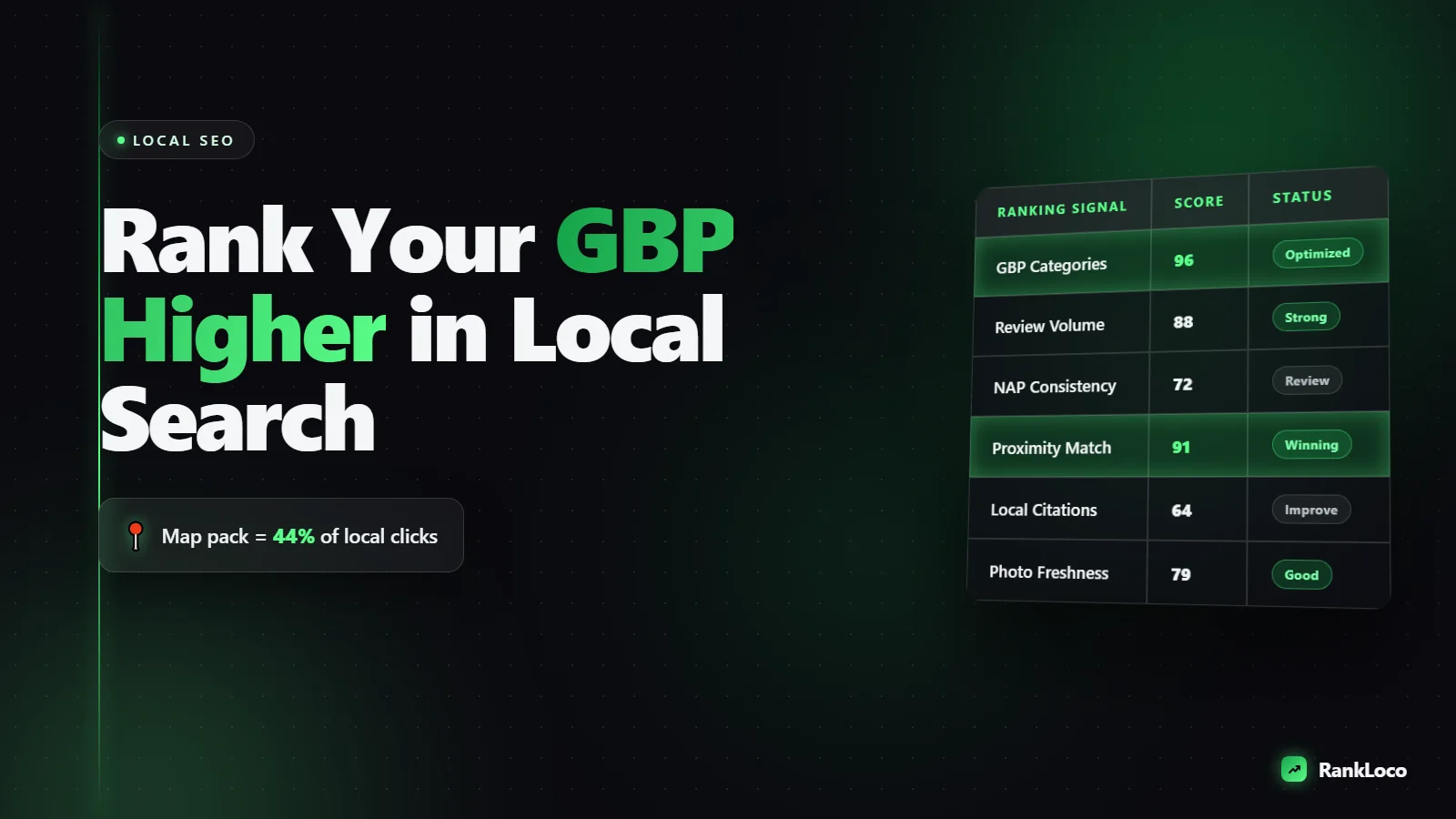
To rank your Google Business Profile higher, you need to win three things Google weighs for local results: relevance (categories and services that match the search), distance (proximity to the searcher), and prominence (reviews, citations, and website authority). You cannot fake proximity, but you can dominate relevance and prominence, which is how businesses outrank closer competitors. Do that by fully completing your profile, picking the right primary category, earning steady reviews with keywords in them, building consistent citations, and pointing local links and schema at your site.
Understand the three signals Google uses to rank local results
Google's local algorithm is not a mystery. It ranks the map pack and Maps results on relevance, distance, and prominence. Everything you do falls into one of those buckets, so before you touch anything, know which lever you are pulling.
- Relevance: How well your profile matches what someone typed. Controlled by your primary category, secondary categories, services, and the words on your profile and website.
- Distance: How close you are to the searcher (or the location term in their query). You cannot change your address, but you can rank for nearby areas through content and service-area setup.
- Prominence: How well-known and trusted you are. Driven by review count and quality, citation consistency, backlinks, and overall web presence.
If you are stuck, our breakdown of local search ranking signals for Maps maps each factor to a concrete fix.
Complete every field on your Google Business Profile
Incomplete profiles lose. Google rewards profiles that give it more data to match against queries, and a fully filled profile also converts more clicks into calls. Log in and finish these before anything else:
- Business name: Use your real name exactly as it appears on signage. Do not stuff keywords into it. Keyword stuffing gets you suspended and reported by competitors.
- Primary category: Pick the single most accurate one (more on this below).
- Additional categories: Add every category that genuinely describes a service you offer.
- Services and products: List each one with a short, keyword-natural description.
- Business description: 750 characters, front-load your main services and city.
- Hours: Accurate, including holiday hours. Wrong hours kill trust.
- Phone, website, booking link: Use a local number if you have one.
- Attributes: Wheelchair accessible, women-owned, free wifi, whatever applies.
- Photos: Real photos of your storefront, team, and work. Add new ones monthly.
If yours is half-empty, follow our steps to fix an incomplete Google Business Profile and check your profile completeness score before you move on.
Choose the right primary category (this is the biggest lever)
Your primary category is the strongest relevance signal you control. A plumber set to "Plumber" will outrank one set to "Contractor" for plumbing searches, every time. Get this wrong and nothing else matters.
- Search your main keyword and look at who ranks in the top three of the map pack.
- Check their primary category. Tools and browser extensions can reveal it, or you can infer it from their profile. If the top three all use the same category, use it.
- Match the category to the money service, not the broadest label. "Emergency dental service" beats "Dentist" if emergency work is your bread and butter.
- Add secondary categories for your other services, but never dilute the primary.
Re-test this quarterly. Google adds new categories, and a better-fitting one can appear.
Earn reviews that actually move rankings
Reviews are the heaviest prominence signal for local. Volume, velocity (a steady stream, not a one-time burst), recency, and keywords inside reviews all matter. A profile with 120 reviews averaging 4.7 stars and a fresh one every week beats a stale 30-review profile.
Build a review engine, not a review event
- Ask every satisfied customer, in person and by follow-up text or email, the same day service is completed.
- Use a short link or QR code that opens your review form directly. Fewer clicks equals more reviews.
- Aim for a consistent pace. Ten reviews a month beats 60 in one week then silence.
- Respond to every review, good and bad, within 48 hours. Work your city and service naturally into replies ("Thanks for trusting our team for your Austin kitchen remodel").
- Never buy reviews or incentivize them. Google filters and penalizes fake reviews.
When customers describe the specific service and location in their reviews, that text feeds Google's relevance match. You cannot script reviews, but you can prompt: "If you have a minute, mention what we did and how it went."
Build consistent citations and clean up the bad ones
A citation is any mention of your business name, address, and phone number (NAP) on another site: Yelp, Bing Places, Apple Maps, industry directories, chambers of commerce. Google cross-references these to confirm you are legitimate and located where you claim. Inconsistent NAP data (old addresses, different phone formats) creates doubt and drags rankings down.
- Pick one exact NAP format and use it everywhere, character for character.
- Claim the big aggregators first: Google, Bing, Apple Maps, Yelp, Facebook.
- Add 10 to 20 relevant industry and local directories.
- Hunt down and fix or delete duplicate and outdated listings.
Run your name through a citation checker to find inconsistencies fast, then work through a repeatable citation cleanup process.
Optimize your website for local relevance and authority
Your Business Profile does not rank in a vacuum. Google leans on your website to confirm relevance and prominence, so a weak or slow site caps how high your profile can climb.
On-page local signals
- Location and service pages: Build a dedicated page for each core service, and a page per city or area you serve. Thin, duplicated pages will not cut it. Write genuinely useful content.
- NAP in the footer on every page, matching your citations exactly.
- Embed a Google Map of your location on your contact page.
- Title tags: Include service plus city. Our guide to title tags and meta descriptions that get clicks shows the exact format.
- Local business schema: Mark up your NAP, hours, and services so Google reads them cleanly. Here is how local business schema markup helps you rank.
Technical health
A slow, error-riddled site loses local rankings just like any other. Fix crawl issues (see our walkthrough on fixing crawl errors in Google Search Console) and shore up page speed. If you run WordPress, tighten your Core Web Vitals so mobile users (most local searchers) do not bounce.
Post regularly and use every profile feature
Active profiles rank and convert better. Google Posts, Q&A, and product listings all send freshness signals and give searchers more reasons to call.
- Google Posts: Publish weekly. Offers, updates, and event posts keep the profile active.
- Q&A: Seed your own common questions and answer them. Monitor for customer questions and reply fast.
- Products and services: Keep them current with prices where it makes sense.
- Messaging: Turn it on only if you can respond quickly. Slow replies hurt.
Build local links to boost prominence
Backlinks from local and industry-relevant sites are one of the most underused local ranking levers. A link from the local newspaper, a supplier, a sponsored little-league team, or a partner business tells Google you are an established part of the community.
- Sponsor a local event or team and get a link from their site.
- Join the chamber of commerce and relevant trade associations.
- Get featured in local roundups and "best of" lists.
- Partner with complementary businesses and cross-link where it makes sense.
For a modern approach that avoids junk links, read what still works for building backlinks.
The local ranking checklist
| Task | Signal | Frequency |
|---|---|---|
| Complete every profile field | Relevance | Once, then review quarterly |
| Set the best primary category | Relevance | Quarterly |
| Ask for reviews | Prominence | Daily / weekly |
| Respond to reviews | Prominence | Within 48 hours |
| Fix NAP citations | Prominence | Monthly audit |
| Add photos and Google Posts | Relevance / freshness | Weekly |
| Build local backlinks | Prominence | Ongoing |
| Track map pack rankings | Measurement | Weekly |
Track your progress and audit what is broken
You cannot improve what you do not measure. Local rankings shift by location, so a grid-based rank tracker that checks your position from multiple points around your service area beats a single ranking check. Use RankLoco to track your Business Profile and website positions for local keywords and run a full site audit that flags the technical issues holding your profile back.
If your rankings stall, work through our instant local SEO audit checklist, then use the framework for prioritizing the fixes that win calls so you spend time on what moves the needle. For the full picture, our local SEO playbook for small businesses ties it all together, and you will find more guides over on the RankLoco blog.
Frequently Asked Questions
How long does it take to rank a Google Business Profile higher?
Expect meaningful movement in 30 to 90 days for most local markets. Category and completeness changes can shift rankings within a couple of weeks, but reviews, citations, and links compound over months. Competitive city keywords take longer than suburban or niche service searches.
Why is my competitor ranking above me when I am closer?
They are winning on relevance or prominence. Usually it is a better-matched primary category, more and fresher reviews, stronger citations, or more local backlinks. Distance is only one of three factors, so a better-optimized profile regularly beats a closer one. Audit their category and review count first.
Do Google Posts actually help rankings?
Posts are a minor direct ranking signal but a strong engagement and freshness signal. They keep your profile active, give searchers reasons to click and call, and those actions feed prominence. Post weekly with offers or updates. It is low effort for steady upside.
Does keyword stuffing my business name help?
It can give a short-term boost, but it violates Google's guidelines, invites competitor reports, and risks suspension. Use your real, legal business name only. Build relevance through categories, services, and your website instead, which is stable and cannot get you penalized.
How many reviews do I need to rank in the map pack?
There is no magic number. Aim to match or beat the review count of the current top three for your keyword, then keep a steady pace with fresh reviews every week. Velocity and recency matter as much as total volume, so never stop asking.
Can a service-area business without a storefront rank in Maps?
Yes. Hide your address, set accurate service areas, and lean hard on reviews, citations, and local service pages on your website since you lose the proximity advantage of a physical address. Our guide to service area business local SEO covers the setup in detail.


